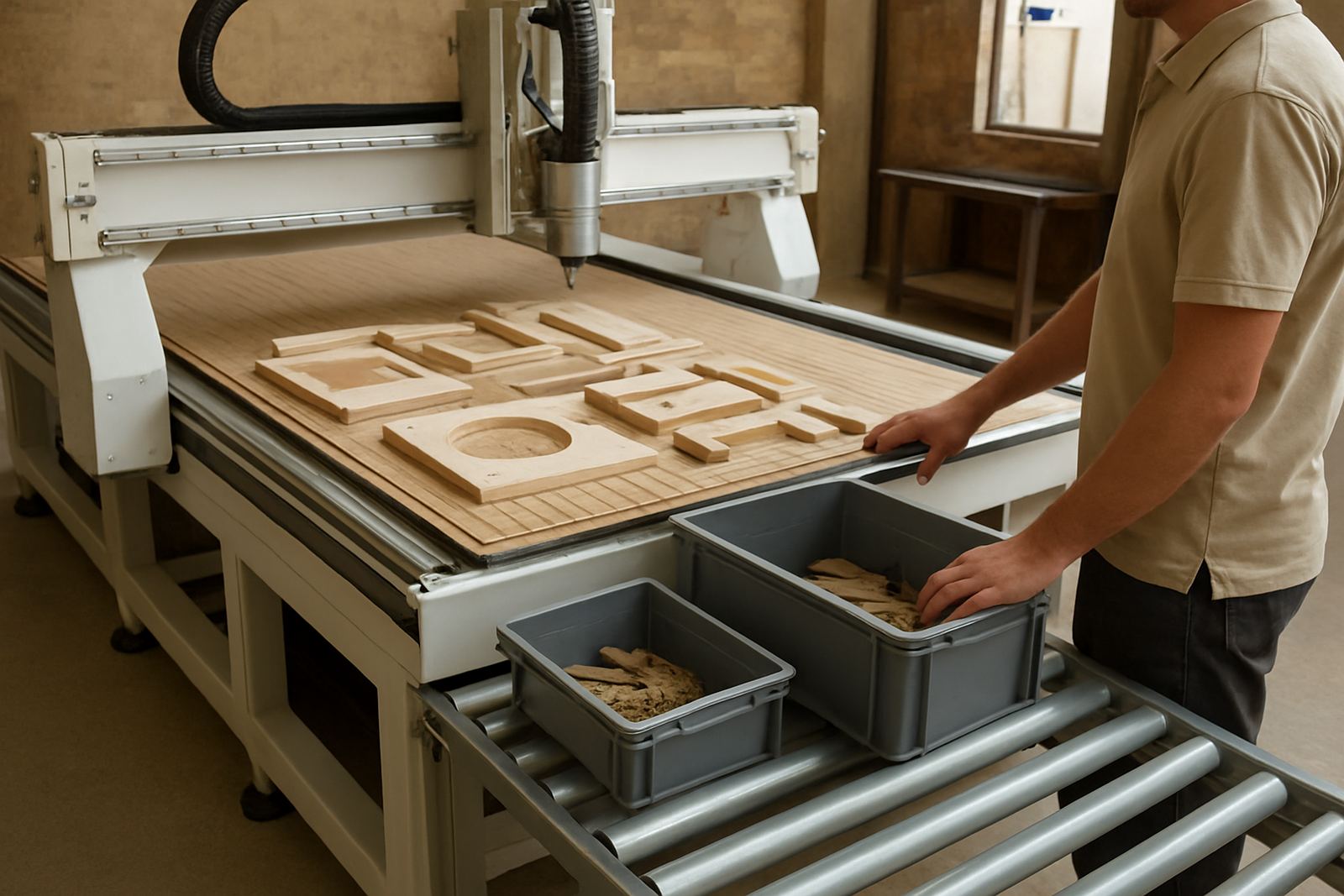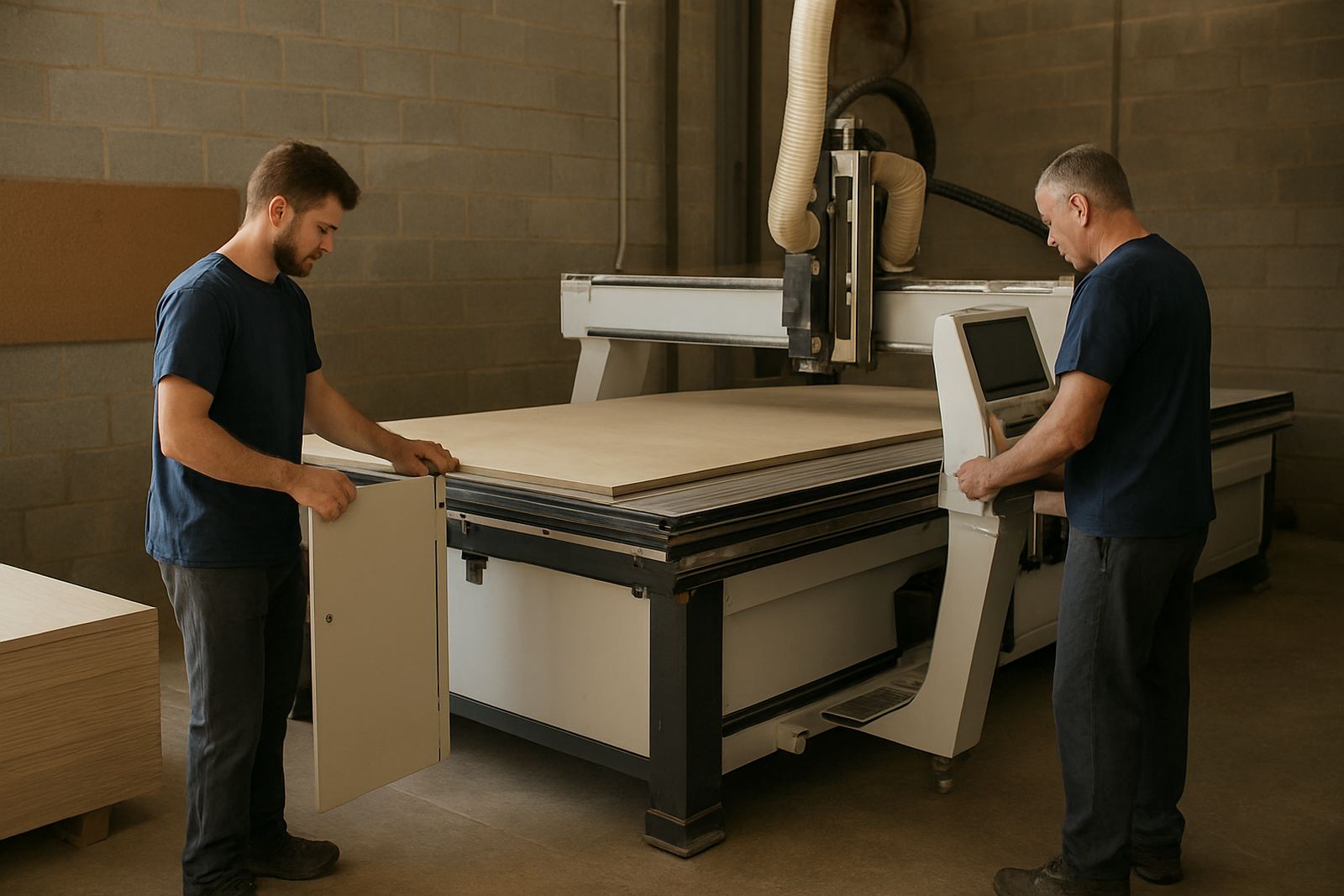

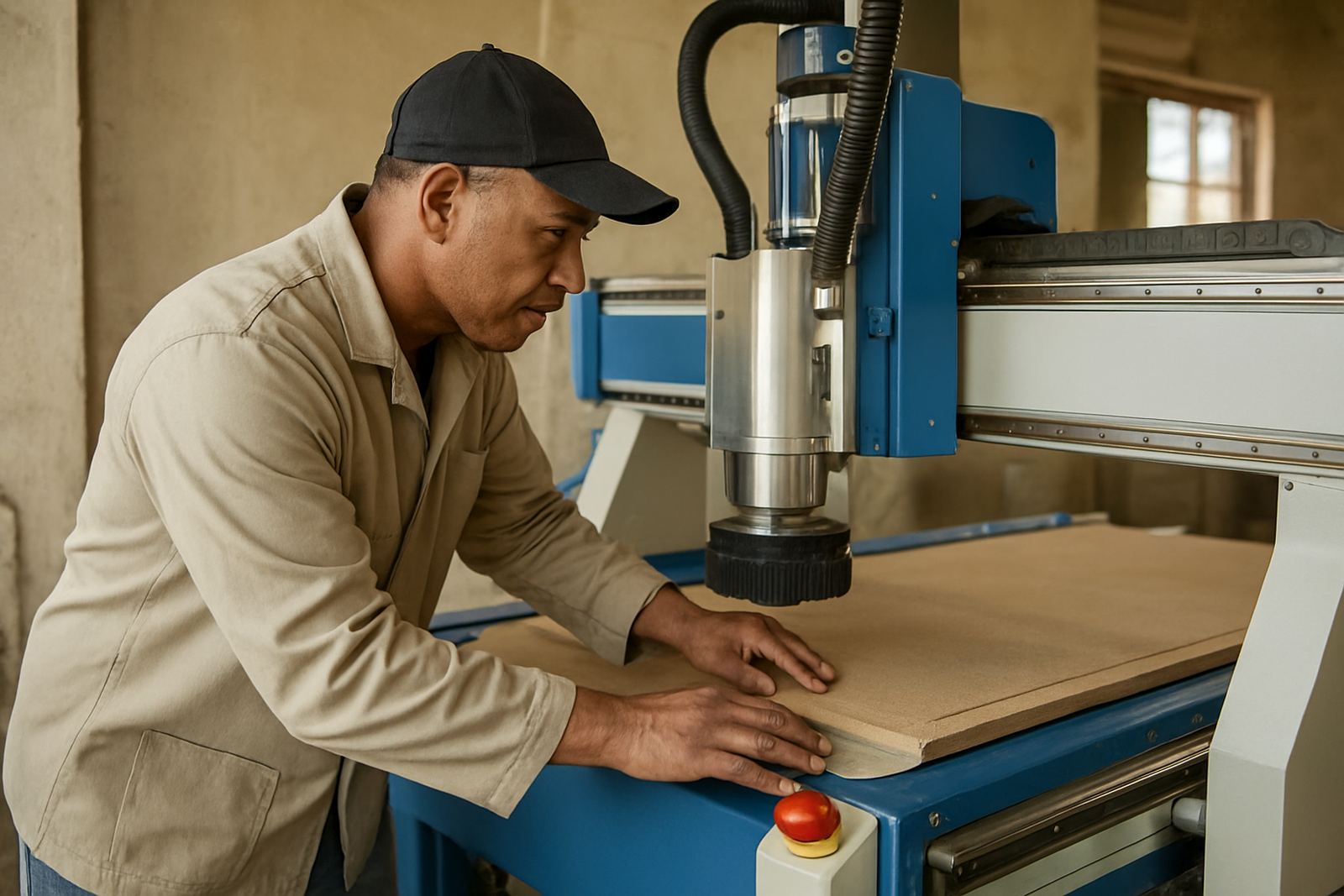
Start every shift with a clean, quiet machine
Before the first file is loaded, walk around the machine and look at the basics. Dust build-up, offcuts under the table, loose hoses and a skipped filter change can turn into a bad cut by mid morning. On a busy Germiston floor, that sort of problem usually shows up after the first rush, when nobody wants to stop and clear a fault.
Keep the check simple and repeat it the same way each day. The aim is not a long inspection, it is to spot what changed since yesterday. If the machine sounds different, feels rough by hand or the area around it is untidy, deal with that first.
- Clear the bed, rails and work area of chips and offcuts
- Check that guards, covers and hoses are secure
- Look for oil, water or dust where it should not be
- Make sure the emergency stop is easy to reach
Power, air and vacuum need a quick health check
Many startup problems start with services, not the cutting file. A loose plug, low compressed air or weak vacuum can cause chatter, poor hold-down or an interrupted program. In parts of Gauteng, load-shedding and power dips can leave a controller unhappy, so the first few minutes of the day should confirm that the machine is ready to take a job.
Check the main supply, the air pressure and the vacuum level before production begins. If the machine uses a vacuum table, listen for leaks around hoses, gaskets and blanked areas. A small leak may not stop the machine, but it can lift a sheet just enough to spoil an edge or move a nest by a millimetre.
- Confirm incoming power is stable and controls boot properly
- Drain water from the air line if the compressor has built up moisture
- Listen for vacuum leaks around table zones and pipe joints
- Check that vacuum pumps and blowers start in the right sequence
Tooling and spindle checks prevent poor cuts
The cutting tool is often blamed first, but the real issue may be a chipped collet, a loose holder or a spindle that has not warmed up. Daily startup checks should include a close look at the tool nose, the holder and the spindle taper. If the shop works with MDF, board, acrylic or aluminium composite panel, a small fault at the tool can show up very quickly in the finish.
Run a short spindle warm-up where needed and confirm the tool length is correct for the job. Make sure the programmed tool is the one in the machine, and that the cutter is seated properly. A rushed start can lead to a clean-looking first pass that goes bad halfway through the sheet.
- Inspect the tool for chips, resin build-up or wear
- Check the holder and collet for dust or damage
- Confirm the correct tool is fitted for the file
- Warm the spindle if the machine has been idle overnight
Controls, home positions and backups matter more than people think
Operators often trust the screen because it looks normal, but a controller can still carry yesterday’s problem into today’s work. After a power interruption or weekend shutdown, home positions, offsets and program memory should be checked before a fresh sheet goes on the table. That is especially important if more than one operator uses the same machine.
Keep controller backups current and stored where they can be found fast. If settings are changed during a service visit or a relocation, record them in plain language. A machine that is easy to reset after a fault is one that gets back into production sooner.
- Home axes and confirm travel is smooth
- Check offsets, zero points and job origin
- Review the last alarm or fault message
- Verify backups are current after any change to the setup
Match the check to the material and the day’s work
Startup checks are not the same on every machine. A sign shop cutting plastics needs different attention from a furniture maker nesting board all day, and a workshop near the coast may need extra care with humidity and corrosion. In Durban North, for example, moisture can affect stored tooling and compressed air lines, while in Pretoria East the issue may be dust, heat and long daily runs.
Write down the checks that matter for your own work. That might include vacuum zoning for large sheets, clamps for smaller parts, or dust extraction before the first cut. If the job changes from nesting panels to soft metal, the setup should change too.
- Adjust the check to the material being cut
- Watch for humidity, dust and temperature changes
- Confirm hold-down suits the sheet size and thickness
- Note any repeated fault so it can be traced later
Use a short checklist that operators can trust
The best startup routine is one people actually use. It should fit on one page, be clear enough for a new operator and quick enough for a busy morning. If it takes too long, it gets skipped. If it is too vague, it gets ignored. Keep it practical and tied to the real machine on the floor.
MultiCAM often sees shops improve output simply by making the first ten minutes more disciplined. The gains are not dramatic on paper, but they show up in fewer ruined sheets, less panic before a deadline and fewer calls for avoidable service.
- Keep the checklist near the machine
- Use the same order every day
- Record faults before they are forgotten
- Assign one person to sign off the start of shift
When a startup check points to a deeper issue
Some problems are more than routine wear. Repeated vacuum loss, unusual spindle noise, recurring controller faults or poor cut quality after every start may need maintenance or a proper inspection. That is the point where a quick check becomes a useful warning instead of a fix.
For workshops in Johannesburg East, Midrand, Pretoria East and other South African sites, early follow-up saves both material and time. If the same issue returns two or three mornings in a row, do not keep pushing through it. Get the fault traced, then return the machine to service with the cause sorted.
Daily checks do not replace maintenance, but they help you see the machine clearly enough to decide when support is needed.