




Workshop Notes
Home / Notes

Workshop Notes

These workshop notes explain CNC routing in straightforward language for South African teams. The focus is practical production, sensible setup and calmer decisions on machines, tooling and materials.

Router Size Basics

Router Size Basics

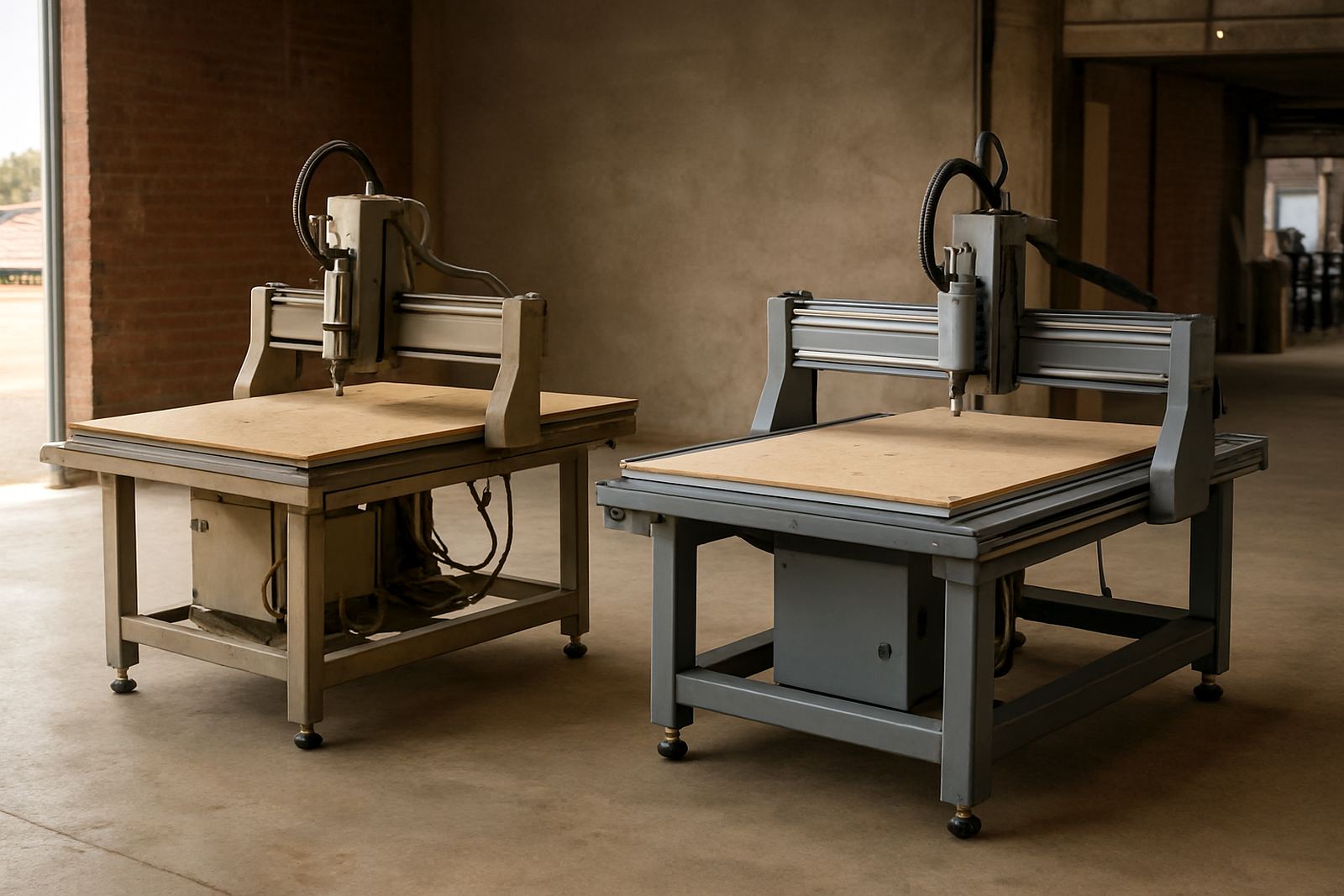
A simple look at matching bed size to the sheets and parts your team actually handles.

Nesting Yield Tips

Nesting Yield Tips

Small layout changes can improve board usage without making production harder.

Vacuum Hold-Down

Vacuum Hold-Down

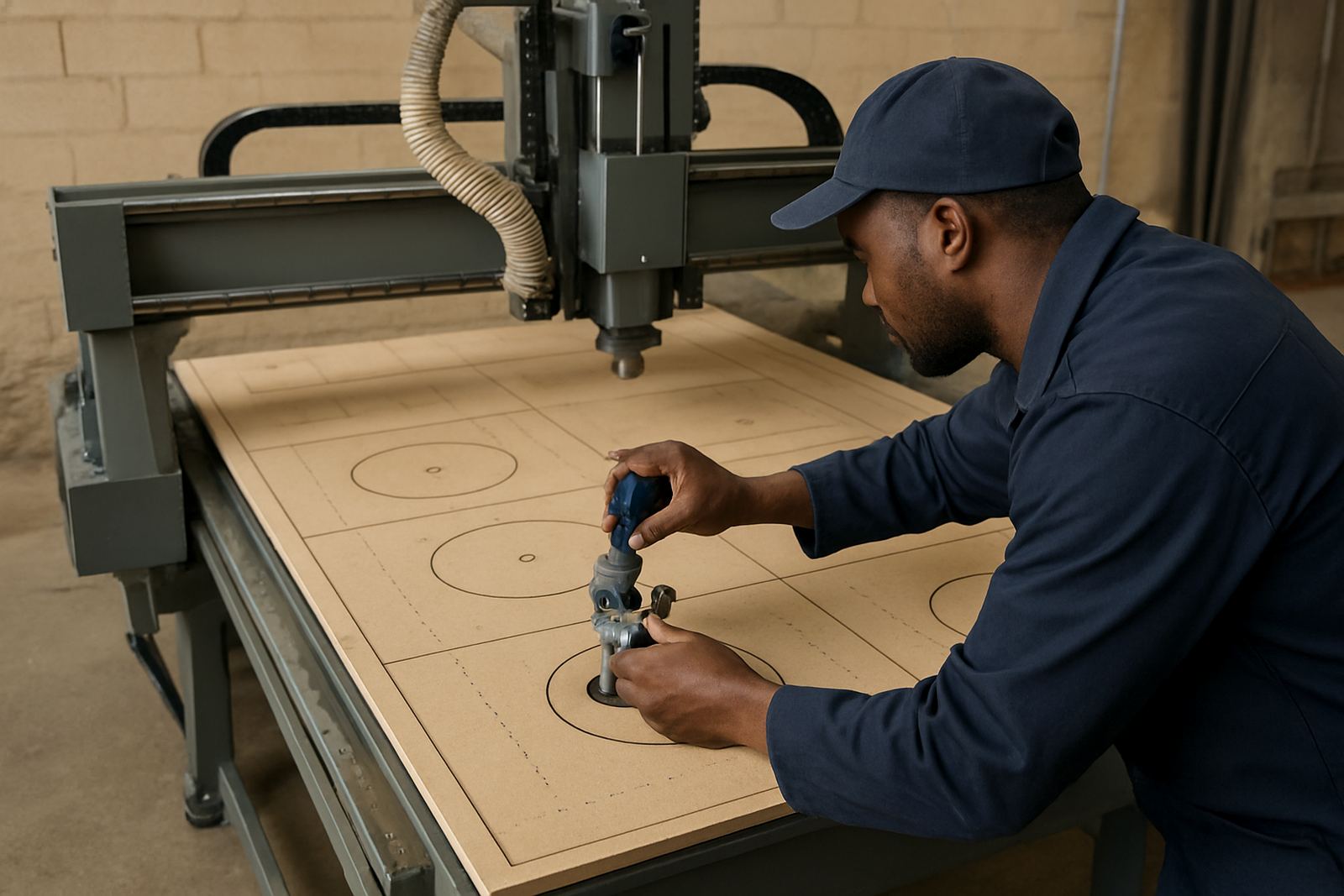
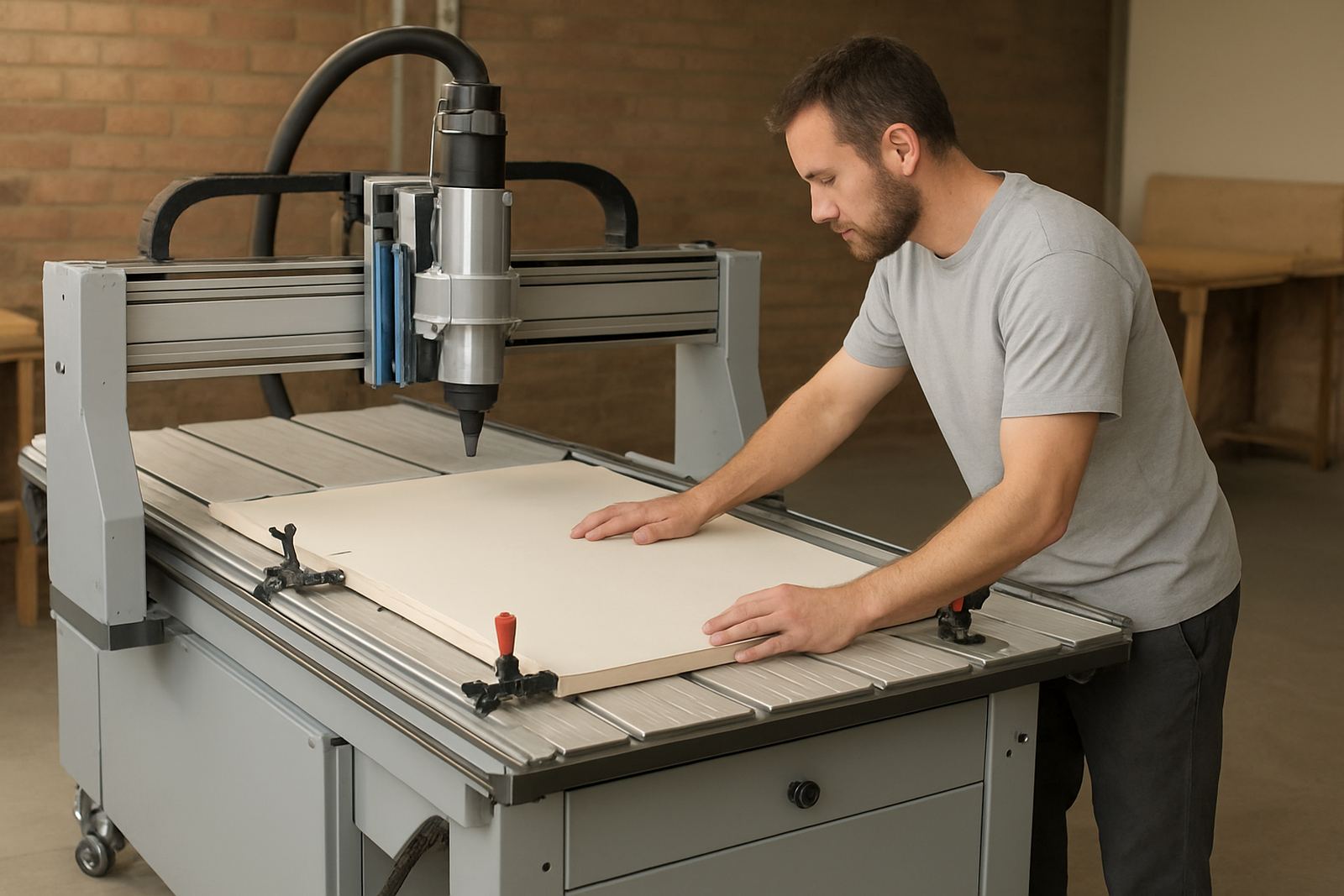
Good hold-down depends on spoilboard condition, zoning and realistic part sizes.

Spoilboard Care

Spoilboard Care

Routine spoilboard care helps cutting depth stay predictable across the full table.

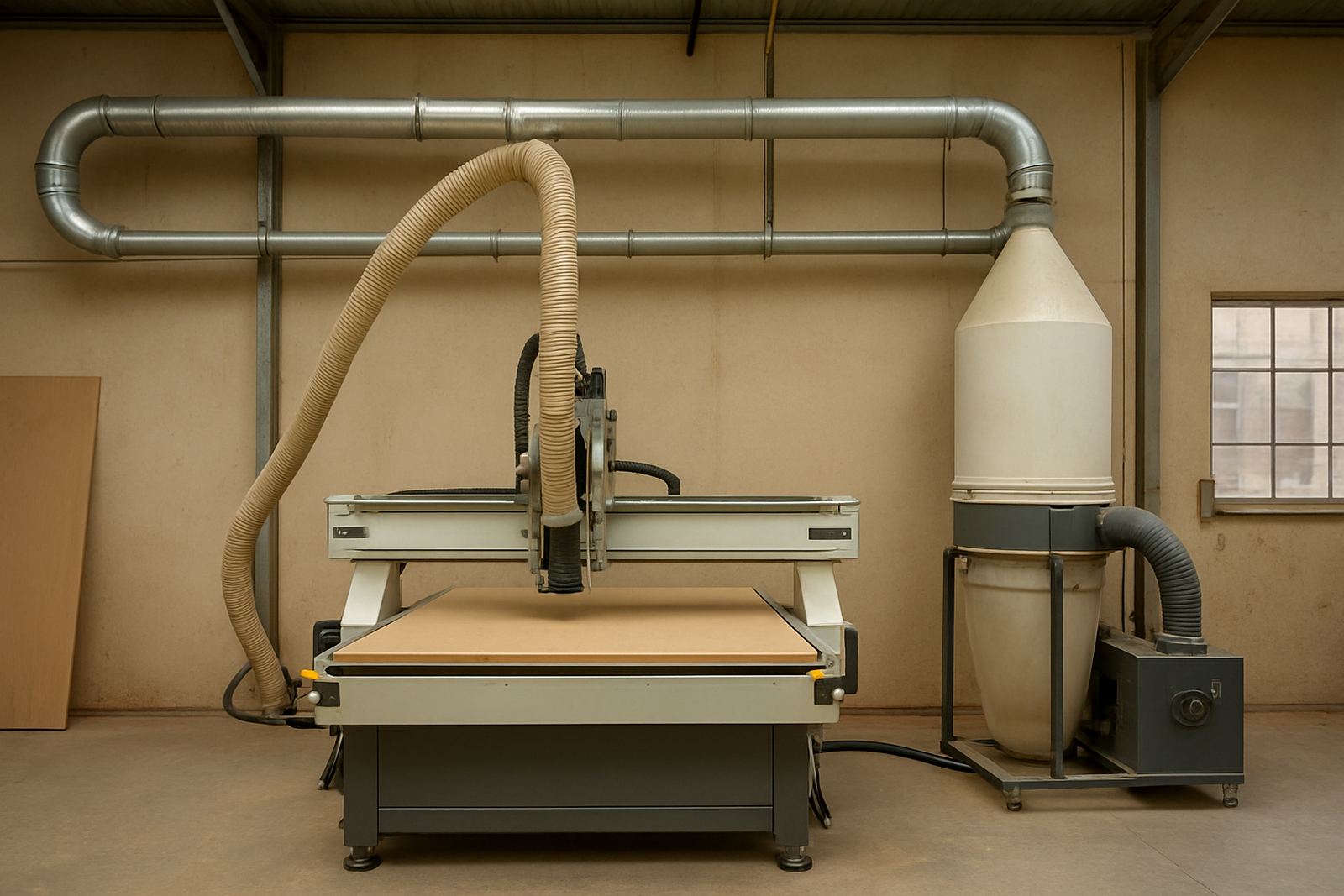
Dust Control Basics

Dust Control Basics

Cleaner extraction supports visibility, machine health and a tidier workshop floor.

First Router Questions

First Router Questions

New buyers should ask about material type, workload, space, power and support needs.

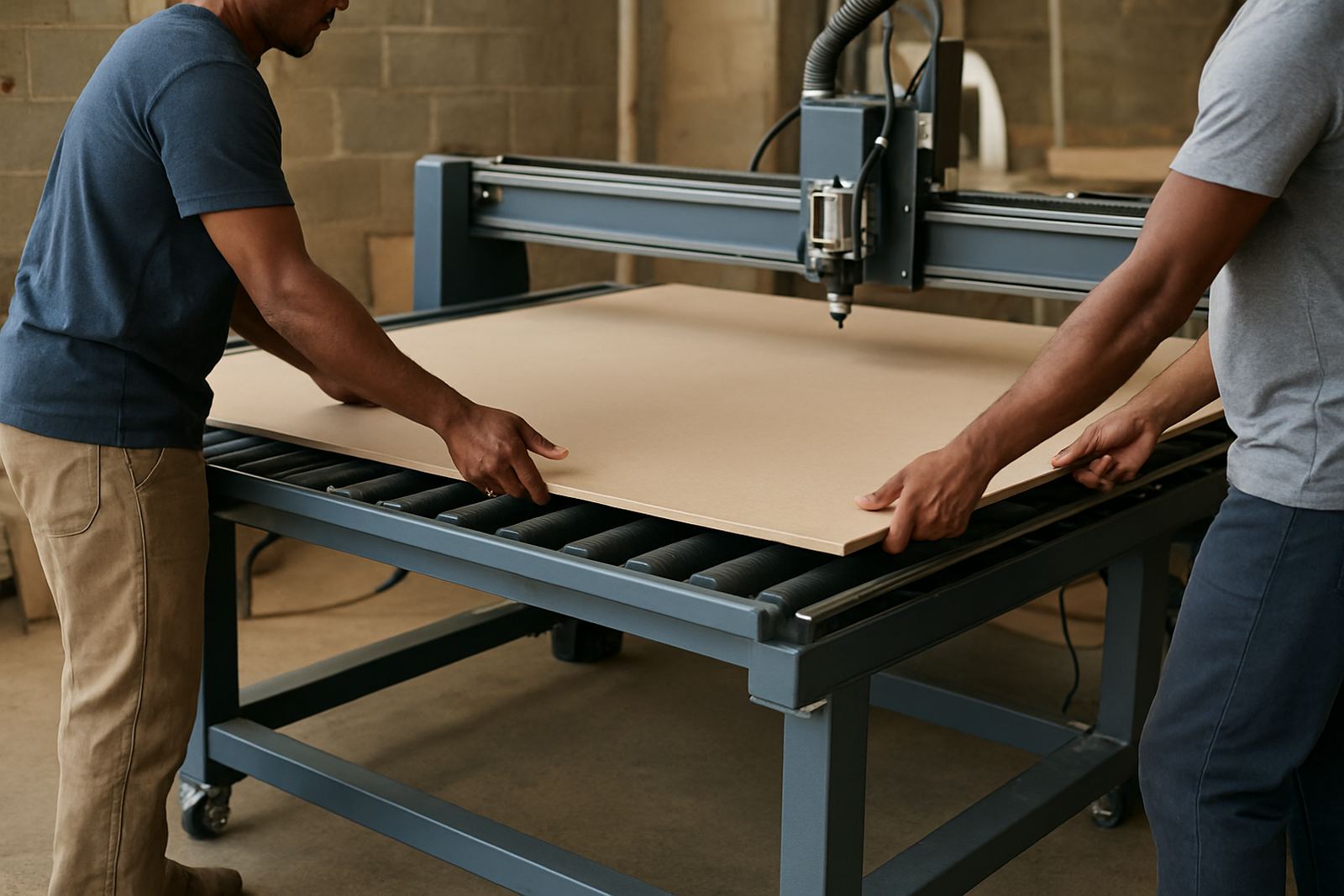
Sheet Loading Safety

Sheet Loading Safety

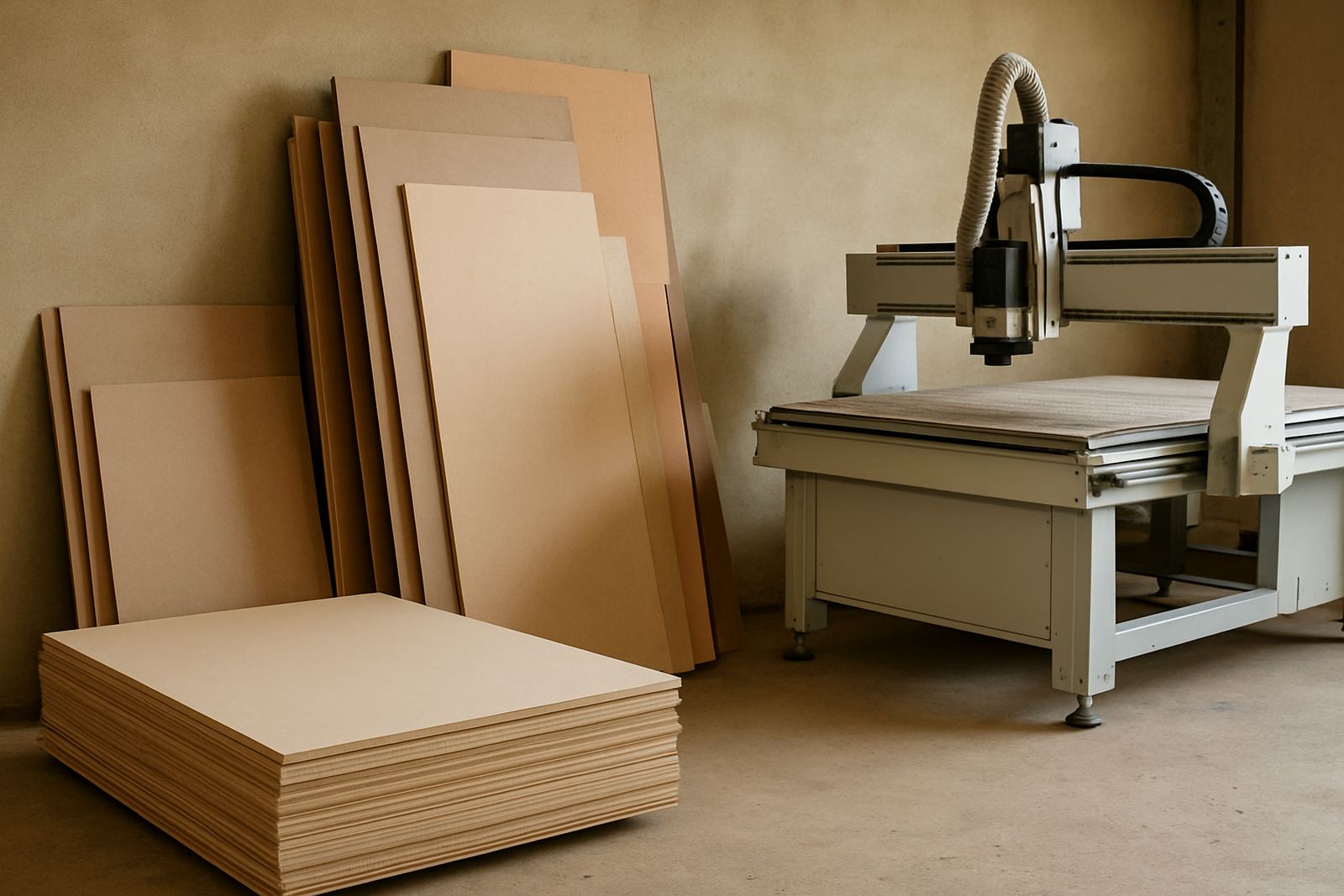
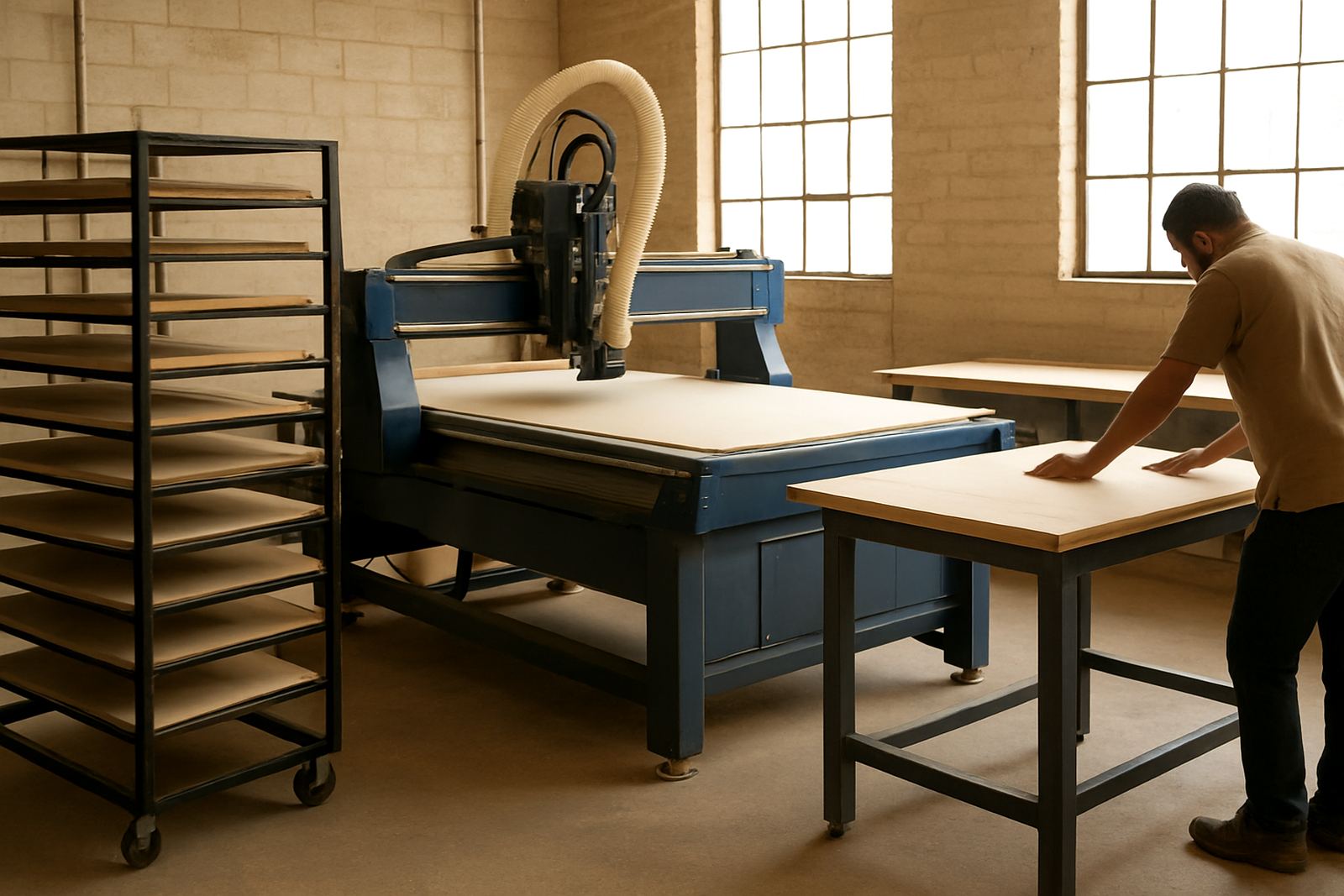
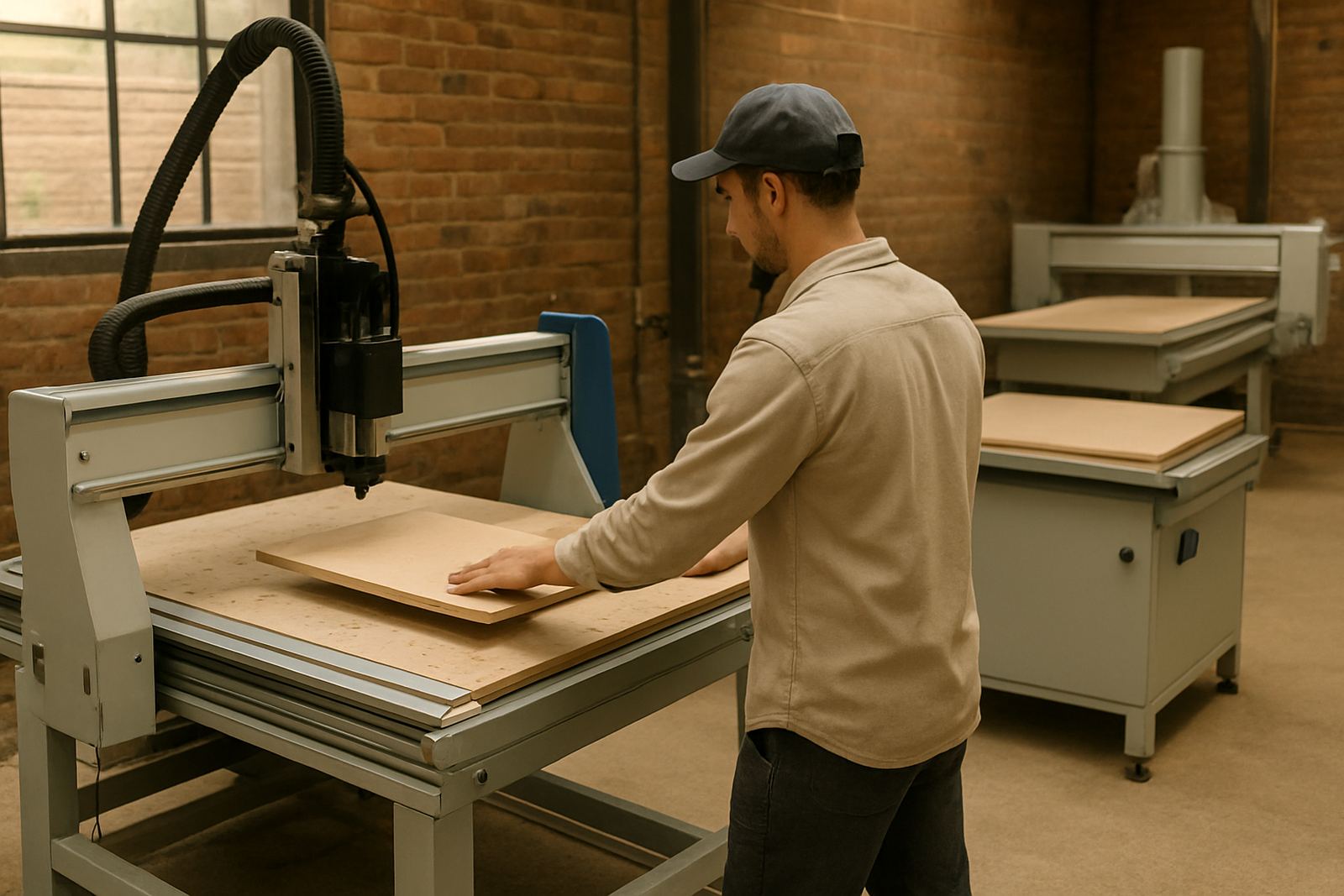
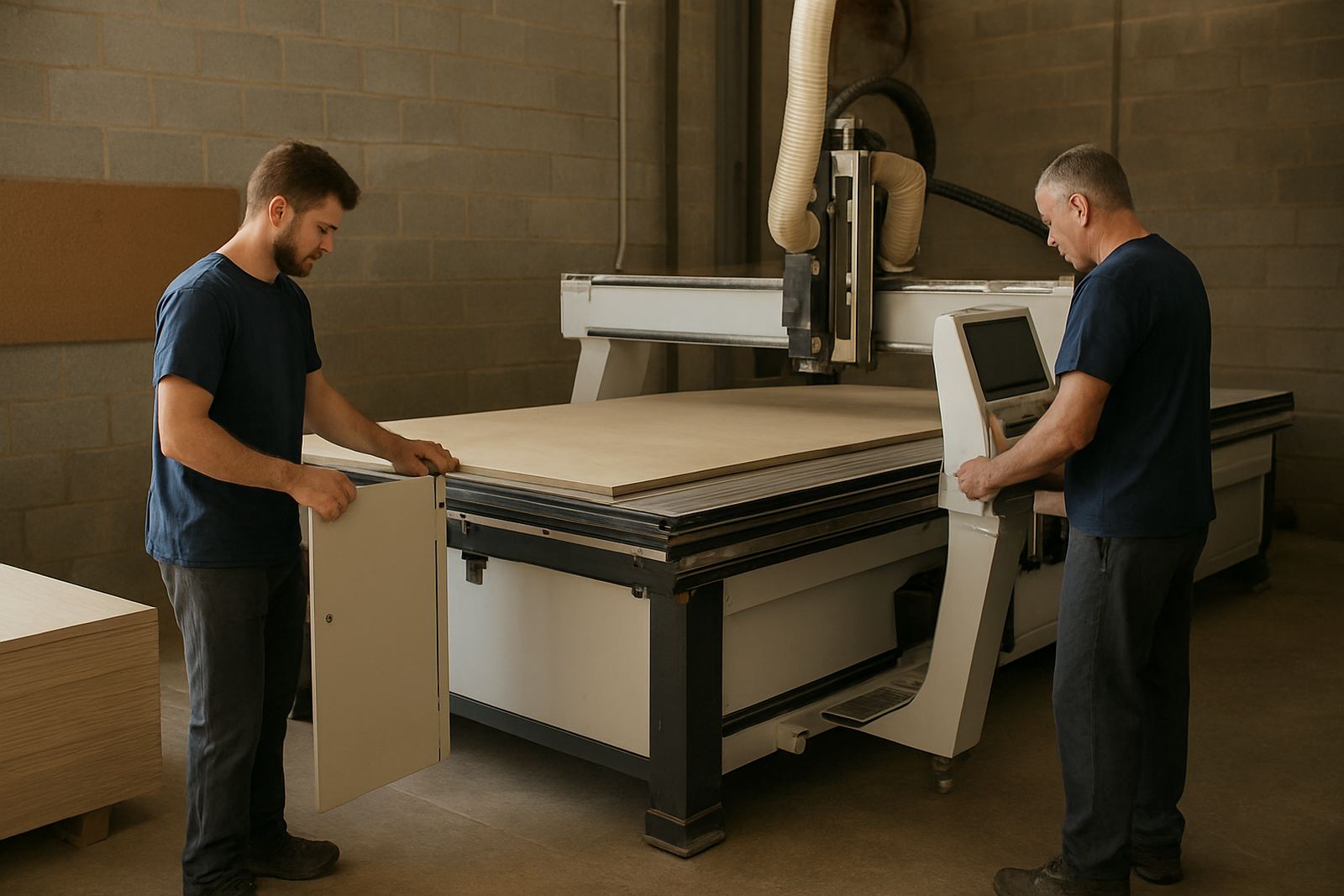
Loading routines matter when heavy boards move between racks, rollers and machine beds.

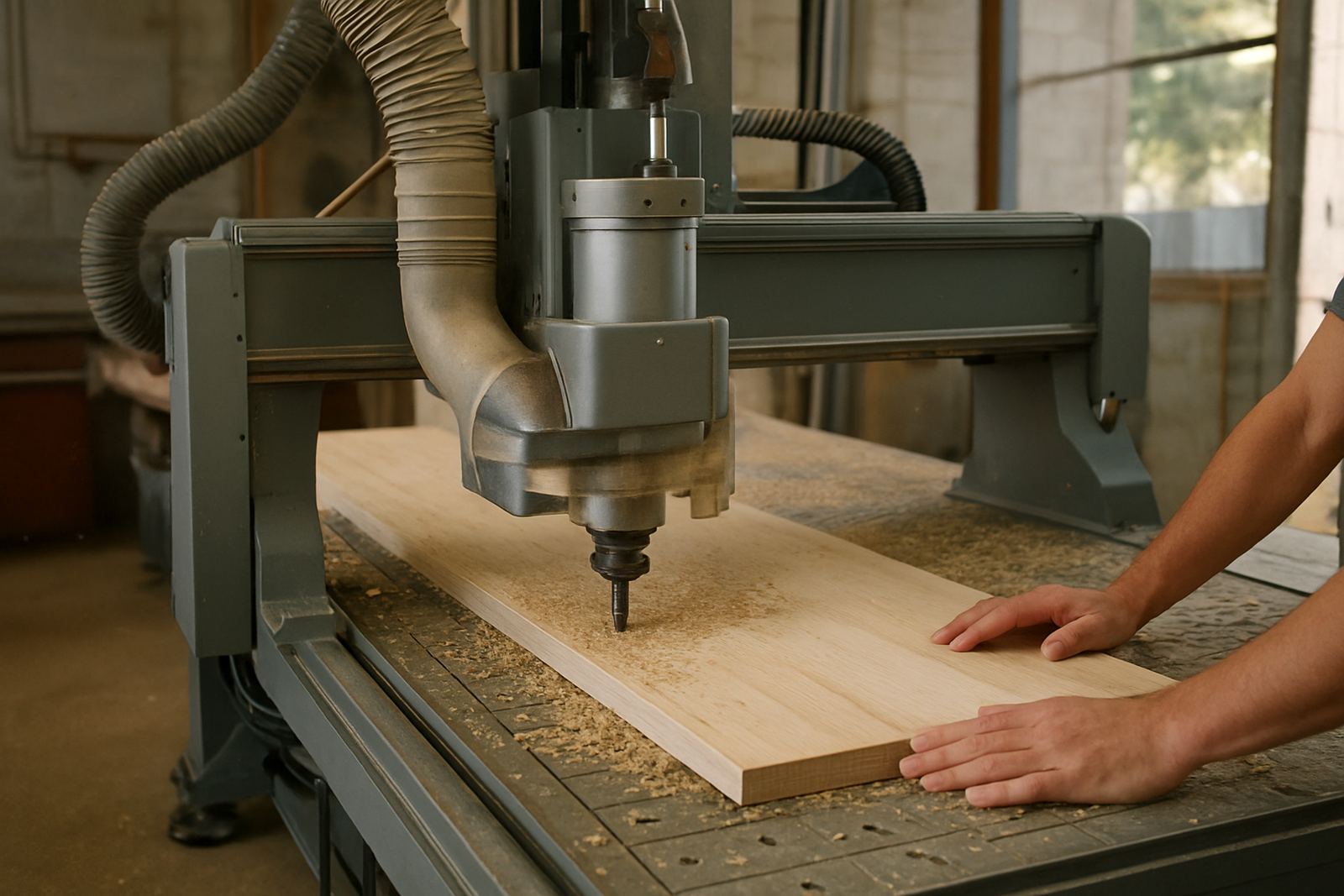
Wood Routing Notes

Wood Routing Notes

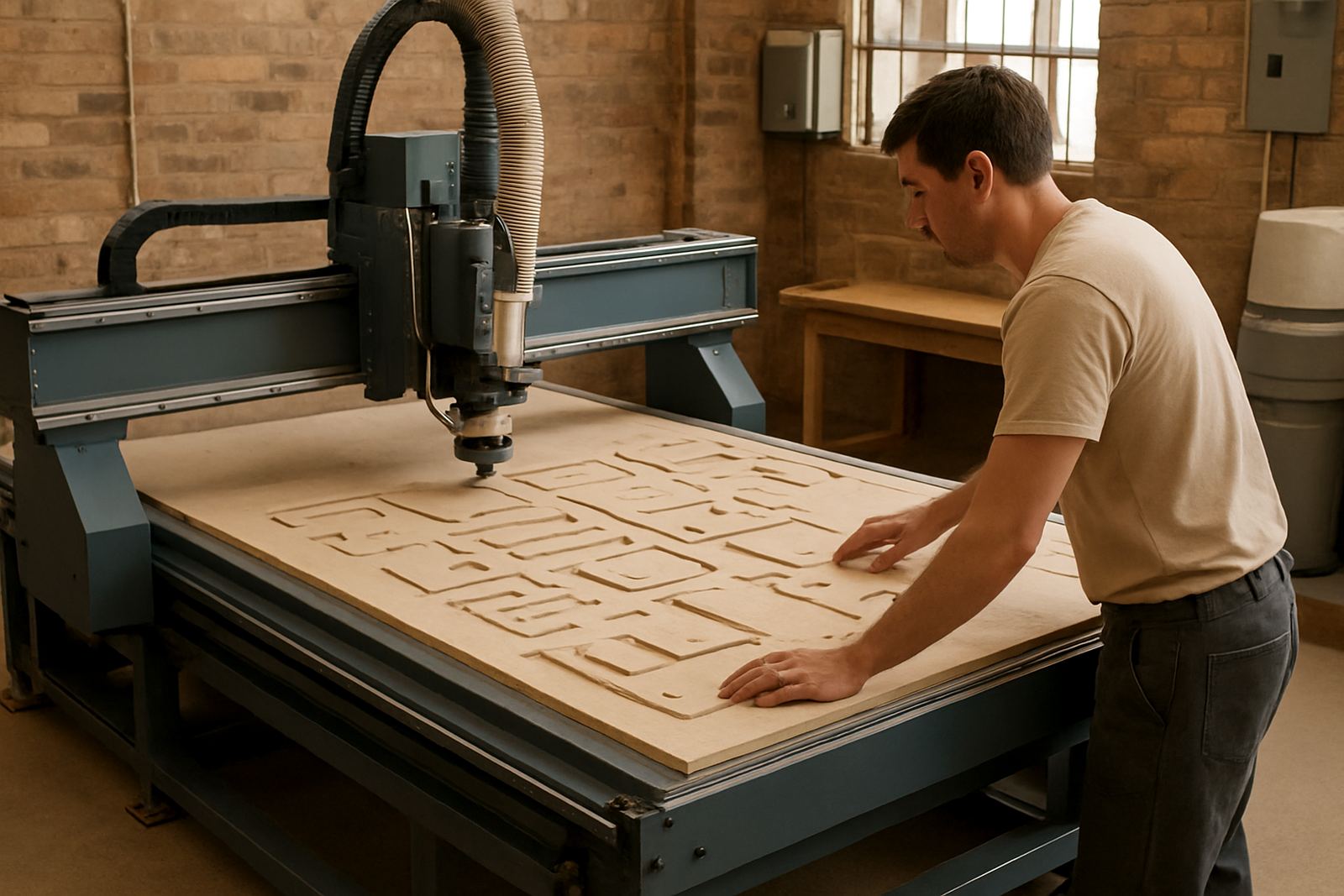
Wood sheet cutting needs sensible chip removal, stable feeds and flat support.

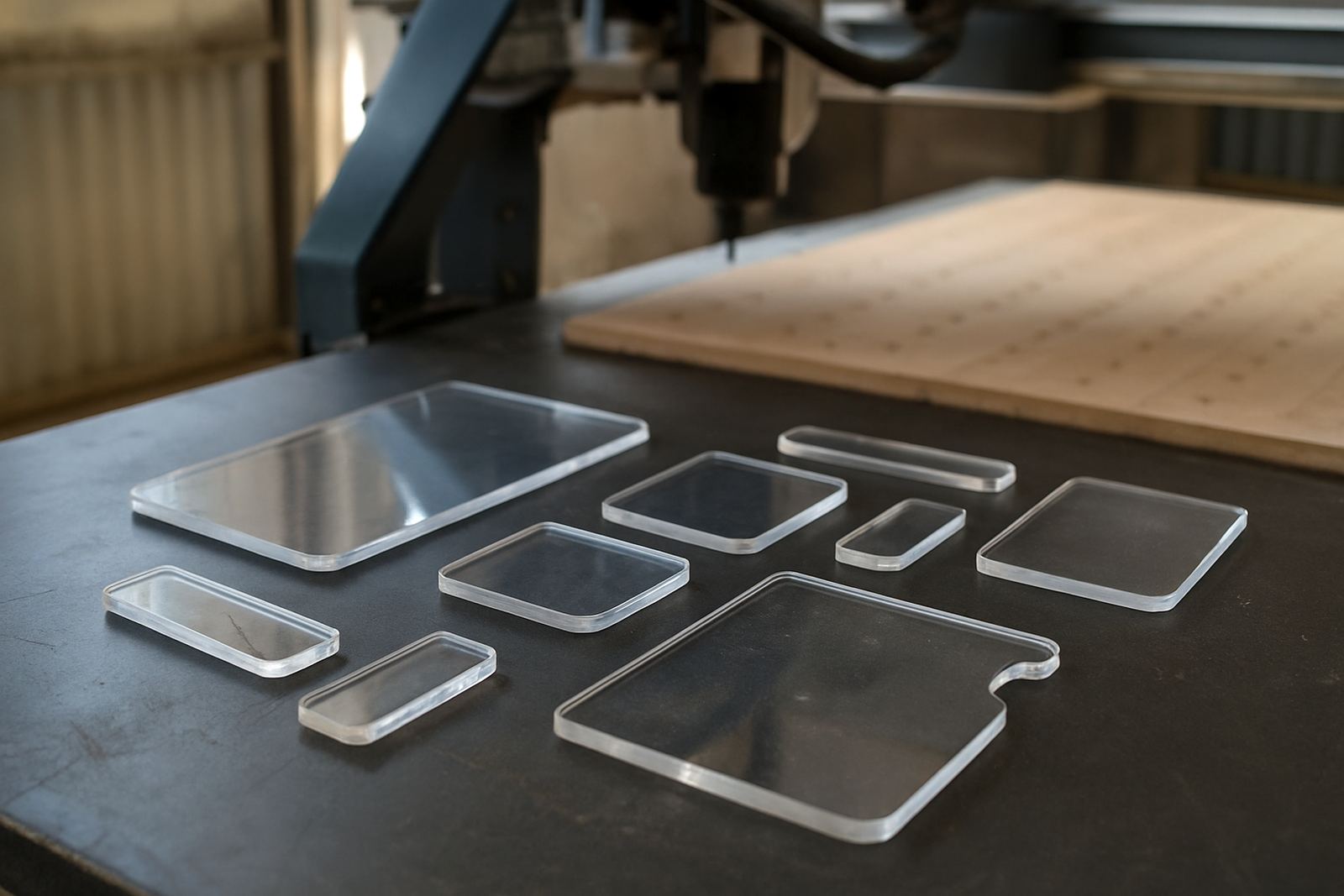
Acrylic Edge Quality

Acrylic Edge Quality

Cleaner acrylic edges come from correct chip load, support and heat control.

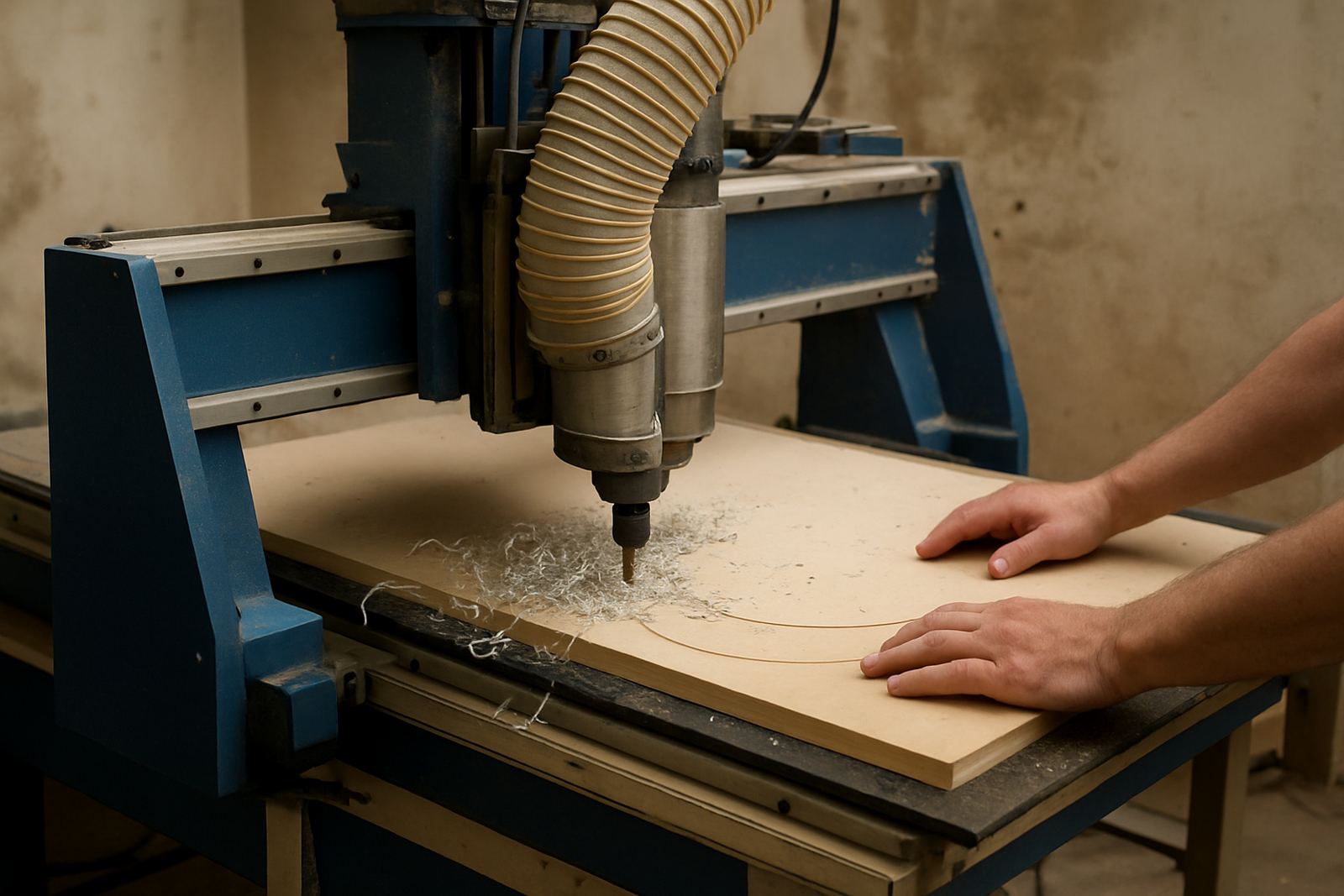
Plastic Chip Control

Plastic Chip Control

Plastics behave better when chips evacuate properly and heat stays manageable.

Soft Metal Routing

Soft Metal Routing

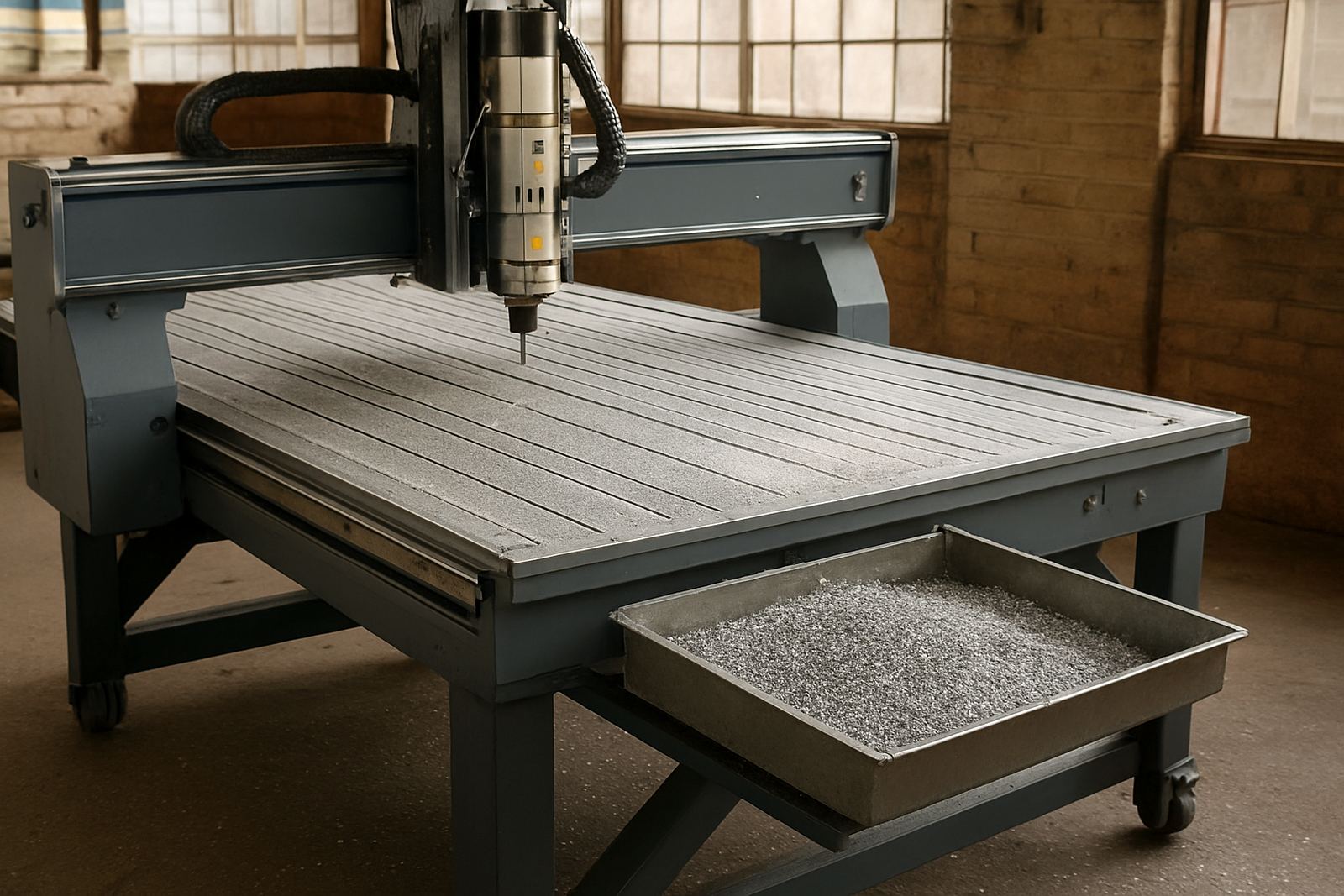
Soft metal work benefits from rigid setups, suitable tools and steady evacuation.

Toolchange Advantages

Toolchange Advantages

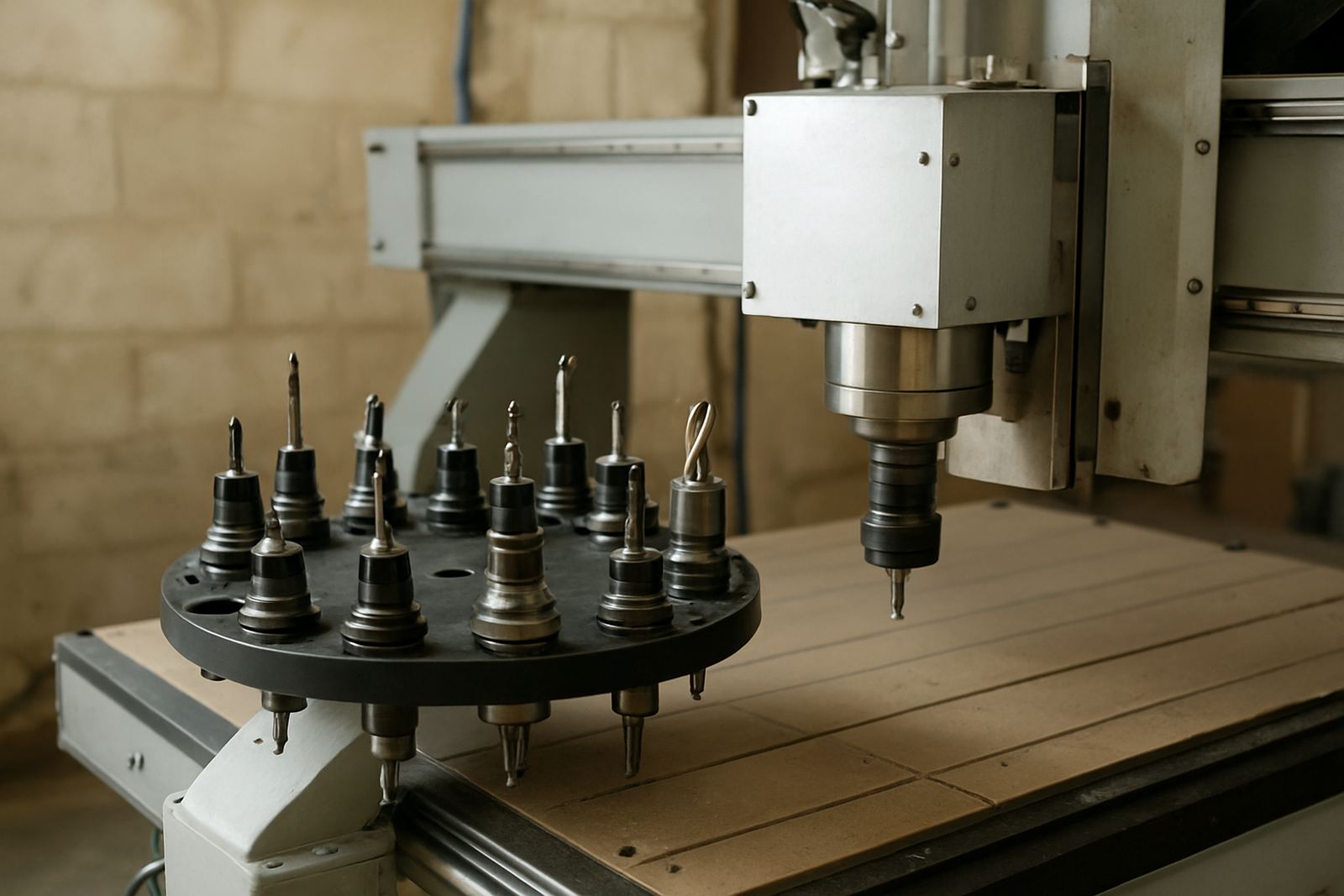
Automatic tool changes save handling time when jobs need drilling, cutting and surfacing.

Manual Toolchange Routine

Manual Toolchange Routine

A clean routine reduces mistakes when changing tools on simpler routers.

Drill Bank Benefits

Drill Bank Benefits

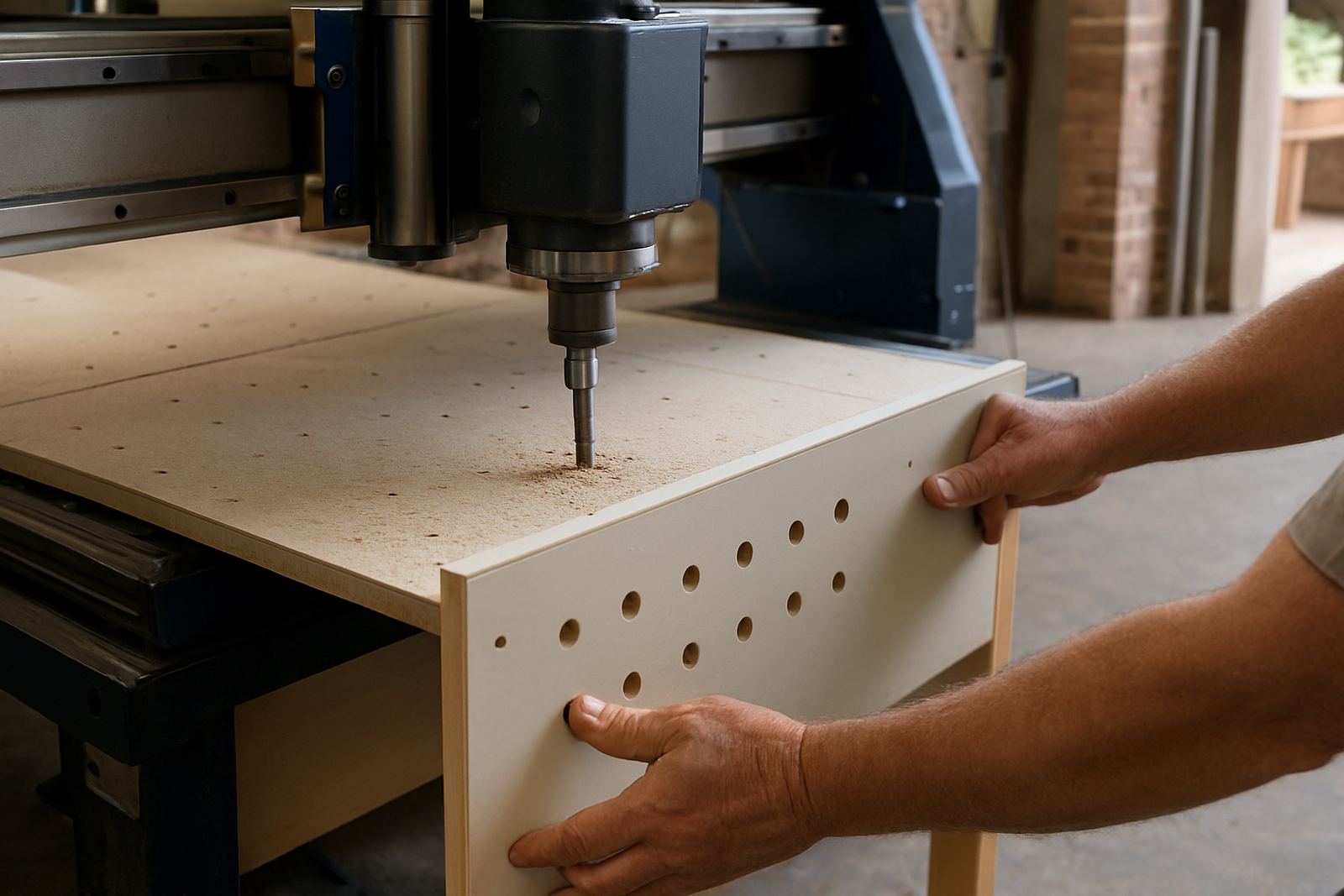
Cabinet workshops can speed up repetitive hole patterns with the right machine setup.

Table Types Compared

Table Types Compared

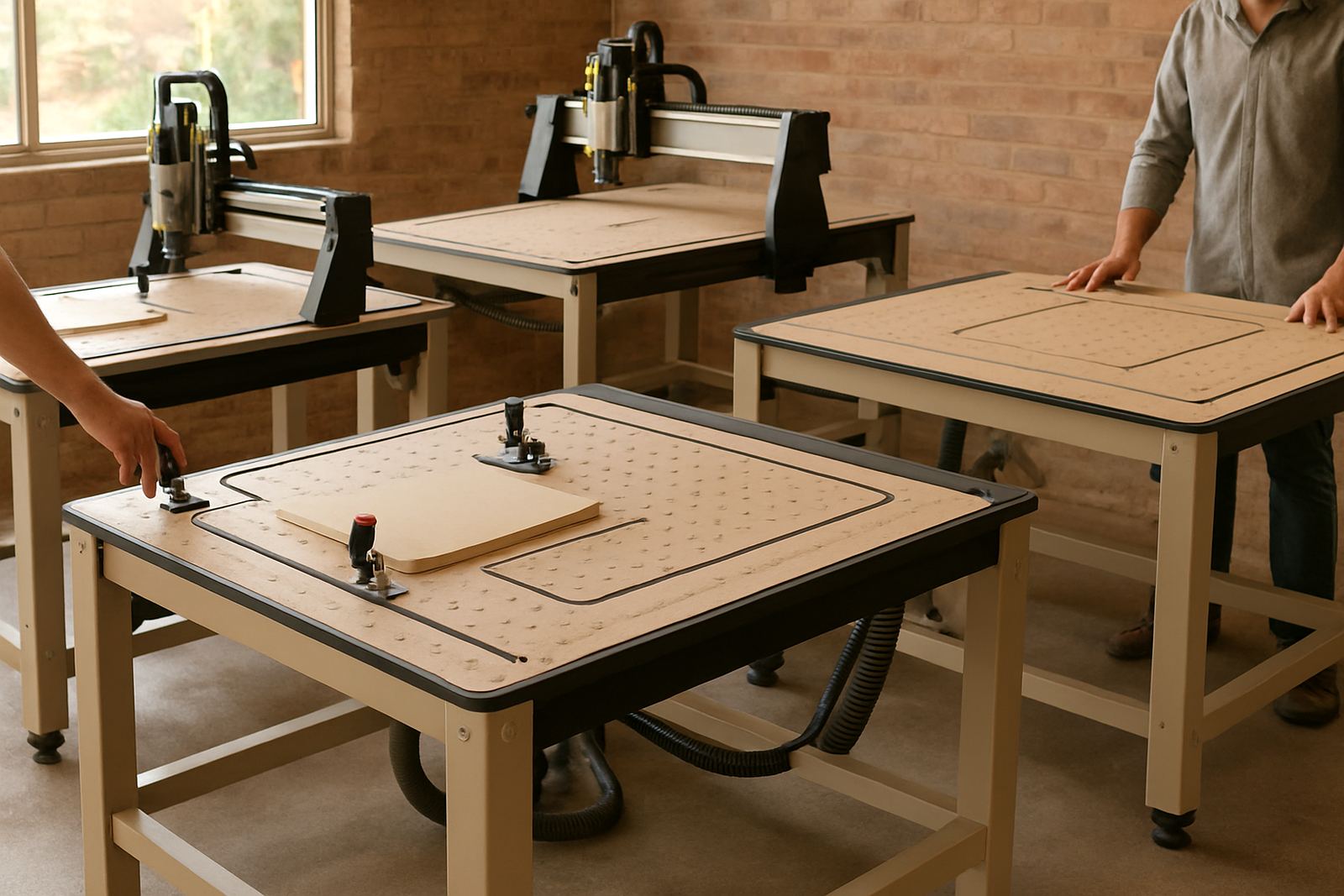
Vacuum, T-slot and pod systems each suit different jobs and workholding habits.

Router Room Planning

Router Room Planning

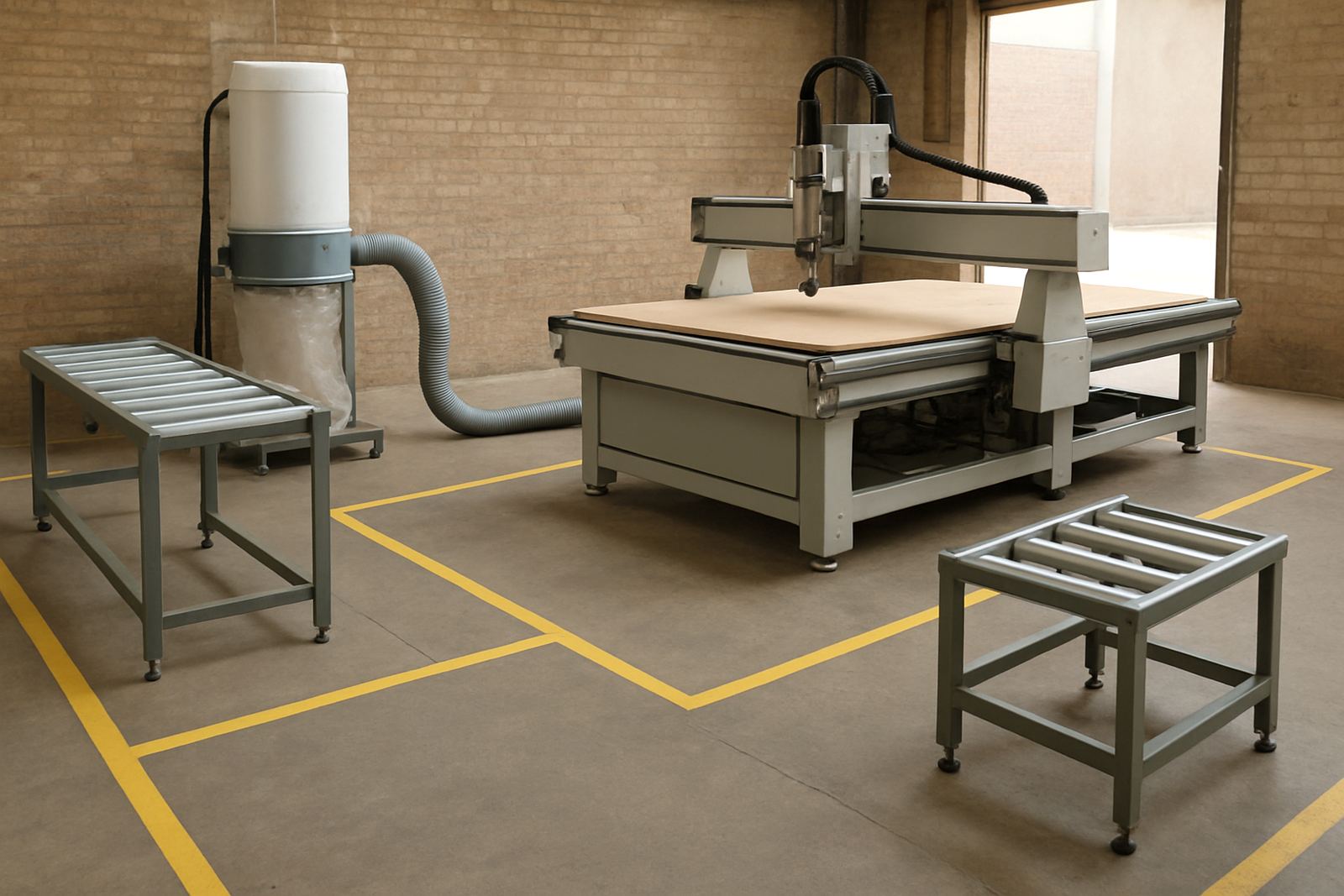
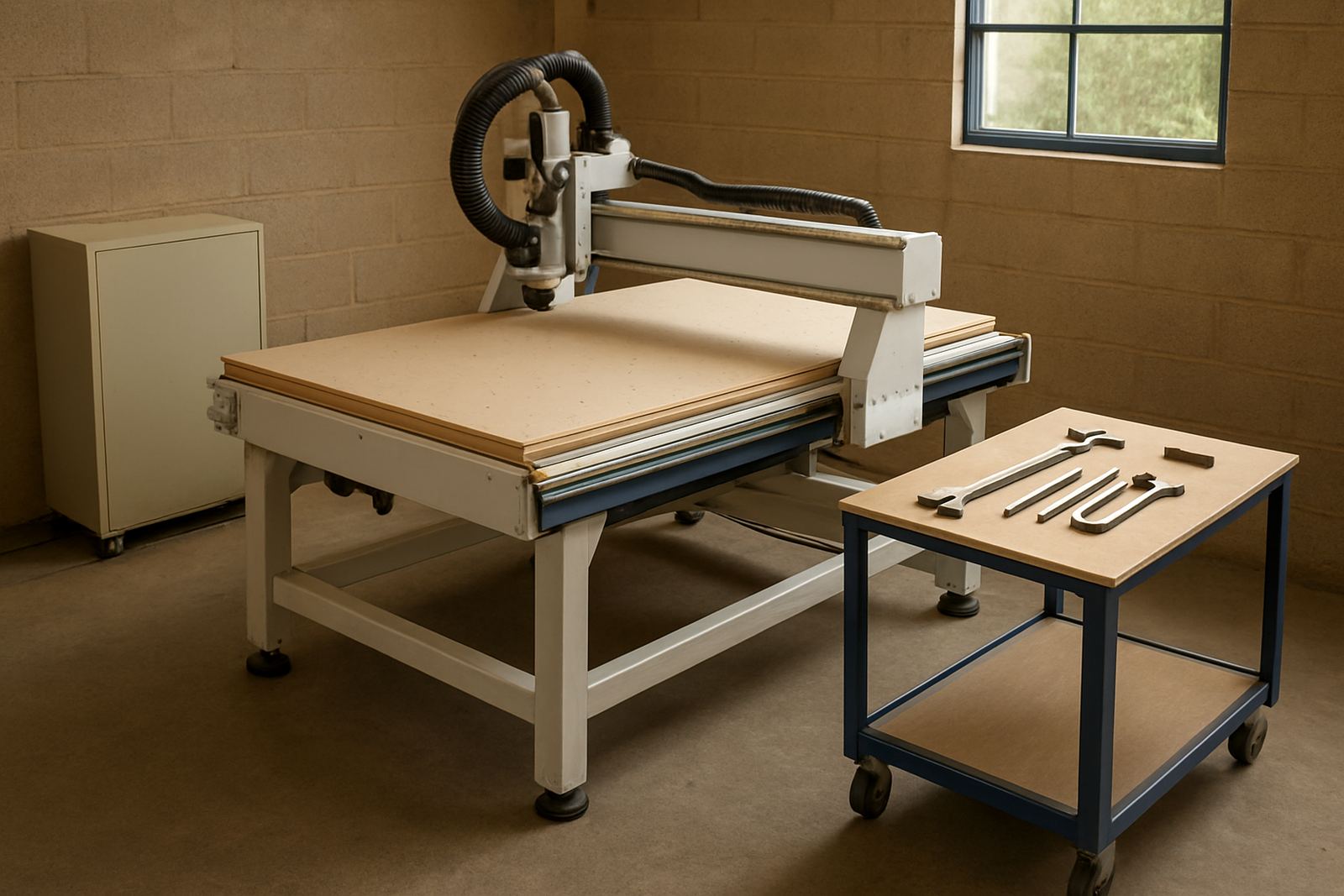
Floor space planning should include loading paths, extraction runs and offload areas.

Power Air Checklist

Power Air Checklist

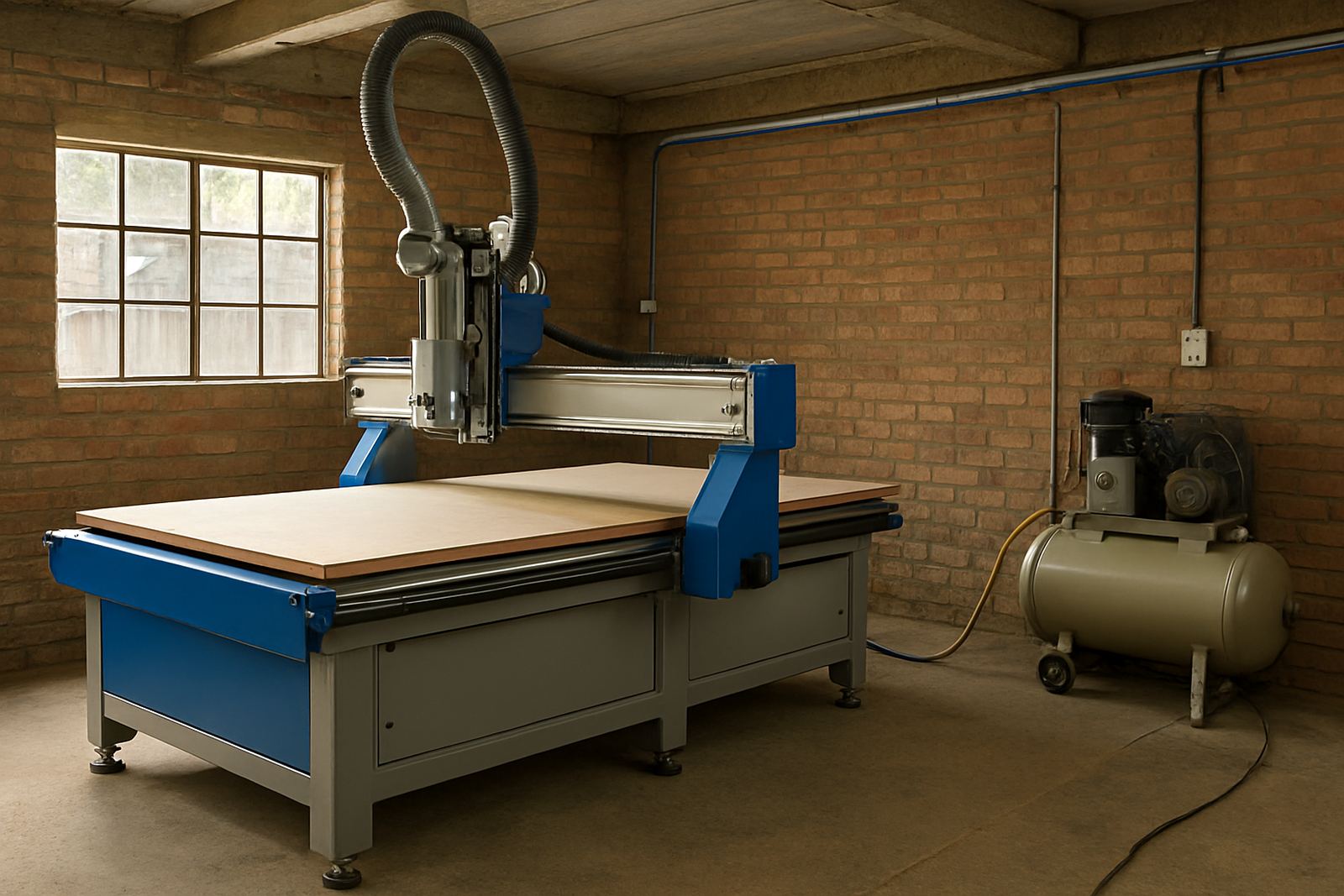
Before install day, workshops should confirm power, air and safe access points.

Startup Checks

Startup Checks

Daily startup checks catch simple problems before they affect parts or machine health.

Common Routing Mistakes

Common Routing Mistakes

Many cut issues come from rushed setup, worn tools and poor material support.

Cut Quality Checks

Cut Quality Checks

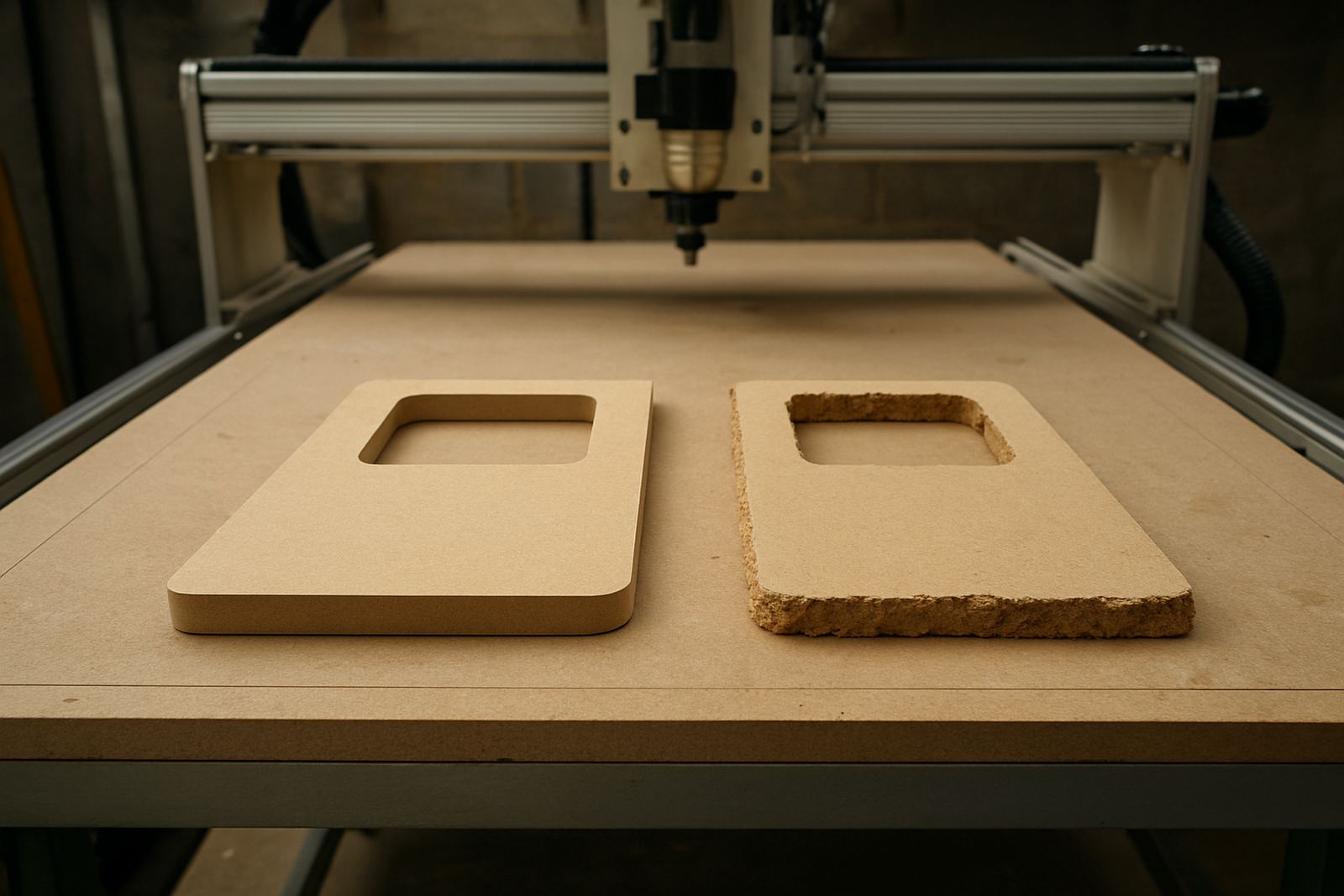
Surface marks, chip-out and rough edges can usually be traced to a few basics.

Router Noise Signs

Router Noise Signs

Changes in machine sound can warn operators about tooling, bearings or hold-down problems.

Maintenance Visit Prep

Maintenance Visit Prep

A prepared maintenance visit saves time when machines are accessible and notes are ready.

Relocation Planning

Relocation Planning

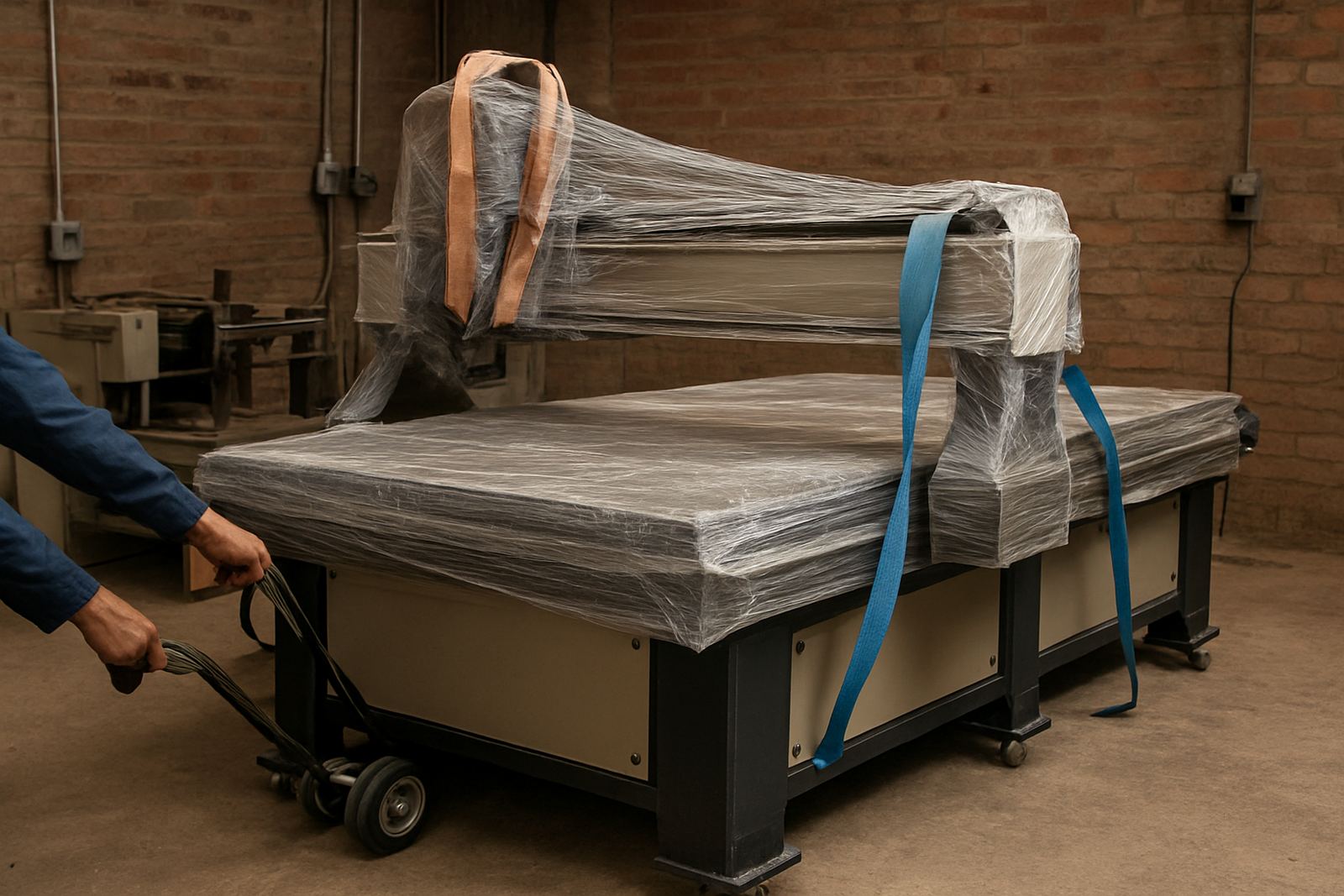
Moving a router needs careful timing, transport planning and recommissioning checks.

Training New Operators

Training New Operators

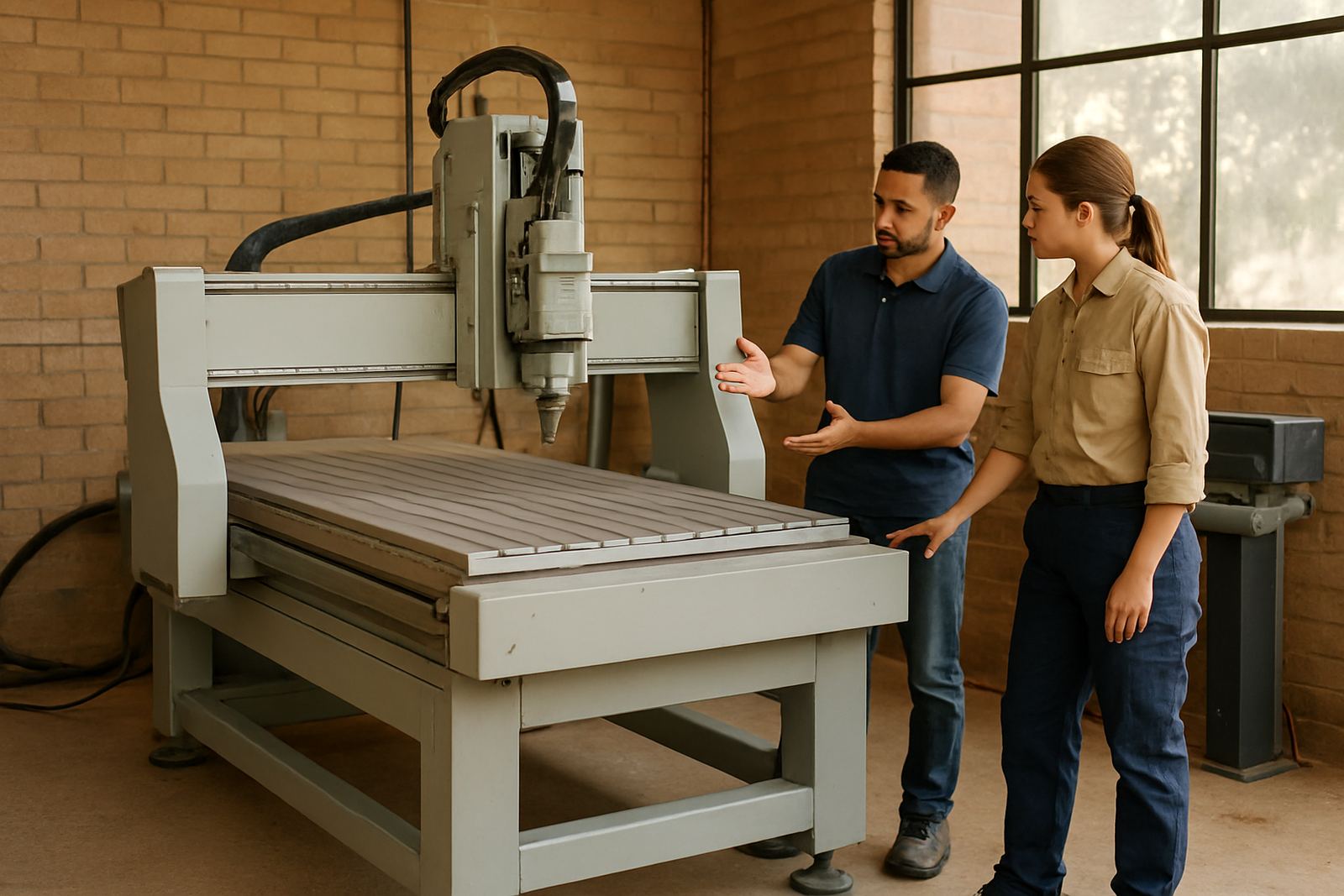
New operators learn faster with repeat routines, simple notes and controlled first jobs.

Board Storage Effects

Board Storage Effects

Warped or damaged boards create avoidable cutting and hold-down issues on the table.

Vacuum Zoning Guide

Vacuum Zoning Guide

Correct zoning helps smaller sheets hold better and reduces wasted suction area.

Small Parts Strategy

Small Parts Strategy

Tiny components often need tabs, onion skinning or smarter nesting positions.

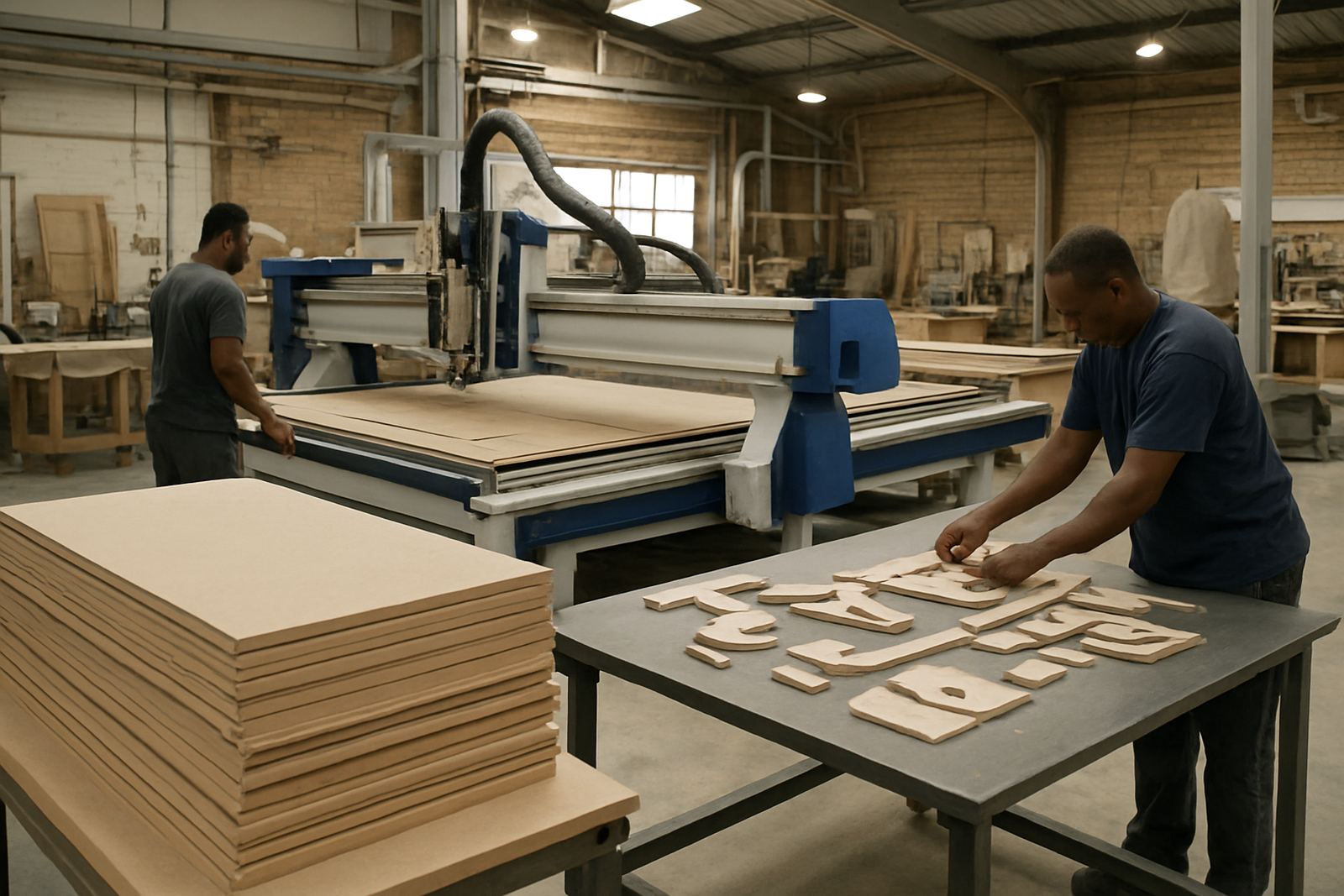
Offload Flow Ideas

Offload Flow Ideas

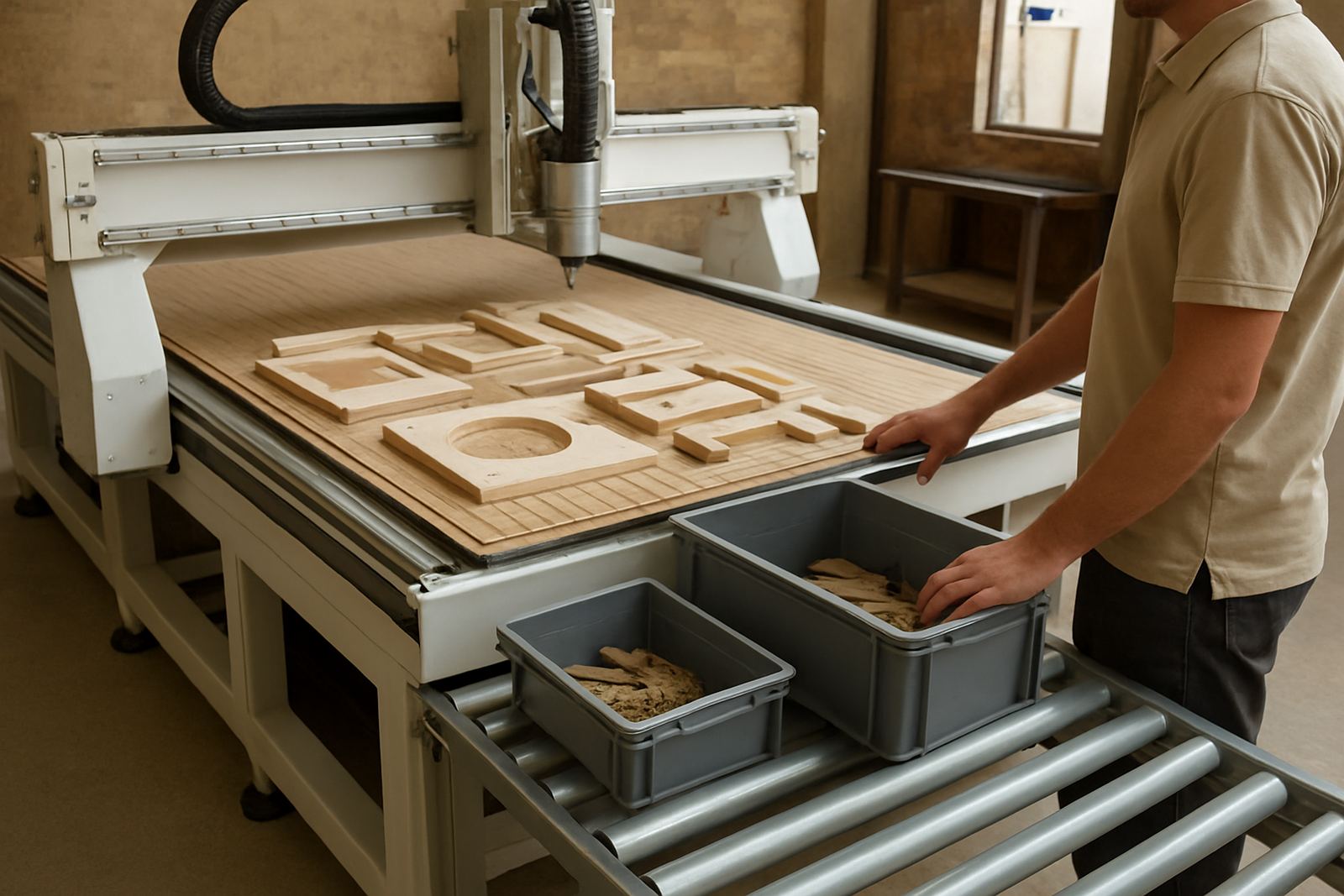
Part sorting goes smoother when offload space and labelling are planned in advance.

Dust Duct Layout

Dust Duct Layout

Simple duct planning can improve extraction performance and reduce awkward hose runs.

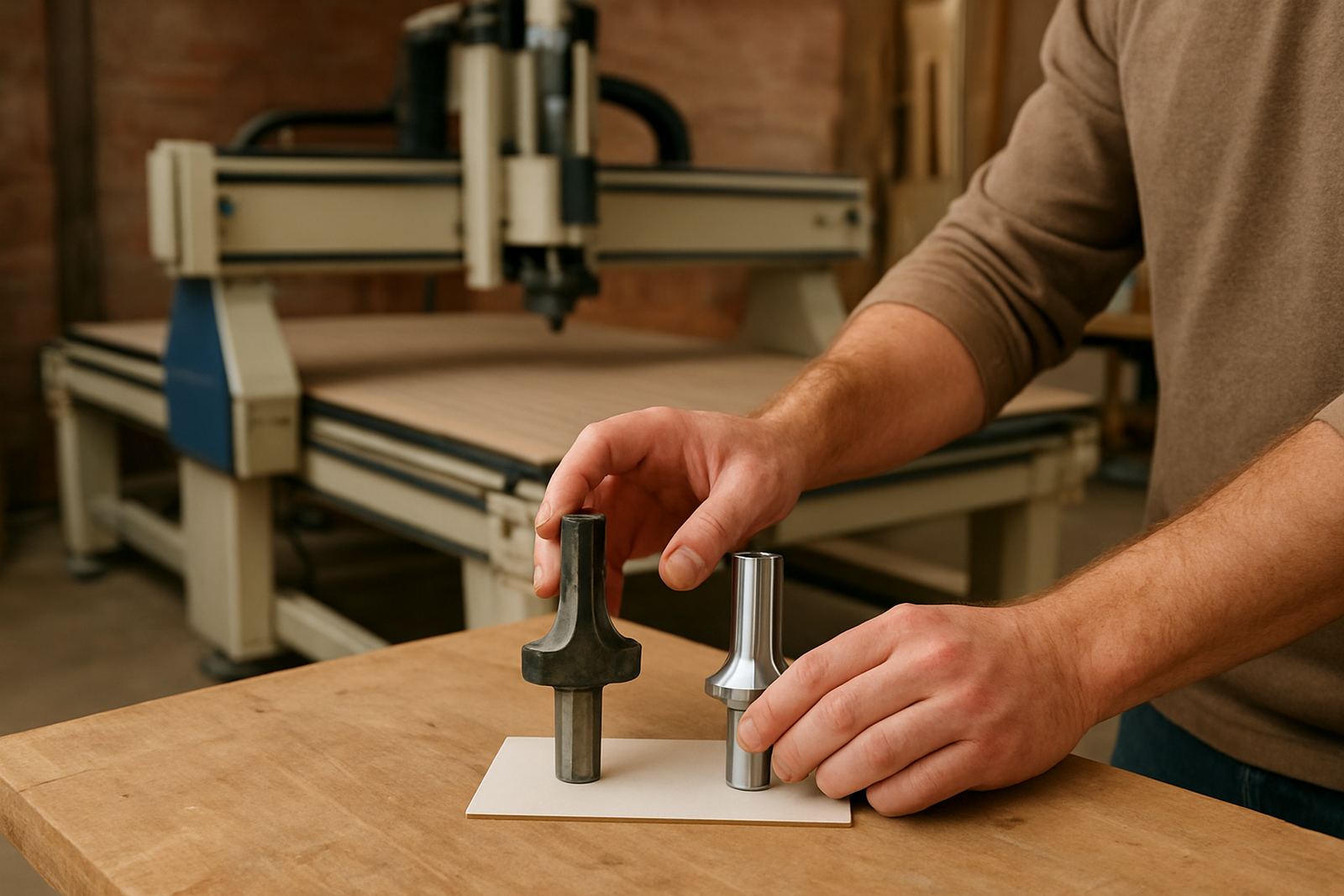
Tool Life Habits

Tool Life Habits

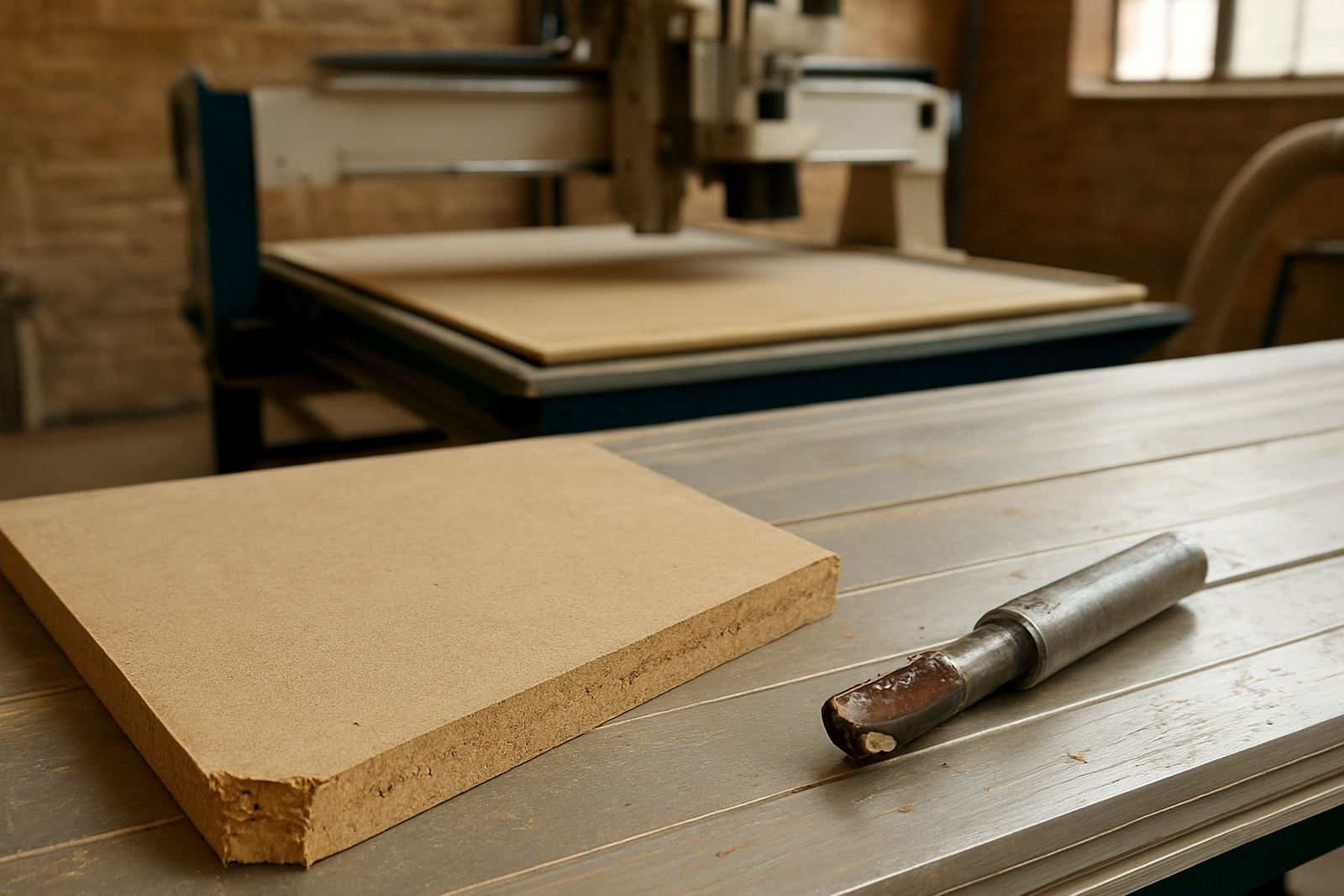
Cutters last better when teams track wear, materials and setup consistency.

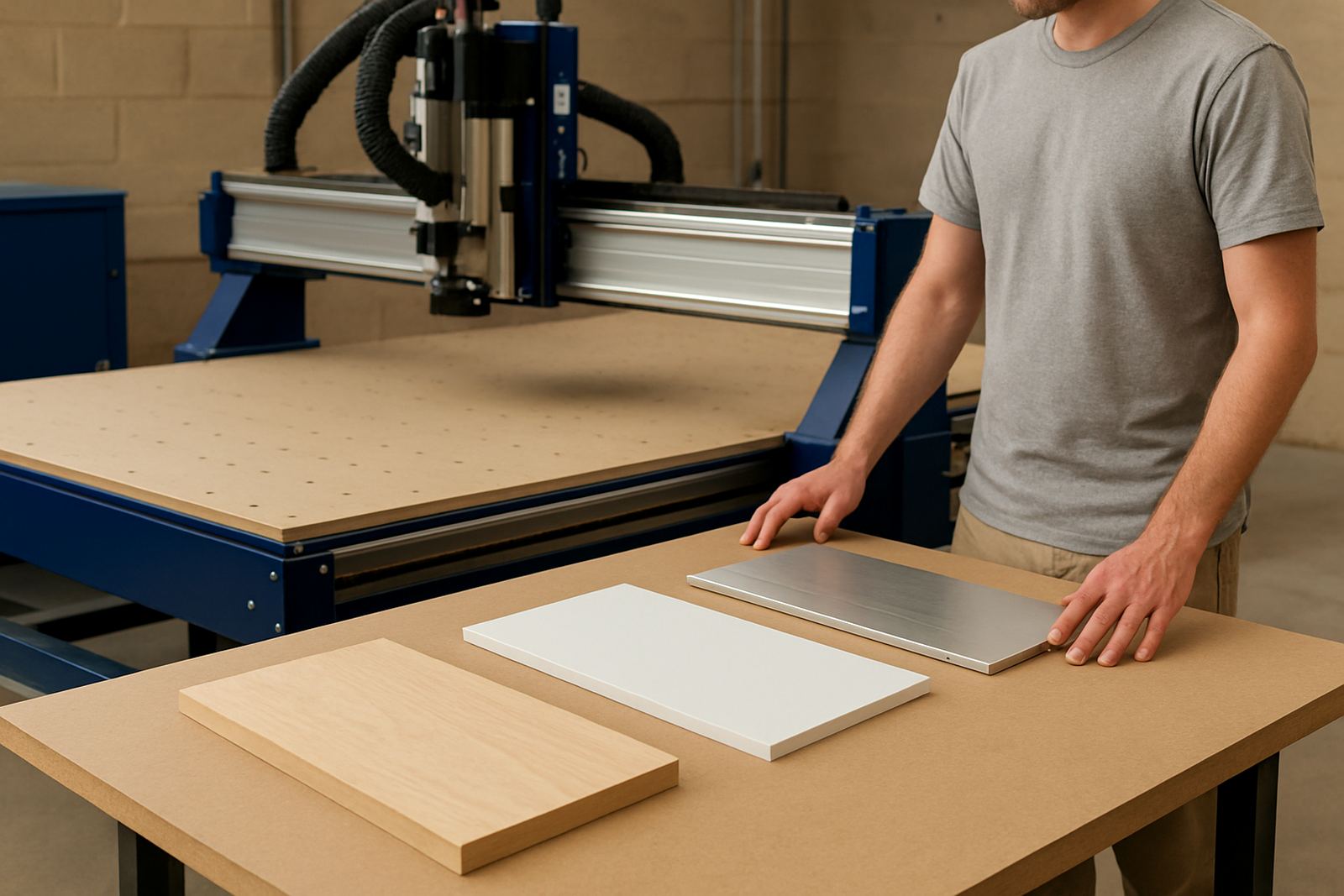
Sample Pack Purpose

Sample Pack Purpose

Test cuts across your materials are useful before final machine and tooling decisions.

Entry Machine Budget

Entry Machine Budget

Budgets should include tooling, dust handling, training and site preparation costs.

Production Cell Timing

Production Cell Timing

Higher output cells only work well when loading and sorting keep pace.

Sign Shop Workflow

Sign Shop Workflow

Routing fits sign production best when printed, cut and assembly steps line up.

Cabinet Shop Workflow

Cabinet Shop Workflow

Nesting, drilling and labelling need a practical sequence for cabinet throughput.

Plastic Workholding Options

Plastic Workholding Options

Plastic sheets and smaller blanks may need different hold-down approaches on one machine.

Router Cleaning Routine

Router Cleaning Routine

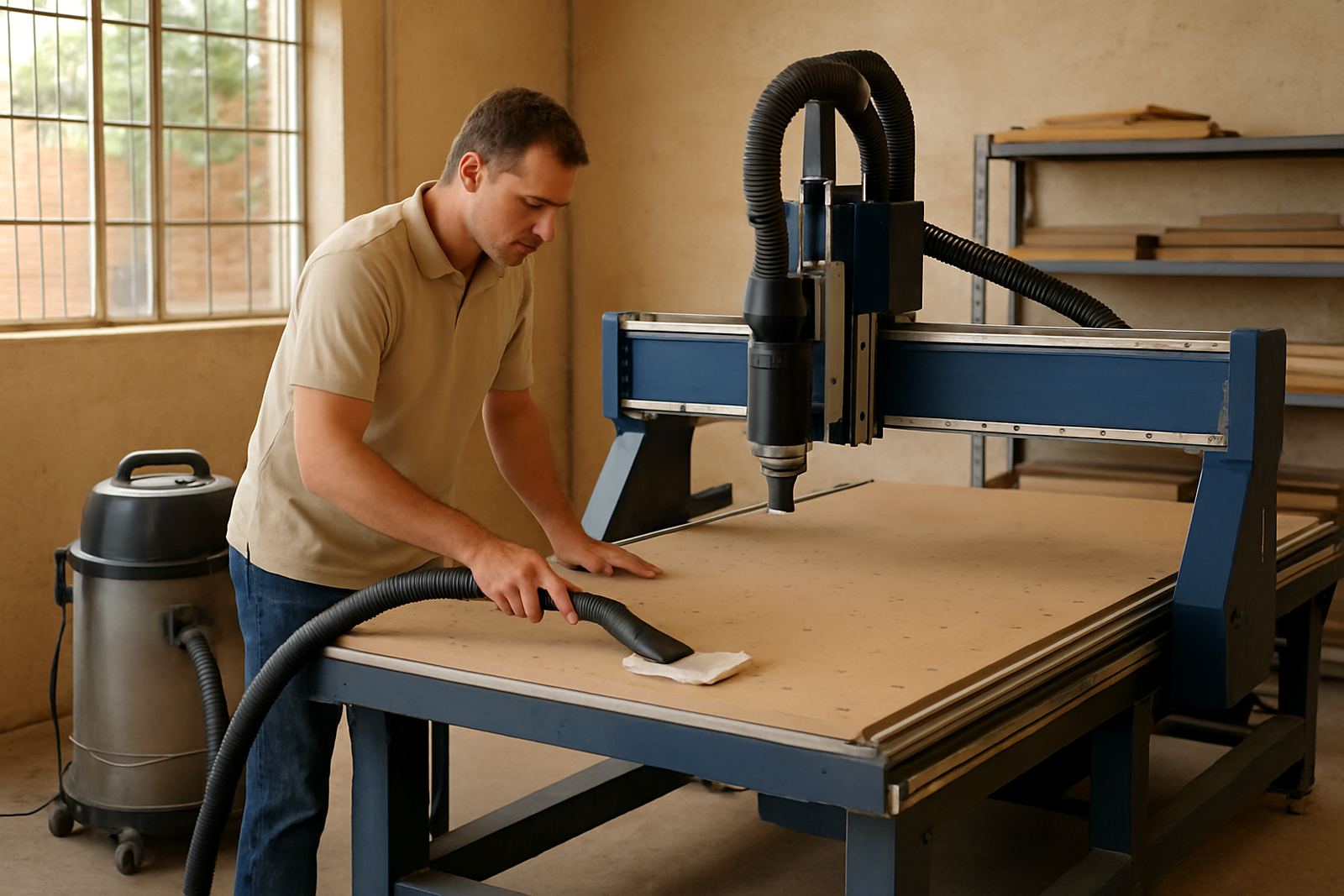
Short daily cleaning helps rails, sensors and extraction points stay dependable.

Service Call Notes

Service Call Notes

Clear fault notes help support teams arrive prepared with the right spares and checks.

When To Upgrade

When To Upgrade

Upgrades make sense when bottlenecks come from capacity, handling or repeated tool changes.

Multi-Shift Basics

Multi-Shift Basics

Running longer hours needs disciplined maintenance, spares and operator handover habits.

Choosing a CNC router for the work you actually do

Start with the parts, not the machine brochure. A sign shop cutting boards and lettering needs different table sizes, hold down and spindle speed from a furniture team nesting cabinet components all day. If you cut mostly plywood, MDF, acrylic or aluminium composite, the goal is clean edges, steady repeatability and a table that suits your sheet sizes without wasting material.

In Germiston, Johannesburg East and Midrand, workshop floors are often tight and power supply can vary. That makes it worth checking access for loading, forklift movement and the real electrical requirement before you commit. For smaller teams, a single router with the right tooling may do more useful work than a bigger machine that is hard to keep busy.

Materials, tooling and the finish on the part

Good CNC results come from matching cutter type, feed rate and spindle setup to the material. Wood-based panels need clean cutting and sensible chip clearance, while plastics need heat control to avoid melting and edge smear. Soft metals need slower passes, firm clamping and careful attention to tool wear.

  • Use sharp tooling and replace it before finish quality drops.
  • Check whether your job needs downcut, upcut or compression cutters.
  • Keep a simple record of feeds, speeds and cutter life for repeat jobs.
  • For nested work, test the first sheet before running a full batch.

Lesedi Ntanzi works with teams that want a calmer setup process, especially when they move between board goods, plastic sheet and occasional aluminium work. Small changes in setup can save hours later.

Dust extraction, vacuum hold and table choices

Dust control is not only about housekeeping. It affects visibility, machine wear and the quality of the cut. In many South African workshops, fine MDF dust builds up quickly and can shorten the life of bearings, rails and electronics. That is why table choice and dust handling need to be considered together.

  • Check whether your work suits a spoilboard, grid table or vacuum table.
  • Look for air leaks before blaming the pump or the table surface.
  • Balance dust extraction so the machine does not pull unevenly across the sheet.
  • Seal and inspect hoses, boots and table zones on a regular schedule.

Coastal sites around Durban North and Cape Town North also need extra care because humidity can affect hold down, stored tooling and timber stability. A workshop that handles these basics well usually sees fewer surprises on busy days.

Setup checks before the first production run

A clean first setup saves time for months. Before full production starts, check machine levelling, gantry movement, controller settings, vacuum zones and safe tool changes. It is also worth backing up the controller settings and job files before operators start making their own adjustments.

Stefan Naude often advises teams to run a short test programme with simple shapes and a known material. That shows whether the machine is square, whether the cutter is behaving properly, and whether the clamping method is holding the sheet where it should. If there is a problem, it is easier to fix it at this stage than after a stack of wasted boards.

Keeping uptime steady in real workshop conditions

South African workshops have to deal with load-shedding, voltage changes, dusty spaces and tight deadlines. A practical maintenance routine helps more than emergency repairs after a breakdown. Preventive checks on spindle condition, belts, vacuum performance and controller backups keep the machine ready for work.

  • Schedule inspections around production, not only when something fails.
  • Keep spare bits, filters and key consumables on site.
  • Record unusual vibration, noise or heat as soon as it appears.
  • After power interruptions, confirm settings before restarting a job.

Farieda Adams coordinates service requests so teams in Pretoria East, Johannesburg East and further afield can plan around real production needs. That matters when each lost shift can affect delivery dates and installer callouts.

Relocation, commissioning and operator training

Moving a router is not just transport. It needs strip-down planning, safe lifting, alignment at the new site and a proper restart after commissioning. If the machine is shifted between Germiston, Midrand or a site in another province, the floor level, power supply and dust extraction layout should be checked before production resumes.

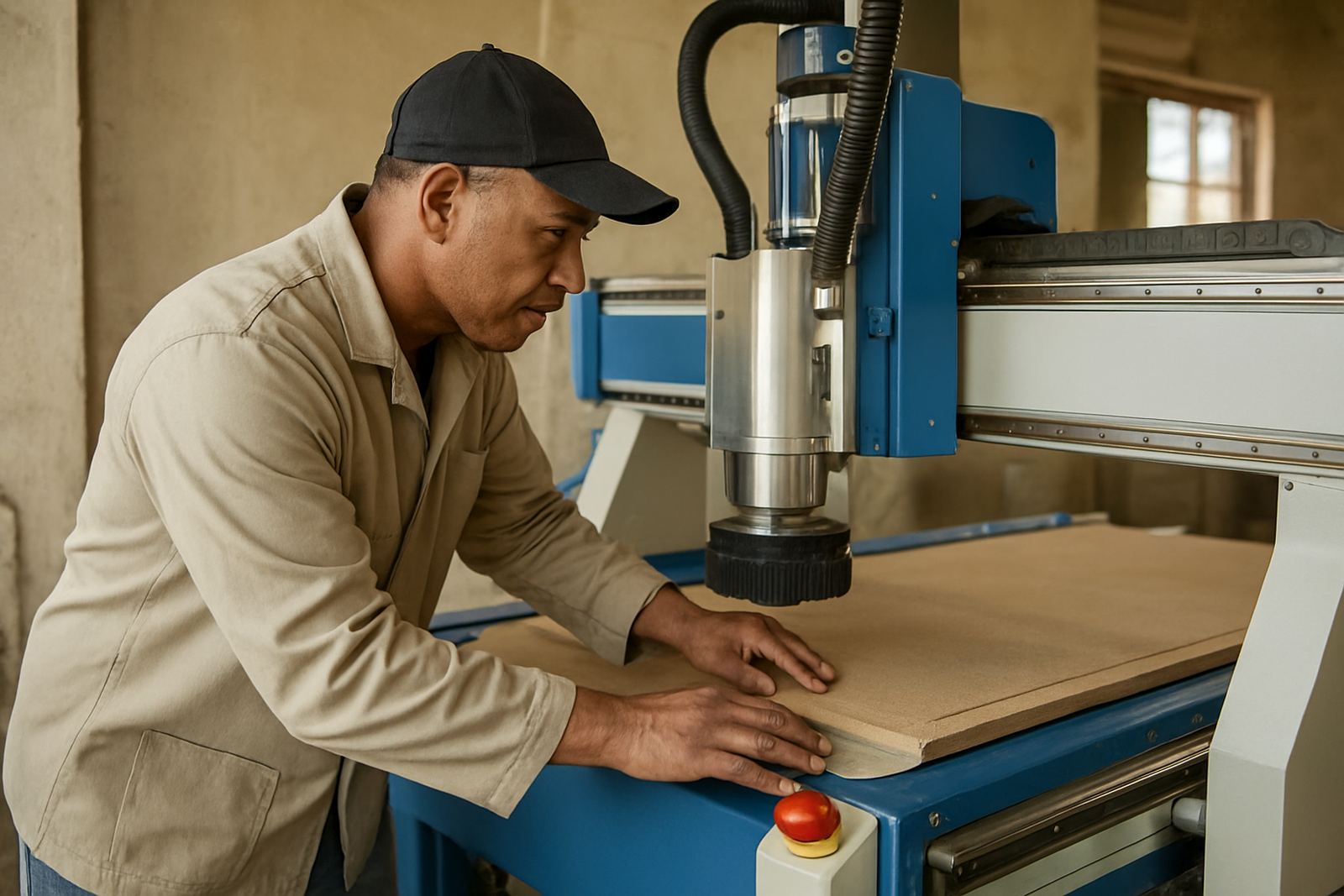
Operator training should be practical and short enough to stick. The best sessions cover startup, tool loading, basic maintenance, file handling and what to do when a cut goes off line. Mpho Mtshali and the installation team focus on what the operator sees every day, not theory that gets forgotten by the next shift.

Useful notes for choosing the next machine or upgrade

If your output is growing, the best upgrade may be better vacuum, better tooling or a more suitable controller rather than a larger router. Ask what is slowing the job down now. Is it sheet handling, tool wear, dust, changeover time or an awkward table size? Once that is clear, the right choice becomes easier.

For many teams, the decision comes down to practical matters: how much floor space is available, which materials are used most often, who will run the machine and how much support is needed after install. Marius Johannes van der Merwe and the MultiCAM team keep the conversation grounded in those points, so the workshop can plan with fewer surprises.

Questions we get asked

How do I choose the right CNC router for my workshop?

Start with the materials, sheet size, daily output and available floor space. A machine should match the work you do most often, not only the largest job you hope to get.

What should I check before running a new machine in production?

Confirm levelling, controller settings, vacuum hold, tool loading and a short test programme. Also save backups and verify the power supply after load-shedding or interruptions.

Do you support sites outside Johannesburg?

Yes. MultiCAM works from Germiston and supports installs across South Africa, including Pretoria East, Durban North, Cape Town North and other workshop locations.

Discuss your CNC routing job.

Contact form