Twin-table routing for higher output
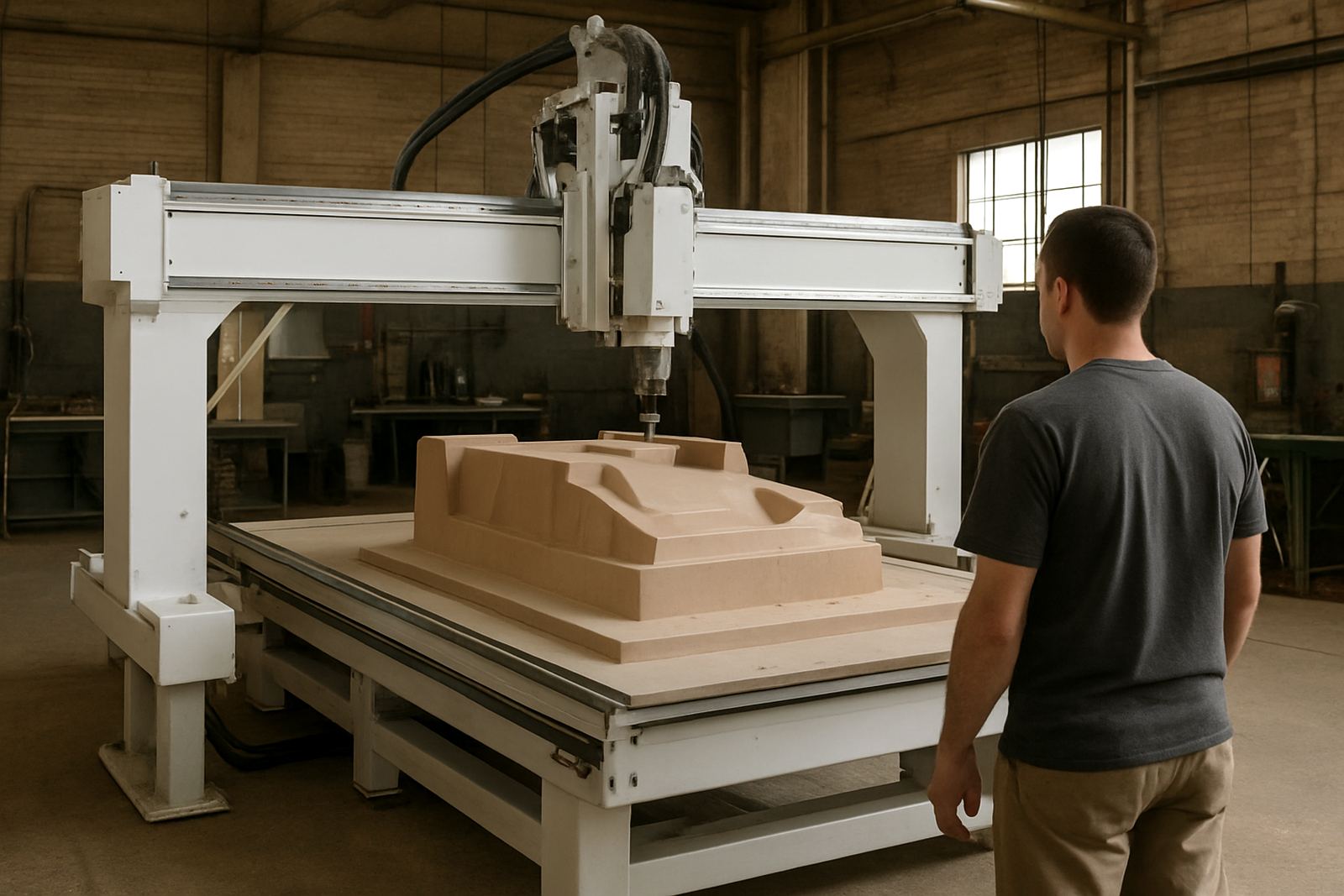
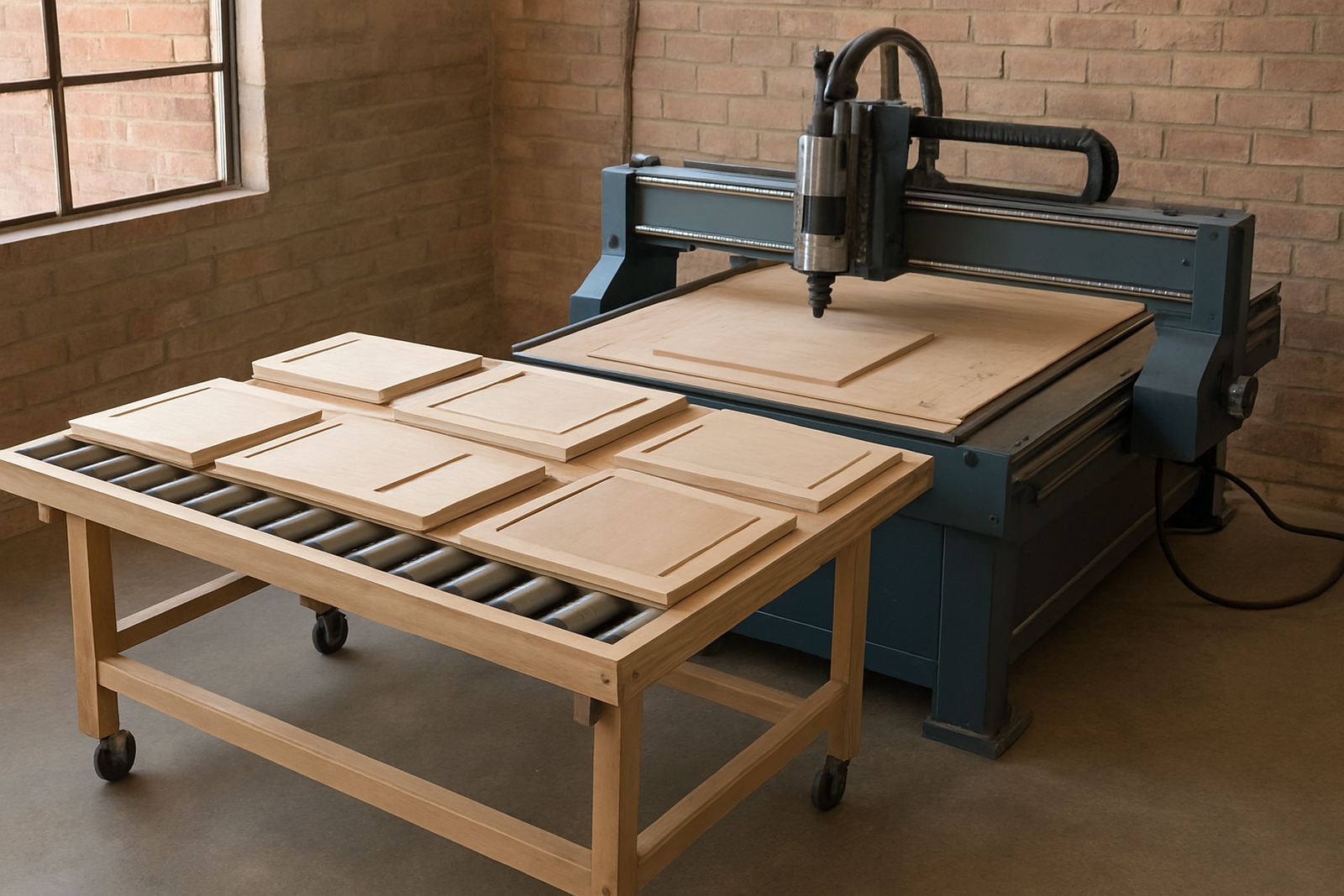
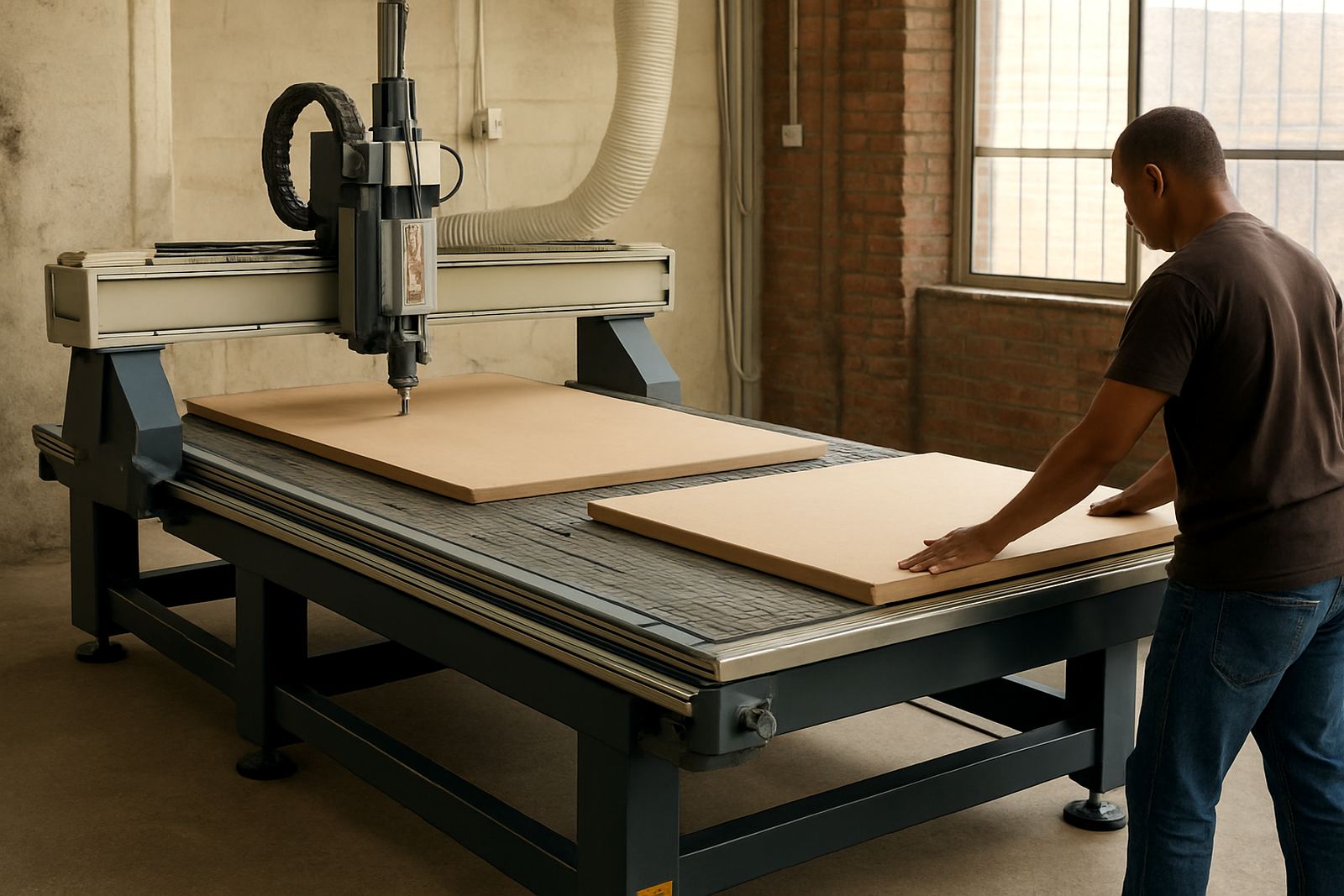
A twin-table router uses two work zones on one machine bed. While the spindle cuts on one table, an operator can unload finished parts and prepare the next board on the other. That simple change can lift daily output, especially where sheet goods are cut in batches and every minute matters.
MultiCAM twin-table layouts are used by furniture shops, sign makers, cabinet workshops and plastic fabricators who need predictable part quality and a practical workflow. The aim is not complexity, it is keeping the machine busy and the team organised. On larger jobs, the handover between tables is fast and easy to manage, even with a small crew.
- Supports continuous loading and cutting
- Helps reduce waiting time between nests
- Useful for plywood, MDF, melamine, acrylic and soft aluminium
- Works well where boards are handled in full sheets or common offcuts
Sizes, table options and common machine layouts
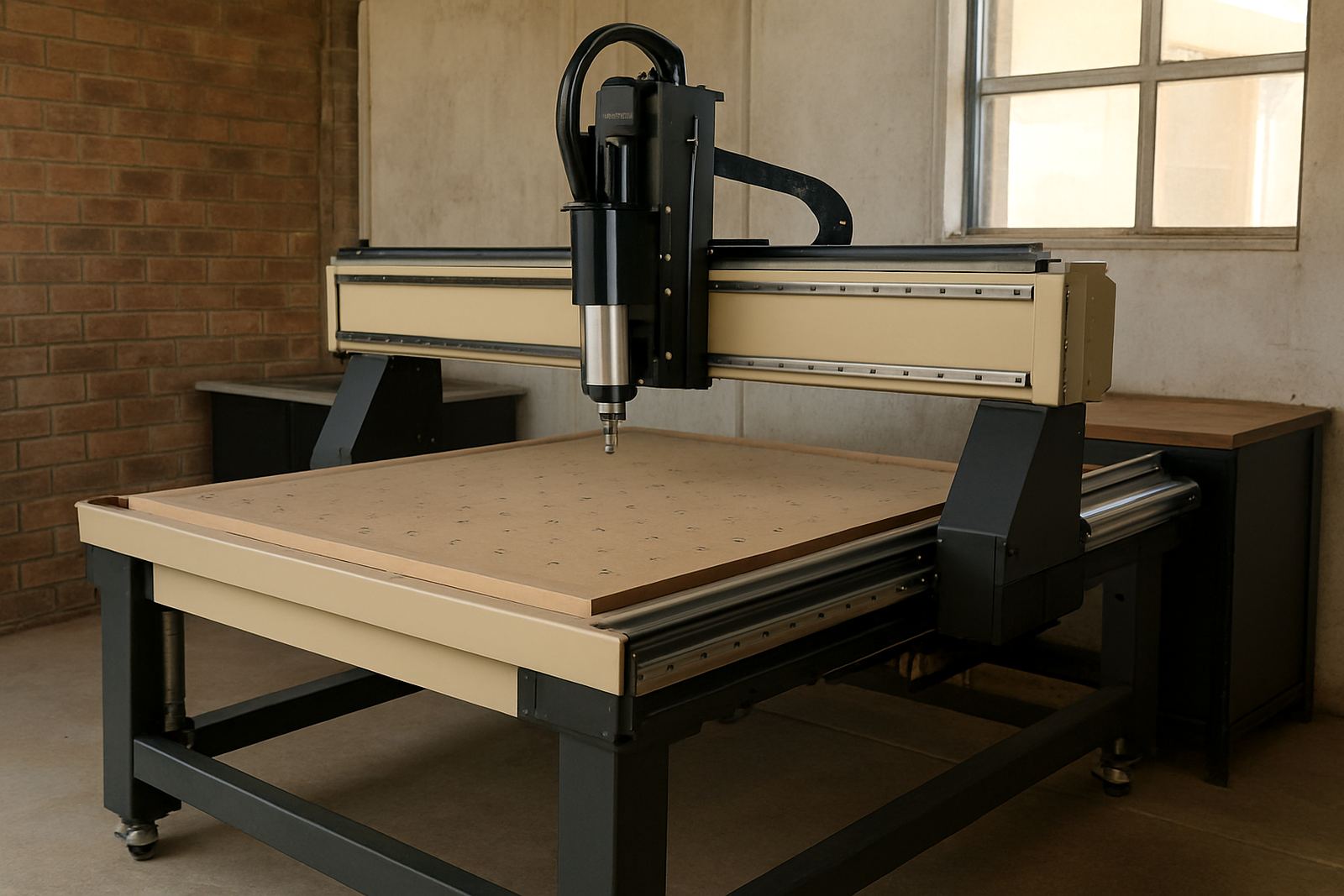
Twin table routers are supplied in a range of working areas to suit different workshops. Common formats include 1300 x 2500 mm, 1500 x 3000 mm and larger sheet-capable tables for production work. The correct size depends on the material lengths you cut, the floor space you have and how often you change jobs.
Table options can include vacuum hold-down zones, spoilboard setups, lift-and-shift loading arrangements and dust extraction points matched to the cutting style. Some workshops prefer a compact entry machine with two smaller zones, while others choose a production cell with stronger vacuum and faster tool changes. We help match the table size to the work you actually do, not just the biggest sheet on paper.
- Working areas commonly from 1300 x 2500 mm upward
- Vacuum table or spoilboard options
- Single spindle or automatic tool change setup
- Vacuum pump and dust extraction matched to the duty cycle
Where this setup suits best
This type of router is a good fit for workshops that cut repeated panel work, signage components, routing patterns or nested parts from sheet stock. It is also helpful where a second operator can load while the machine keeps cutting, or where one person must manage multiple jobs in a shift. In Gauteng, Durban and the coastal areas, shops often choose twin-table systems because they need to keep production moving despite heat, humidity or load-shedding interruptions.
For furniture makers, the main benefit is throughput on carcasses, shelves, doors and cut-to-size panels. For sign shops, it helps with repeatable acrylic, PVC foam board and composite panel work. For plastics and light aluminium, a twin-table layout gives space for careful clamping, chip removal and tidy part separation after cutting. It is a practical choice where the same machine must handle varied work without constant downtime.
- Furniture components and cabinet parts
- Signage, display panels and acrylic sheets
- Plastic fabrication and light composite cutting
- Short-run production where turnaround time matters
Power, vacuum and installation needs
Before installation, the workshop should plan for power supply, floor space, dust extraction and air requirements where applicable. A typical twin-table router needs a stable electrical supply, correct earthing and enough clear access around the machine for loading, unloading and maintenance. If the site has regular power cuts, a backup strategy should be discussed during selection so the controller, vacuum system and dust extraction can restart safely after outages.
Vacuum hold-down depends on the board size, leak control and pump capacity. In practice, a leaking hose or a badly sealed spoilboard can cost more production time than a weak spindle. We check the full setup, including dust system balancing, cabinet positioning and operator access, before the machine goes live. If compressed air is used for certain accessories, the line must be dry and properly regulated, especially in humid coastal towns.
- Stable electrical supply and proper earthing required
- Vacuum capacity matched to table zones and board size
- Dust extraction must be sized for the spindle and material
- Compressed air only where the machine configuration requires it
Care, servicing and day-to-day checks
A twin-table router works best when the workshop keeps to a simple maintenance routine. That means cleaning rails, checking vacuum leaks, inspecting tooling, backing up controller files and watching spindle noise or heat. Most breakdowns start as small issues, so regular checks save time and parts later on. In dusty workshops, a missed filter change can become a real problem very quickly.
MultiCAM supports preventive maintenance, spindle service, vacuum leak checks, controller backups and operator training. We also assist with tooling setup so the cutter choice matches the board type and feed rate. A good operator can hear when a tool is losing bite, but they still need a clean machine and proper setup to work from.
- Daily cleaning of spoilboard and vacuum zones
- Routine inspection of cutters, collets and spindle condition
- Scheduled backups for job files and machine settings
- Regular dust system balancing and hose checks
What to confirm before placing an order
When ordering a twin-table router, check the sheet size, table layout, spindle power, tool changing method and the type of material you cut most often. It also helps to confirm floor space, door access for delivery, lifting equipment on site and whether the machine must be relocated into a tight building or upstairs area. These details matter during installation and can affect the final machine choice.
Ask for clear guidance on available tooling, vacuum pump size, dust extraction and operator training. If you already run a workshop, it is worth listing your current power supply, machine hours and any recurring problems with chips, leaks or finish quality. That gives a more accurate recommendation and reduces surprises after delivery.
- Working area and board size
- Spindle power and tool change needs
- Vacuum and dust extraction capacity
- Access, relocation route and power supply details
Key facts
| Machine type | Twin-table CNC router for nested cutting and panel production |
|---|---|
| Working area options | Common sizes from 1300 x 2500 mm to larger sheet formats |
| Typical materials | Plywood, MDF, melamine, plastics, acrylic, composite board and soft aluminium |
| Control setup | Operator-friendly CNC controller with backup and job storage support |
| Support services | Installation, commissioning, preventive maintenance, relocation, training and tooling setup |
| Regions covered | Germiston, Johannesburg East, Midrand, Pretoria East, Durban North, Cape Town North and nationwide installs |