

Before Power-Up: Walk the Machine Once
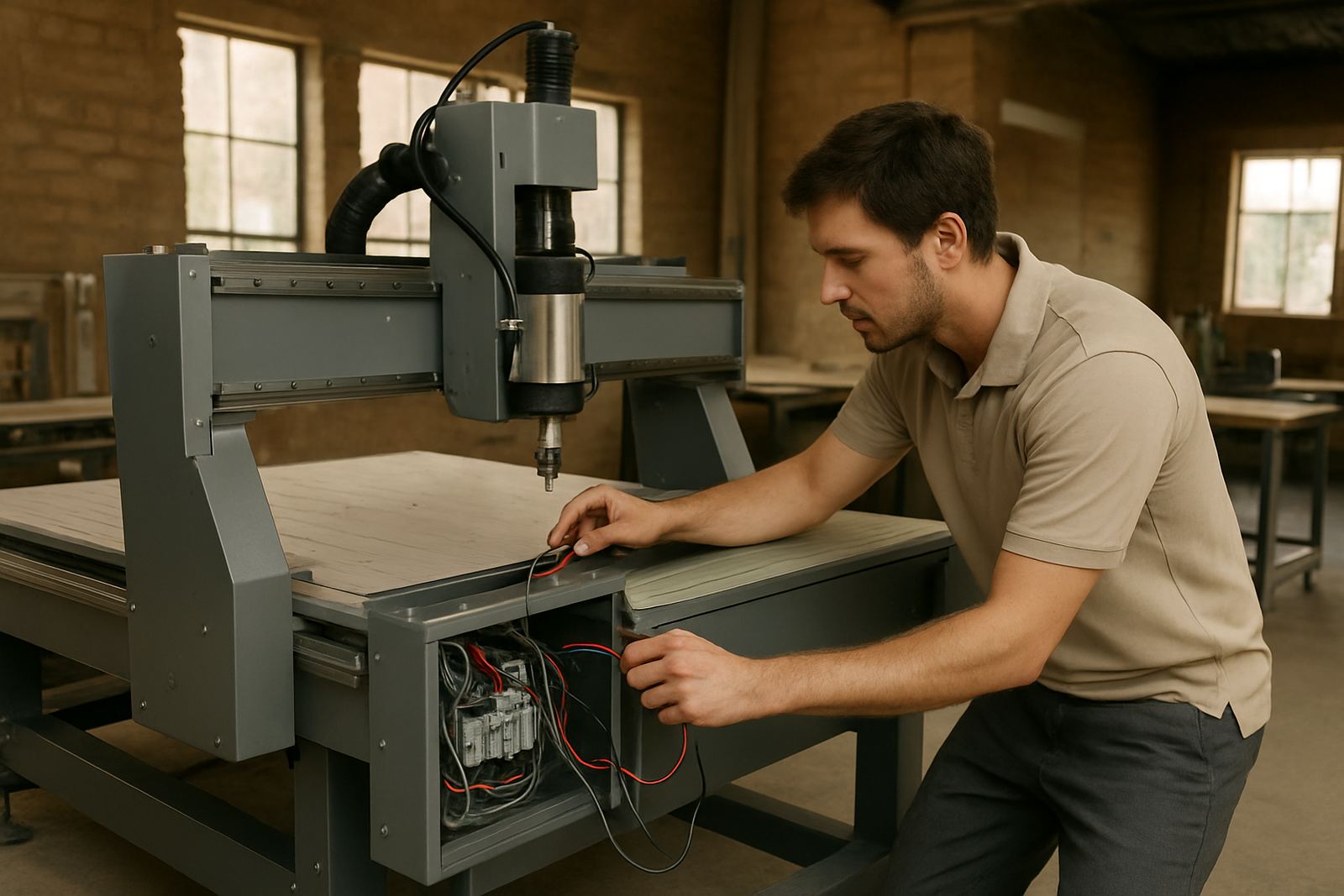
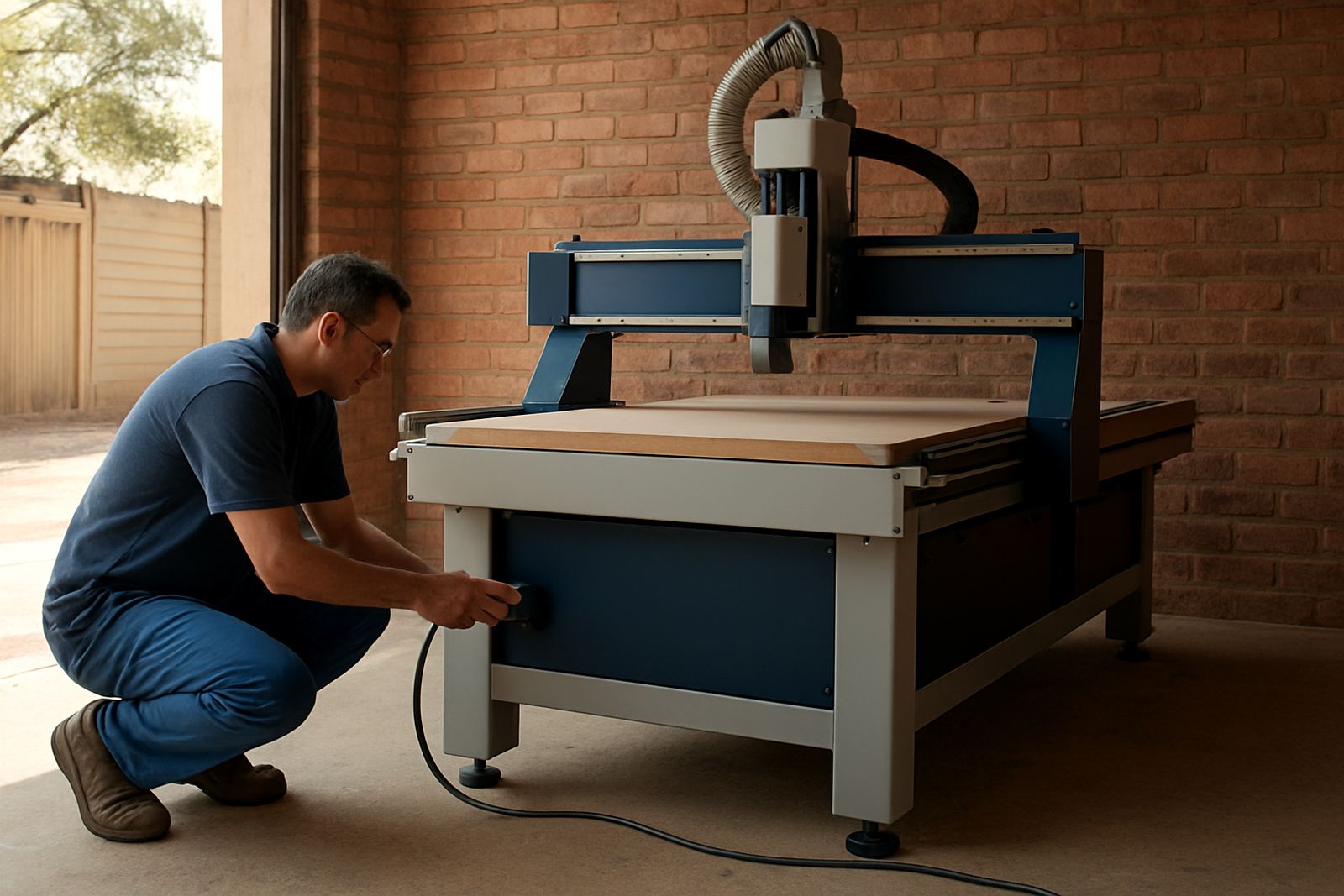
Before the first job of the day, do a quick walk around the router and the work area. In many Gauteng workshops the first issue is not the cutting file, it is a loose hose, a dirty table or a switch that was left off after load-shedding. A 3 minute check can save a broken tool and a lost sheet.
- Check the main air supply if your machine uses pneumatics, and make sure the pressure is steady.
- Look for dust build-up around guides, cables and the spindle area.
- Confirm the vacuum table or clamps are set for the material size you are running.
- Make sure the emergency stop is released and the controller is ready.
- Check that the spoilboard is flat and that nothing is sitting on the table surface.
If the workshop was offline overnight, allow the machine to settle after power returns before starting a long run. That small pause helps spot controller alarms and avoids rushing into a bad setup.
Loading Material Without Scratches or Lift
Good loading is about consistency. Sheets that are dropped onto the table or slid across chips can mark the face, while a panel that sits proud at one corner will shift during cutting. For sign shops, furniture teams and plastic fabricators alike, the loading routine should be the same every time.
Start by clearing off offcuts and loose dust, then place the sheet square to the table references. Use support where needed on larger boards so the centre does not sag. If you are nesting on MDF, aluminium composite, acrylic or similar sheet material, check for bow before clamping or switching on vacuum. In humid coastal conditions, a panel can change shape quickly, so do not leave it waiting too long before the job starts.
- Load the sheet with enough hands to avoid twisting and edge damage.
- Keep clamp points clear of the tool path and label them for repeat jobs.
- Confirm the origin point before you start the cycle.
- For vacuum jobs, block open zones so hold-down stays strong across the full sheet.
Daily Care That Keeps Repeat Jobs Accurate
Daily care is not about a full service, it is about keeping the machine ready for the next operator. A clean router cuts more consistently and gives better edge quality, especially on long runs where heat and dust build up. If a shop works through the week, a short end-of-shift routine helps a lot.
Wipe the table, brush out spoilboard slots, and check that the tool holders and collets are clean. If the machine uses a dust extraction system, inspect the hose for blockages and listen for changes in airflow. A weak extraction line can leave chips around the cut and lead to poor finish or premature tool wear. Record any unusual noise, vibration or repeated alarms so the technical team can follow it up before it becomes a breakdown.
- Keep a simple log of tool changes, run time and fault codes.
- Check spindle temperature during long production shifts.
- Inspect cables, chains and covers for rubbing or damage.
- Replace dull tooling before edge quality starts dropping.
When the Cut Looks Wrong, Check the Basics First
Most cutting faults have a simple cause. Before calling for help, check the basics in a calm order. A poor cut can come from the file, the tool, the material, or the setup. Do not change three things at once, because then the real fault gets hidden.
If edges are rough, ask whether the tool is blunt, whether feed speed is too high, or whether the material is moving. If dimensions are off, check the origin, the zero height and the tool length setting. If the machine sounds strained, stop and inspect the cut path for hidden screws, knots or thick glue lines. On soft metals, a small feed or chip load error can show up quickly, so the operator should watch the first few parts closely.
When in doubt, keep the bad part and note the tool, material batch and machine setting. That information makes support calls faster and avoids guesswork.
Safe Stops, Power Cuts and End-of-Day Shutdown
Every operator should know how to stop the machine safely. Sudden load-shedding, a power dip or an alarm can interrupt a job at any time, so the shutdown routine must be clear. A tidy end-of-day process also keeps dust out of the machine and reduces surprises in the morning.
- Pause the job in the controller before touching the table or tooling.
- Use the emergency stop only when the situation needs an immediate stop.
- Save the current programme and note the last completed step.
- Switch off dust extraction, then the main power as required by your setup.
- Remove finished parts, offcuts and tools from the table area.
If the machine loses power mid-job, do not rush to restart without checking where the tool stopped. Confirm the file position, the zero points and the condition of the part before continuing.
Getting Help From the Right Person at the Right Time
Some issues are operator level, others need technical support. A trapped vacuum line, repeated controller alarm or spindle fault should be escalated early. That is usually faster and cheaper than forcing a machine through another shift while it is already complaining. The Germiston base supports workshops in Johannesburg East, Midrand, Pretoria East, Durban North, Cape Town North and other South African sites, so remote guidance can often start the same day.
When you call or message, have these details ready:
- Machine model and serial number
- Controller message or fault code
- Material type and thickness
- Tool size and cutting strategy
- What changed just before the problem started
Clear notes help with machine installation, commissioning, preventive maintenance, spindle service, vacuum leak checks, controller backups, operator training, tooling setup, relocation and dust system balancing. If your team keeps good records, most operator questions become much easier to solve.