1. Start With the Board, Not the Machine
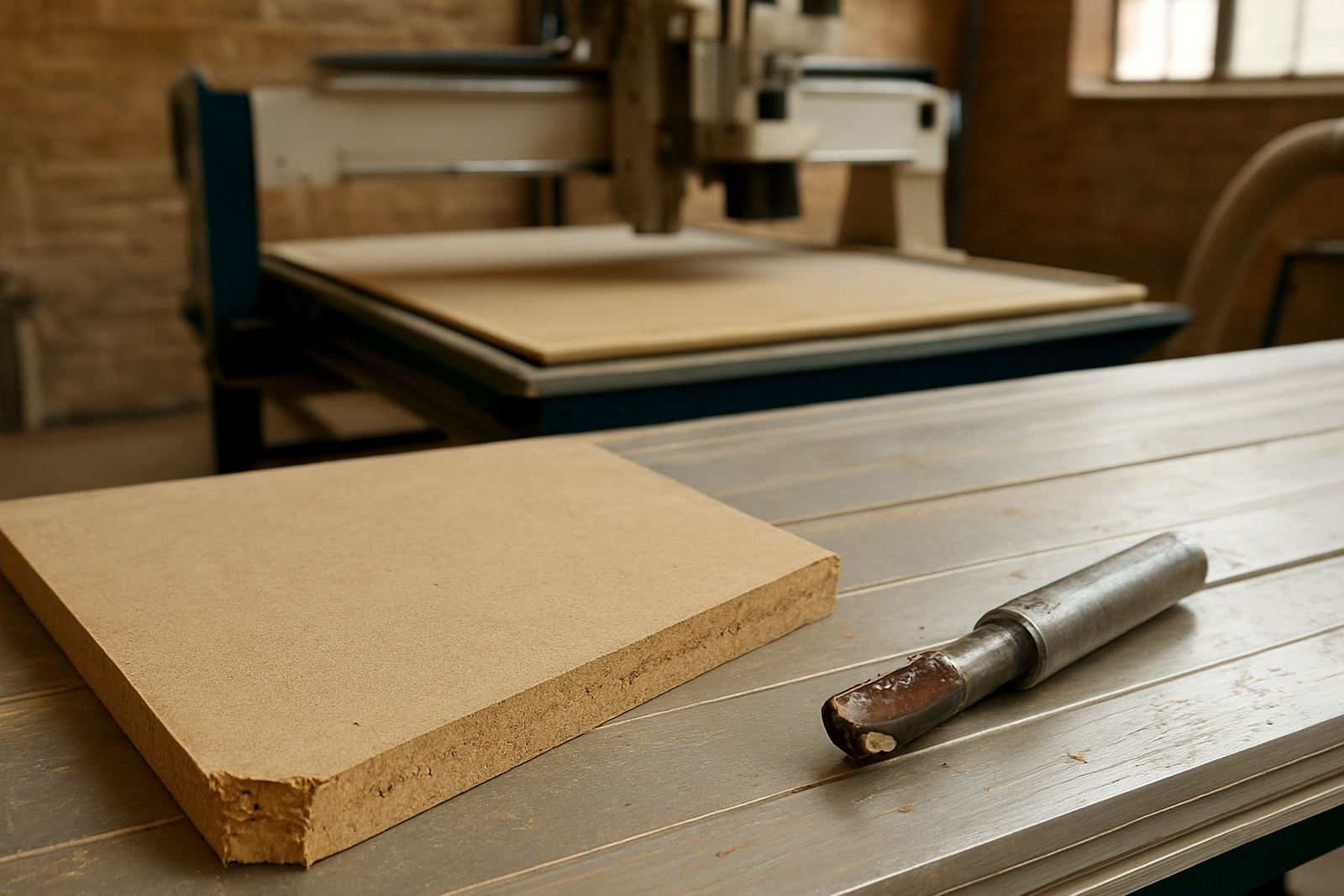
A lot of bad cuts get blamed on the router when the real issue is the sheet on the table. If the material is bowed, damp or not held down properly, the cut path will move and the finish will suffer. In Gauteng workshops we often see this after a wet delivery or when sheets are stacked near an open roller door. Keep boards flat, dry and stickered off the floor, and check that the spoilboard is still level before a long run.
Good support matters just as much as cutting power. Thin plastic, aluminium composite and melamine board can flex if the vacuum is weak or the clamps are placed badly. That gives you chatter, rough edges and tabs that break off too early. A short check before the job starts saves a lot more time than re-cutting parts later.
2. Worn Tools Make Clean Edges Hard to Hold
A blunt cutter will force the machine to work harder and the results usually show on the edge first. You may see burn marks in wood, feathering in plastic or a noisy cut that sounds rough from the first pass. If a tool has already done too many hours, it will not matter how good the program is, the part will still come out poor.
Watch for small signs of wear rather than waiting for a full failure. A tool that leaves dust instead of chips, or one that starts pulling fibres on the exit cut, should be checked straight away. In many shops the cut quality starts drifting long before anyone changes the cutter, which is why a simple tooling log helps. It does not need to be fancy, just a record of what ran, on what material, and when it was last changed.
- Listen for a change in spindle noise during the cut
- Check edge finish after the first sheet, not after the batch
- Replace cutters before they start burning or tearing
3. Dust Collection Has to Keep Up
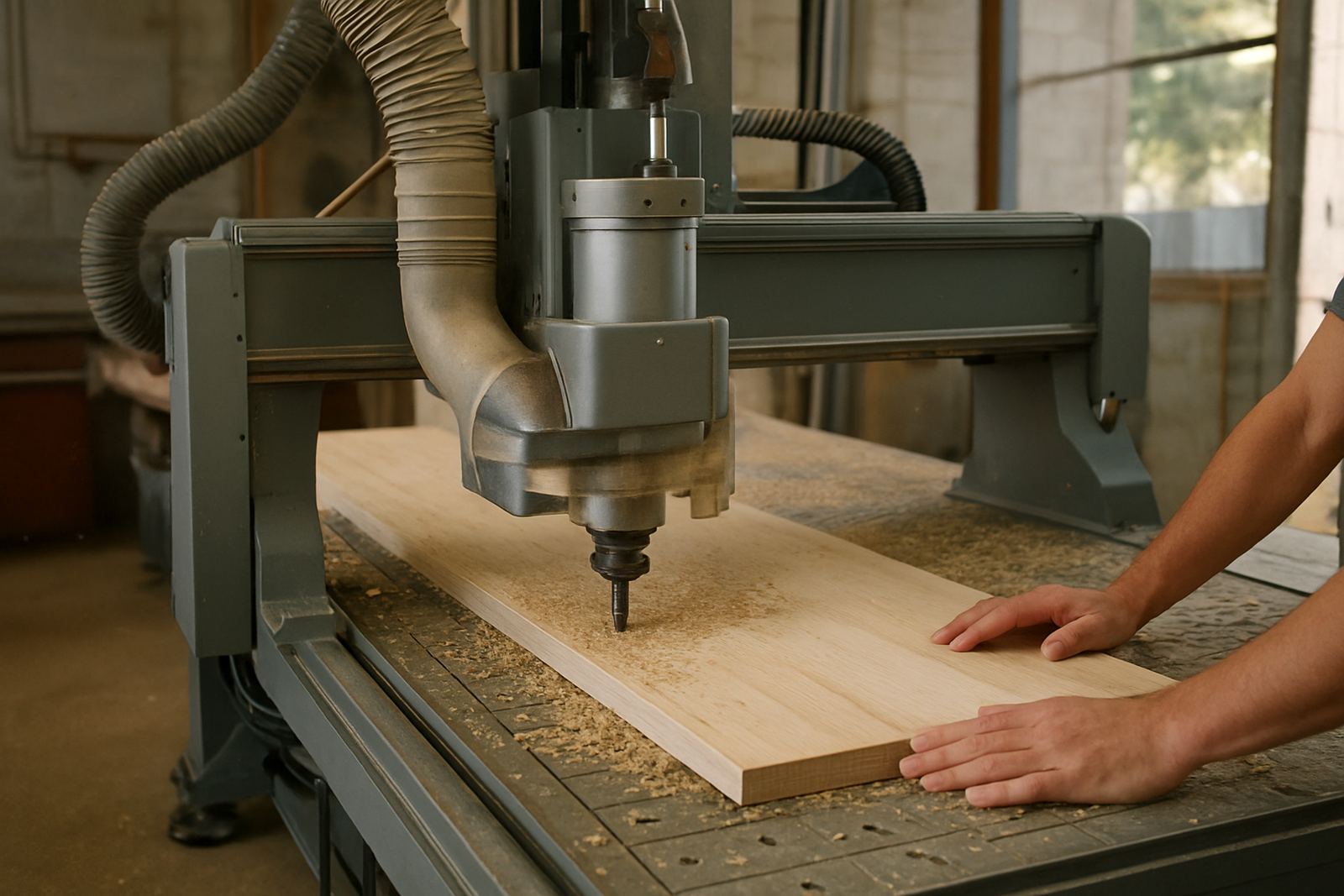
Dust build-up is one of the most overlooked routing mistakes. If chips are left sitting in the cut, the cutter can recut them and leave a poor finish. Fine dust can also affect vacuum grip, block filters and put extra strain on the spindle bearings over time. In a hot Germiston workshop, a clogged dust line can turn a normal day into a messy one very quickly.
Balance matters here. A strong extractor on one branch and a weak one on another leaves parts of the table underperforming. If you are cutting smaller panels, check the hose run, the hood position and the airflow at each zone. On some jobs the machine is fine, but the dust system is not pulling evenly, so the sheet shifts just enough to spoil the job.
- Empty and inspect filters on a regular schedule
- Check for leaks around hoses, gates and seals
- Make sure the hood follows the cutter path properly
4. Feed Speed and Depth Need to Match the Material
Too slow and the cutter rubs. Too fast and it overworks the spindle or leaves the edge ragged. That balance changes with the material, the tool diameter and how deep each pass is set. One common mistake is copying settings from a different workshop and expecting the same result. A 6 mm cutter on MDF does not behave the same way as a similar tool on acrylic or soft aluminium.
Operators need a clear starting point and then room to adjust after the first sample cut. Keep a note of what worked for 16 mm board, 25 mm foam, or a 3 mm plastic face. Even small changes in humidity and board density can shift the result. It is better to run one test piece than to scrap a full stack because the program was copied without a check.
5. Zero, Offsets and Backups Must Be Checked Every Shift
Another common routing mistake is poor machine setup at the start of the day. If the zero point is not set correctly, every part that follows can be off by the same amount. That creates slot errors, misaligned holes and parts that do not assemble cleanly. The problem is often blamed on the drawing, when it was really a setup step that got missed.
Controller backups are just as important. Power cuts, surges and accidental changes can wipe settings that took months to get right. This matters across South Africa where load-shedding and unstable supply can interrupt a production run without warning. A clean backup and a standard start-up check keep teams from having to rebuild the whole setup from scratch.
- Confirm the home position before every batch
- Back up controller settings after any major change
- Train more than one operator to do the same setup steps
6. Plan for the Workshop, Not Only the Drawing
A file can look perfect on screen and still fail on the shop floor if the workshop is not ready for it. Large sheets need clear infeed and outfeed space. Small parts may need hold-down tabs, a different nesting pattern or a better order of cuts so they do not move late in the job. If the machine has to work around poor access or a crowded room, mistakes become more likely.
This is where practical guidance pays off. A shop in Germiston cutting cabinet parts every day will need a different setup from a sign shop in Durban North working with acrylic and foam board. The material, the climate and the service plan all matter. If your team can move from drawing to finished parts with fewer surprises, the machine is doing its job and so is the process.
At MultiCAM, the focus is on helping South African shops choose the right machine, set up the tooling properly and keep the table, vacuum and spindle in good working order. That includes machine installation, commissioning, preventive maintenance, spindle service, vacuum leak checks, operator training, tooling setup, machine relocation and dust system balancing.