
Start with the material, not the machine
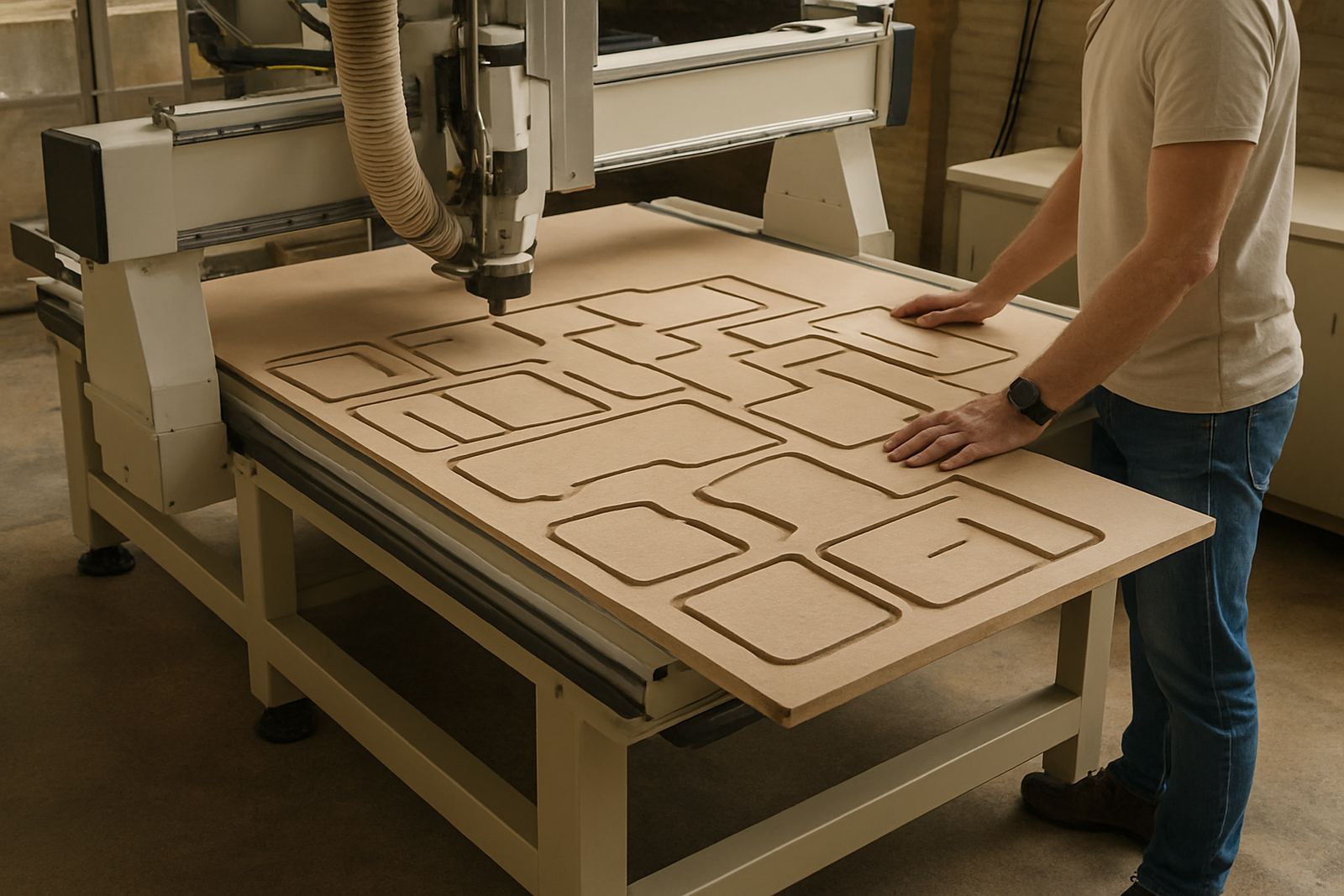
Good cut quality begins with the sheet or board on the table. MDF, plywood, acrylic and aluminium each behave differently, and even sheets from the same batch can vary in glue content, moisture or flatness. In Johannesburg and along the coast, that matters because humidity changes how material sits and how chips clear from the cut.
Before changing speeds or blaming the spindle, check whether the board is warped, damp or poorly stored. A sheet with a slight bow can lift during cutting and leave a rough edge on the top or bottom face. If the problem appears only on one batch, compare the sheet thickness, coating and core quality before adjusting the machine.
- Check for moisture, swell or delamination on plywood and board products.
- Look for surface damage from handling, packing straps or forklift marks.
- Confirm the sheet is held flat across the full cutting area.
Tool condition tells a bigger story than most operators think
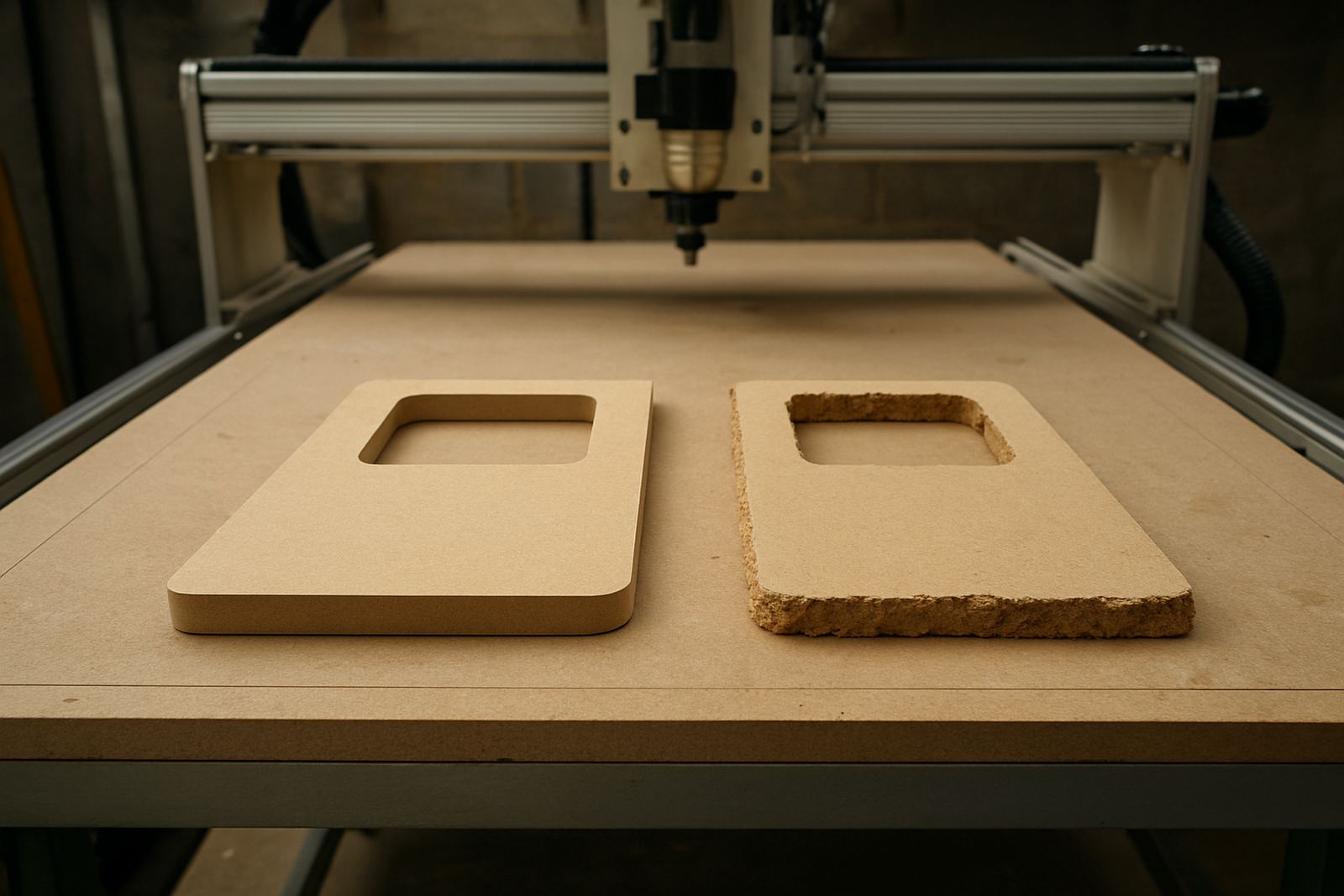
A sharp cutter leaves a clean edge. A worn cutter burns, chips or tears fibres, especially on melamine faced board and laminated panels. Many workshops keep cutting long after a tool should have been replaced because the machine is still moving and chips are still coming off. That is where finish quality starts to drift.
For wood based materials, a dull edge often shows as fuzzing or small chips at the top surface. On plastics, it can leave melted edges or a cloudy finish. On soft aluminium, the cut may look shiny in some areas and torn in others. If the tool is pulling hard to one side or leaving a chatter mark, inspect runout, collet condition and clamping before continuing.
- Use the right cutter type for the material and the finish required.
- Replace worn tools before edge quality starts dropping on production jobs.
- Keep collets clean and free of dust, resin and chips.
Feeds, speeds and pass depth must match the job
Surface marks are often a sign that the machine is cutting too slowly or taking too much material in one pass. In a small shop, operators sometimes lower the feed rate to be safe. That can make the cutter rub instead of cut, which leaves heat marks and rough edges. On the other hand, a feed rate that is too fast can cause chip-out and vibration.
The right balance depends on cutter diameter, spindle speed, material thickness and how firmly the sheet is held. A clean chip should look like a chip, not dust, and the sound of the cut should stay even. If the sound changes during a run, stop and check whether the tool is overloaded or the vacuum has dropped. A simple test cut on scrap is usually quicker than reworking a finished panel later.
- Reduce pass depth when a finish cut is showing tear-out or chatter.
- Adjust feed so the cutter removes material cleanly, not by rubbing.
- Use scrap pieces to test a setting before cutting a full sheet.
Vacuum hold down and table setup affect edge quality
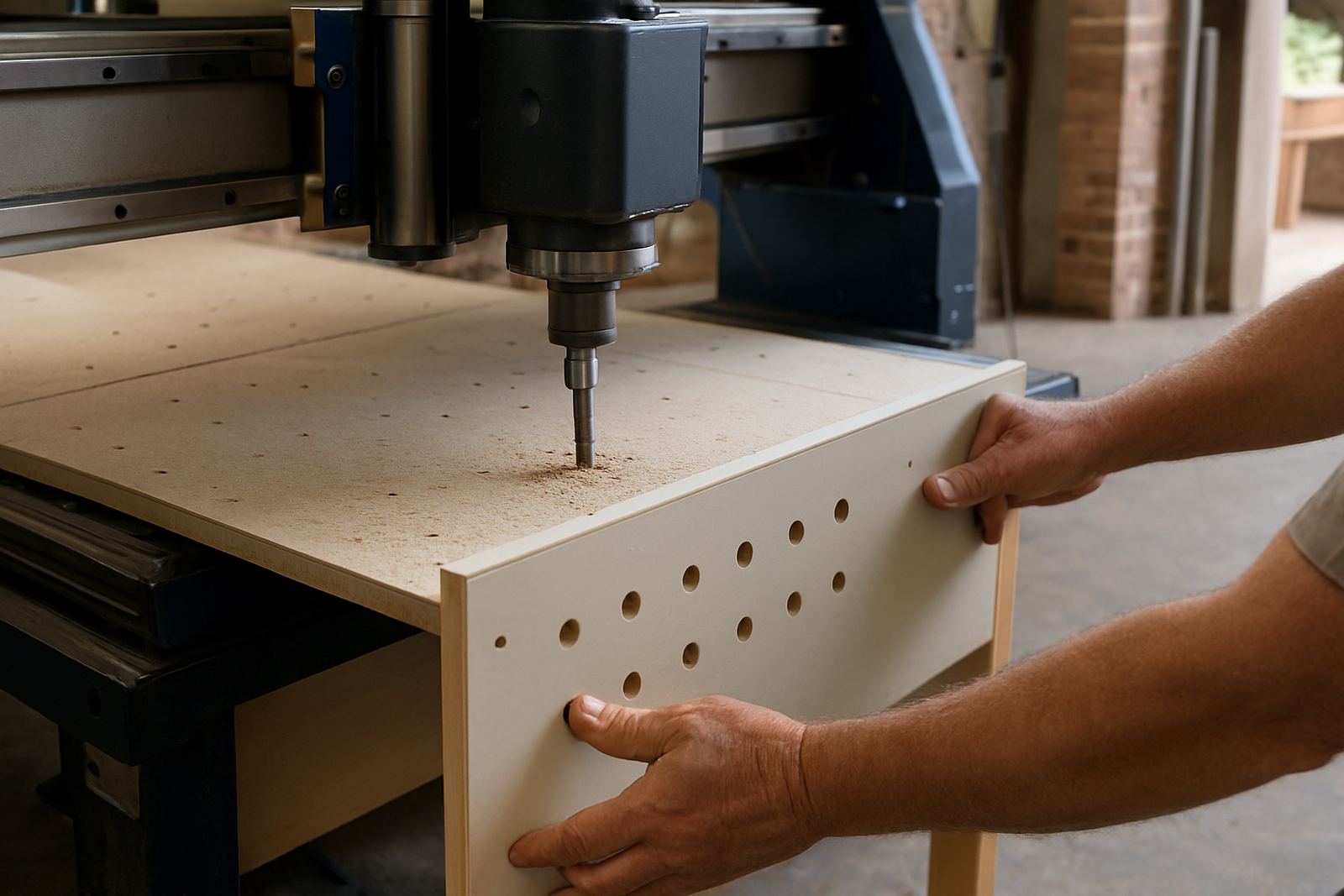
Even a well set machine can leave poor edges if the sheet shifts during the cut. Vacuum hold down, spoilboard condition and table zoning all affect how the material behaves under load. A weak vacuum line, leaking gasket or blocked duct can let one side of the sheet lift just enough to ruin the cut.
This is common in busy workshops where the dust extraction and vacuum systems share a tight space. In Germiston, we often see machines that cut well in the morning and then start showing marks once the table has built up dust. The fix may be as simple as cleaning the spoilboard, checking for leaks, or balancing the dust system so airflow does not fight the vacuum table.
- Check spoilboard wear and reface it when grooves become too deep.
- Test vacuum zones separately to find leaks or weak sections.
- Keep the table clear of chips so the sheet sits evenly.
Chip-out usually shows up at entry and exit points
Rough edges at the start or end of a cut can come from the tool entering the material too aggressively, or from the board not being supported as the last fibres separate. That is why lead-ins, tabs and climb versus conventional cutting choices matter. A good nest should not only save material, it should also respect the direction that the cutter will meet the fibres.
For laminated boards, score cuts and the right order of operations can reduce breakout. For solid timber, grain direction is important and needs to be checked on the nesting layout. Small changes to entry strategy can make a visible difference, and often save time on sanding and edge cleaning. If the part is narrow, make sure it is supported all the way through the cut, not just at the start.
- Use lead-ins where a visible start mark would spoil the part.
- Add support or tabs to small parts that can move before cut out.
- Consider cut direction on laminated or grain sensitive materials.
A simple check routine saves more time than repeated rework
Most finish problems can be solved by checking the same few points in the same order. That routine should be part of daily operator habits, not just a service visit. When teams know what to inspect, they catch small issues before they turn into scrap.
For example, a sign shop in Pretoria East was getting rough edges on acrylic panels after a summer power interruption. The culprit was not the drawing or the router itself. The tool was fine, but the controller settings had changed after a restart, the vacuum line had a small leak, and dust had built up on the spoilboard. Once those points were corrected, the finish returned to normal and the team stopped reworking parts. Small checks made the difference, and the job moved faster.
- Verify tool condition before every production run.
- Check vacuum, dust extraction and spoilboard cleanliness each shift.
- Back up controller settings so unexpected resets do not change cut quality.
When to call for support or a machine visit
If the same finish issue keeps returning after the basics are checked, the machine may need a closer look. Spindle condition, axis alignment, vacuum leaks, controller settings and dust system balance can all affect cut quality in ways that are not obvious from the outside. That is when a structured inspection saves time.
For South African workshops, this matters during load shedding, after relocation or when a machine has been working hard in a dusty environment. A proper check can include installation review, commissioning, preventive maintenance, spindle service, controller backups, tooling setup and operator training. The aim is simple: fewer surprises at the table and a cleaner part coming off the machine.