When auto toolchange starts paying for itself
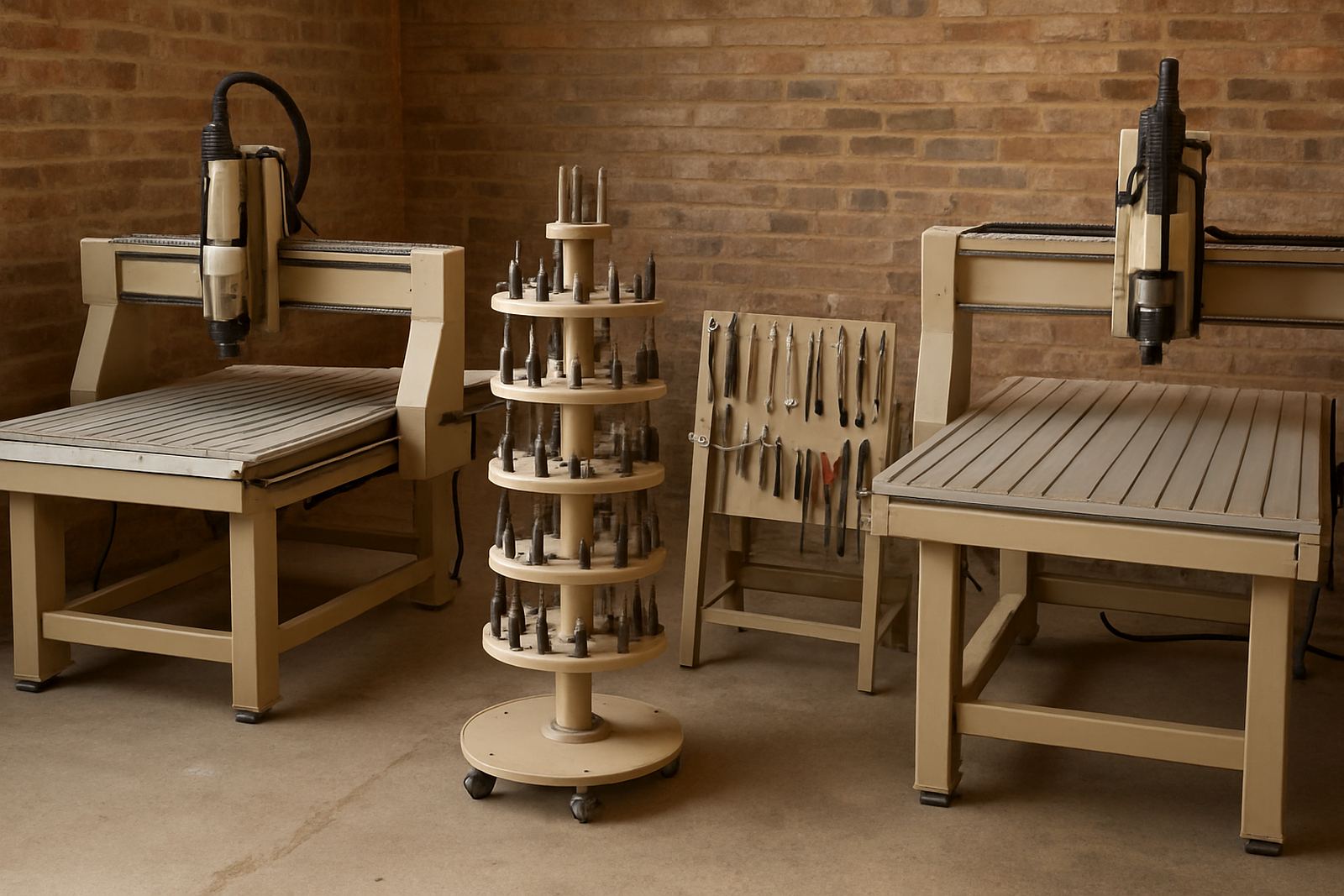
Auto toolchange makes sense when your jobs use three or more tools often enough that manual swaps are slowing the day down. If every sheet needs a roughing cutter, a finishing cutter, a drill, and a chamfer tool, the time saved adds up quickly. If you do one-off parts with only a single cutter, the extra cost and setup may not return much.
For many Johannesburg and Durban workshops, the real gain is not only speed. It is consistency. The machine returns to the same tool length and offset every time, which helps when you are nesting full sheets, cutting sign boards, or doing repeat cabinet parts under pressure. That said, the benefits only show if the operator is comfortable with tool tables, offsets and safe proving routines.
- Count how many tool changes happen on an average sheet or batch.
- Work out minutes lost per change, including walking to the rack and checking offsets.
- Compare that time against your weekly machine hours and labour rate.
- Factor in scrap saved from fewer manual setting errors.
Check your parts before you choose the spindle and rack
Not every cutting job needs the same auto toolchange setup. A furniture shop cutting melamine and MDF may need a different spindle taper, holder set and tool rack size to a sign shop doing acrylic, PVC and aluminium composite board. Start with the parts you actually cut, not the catalogue spec.
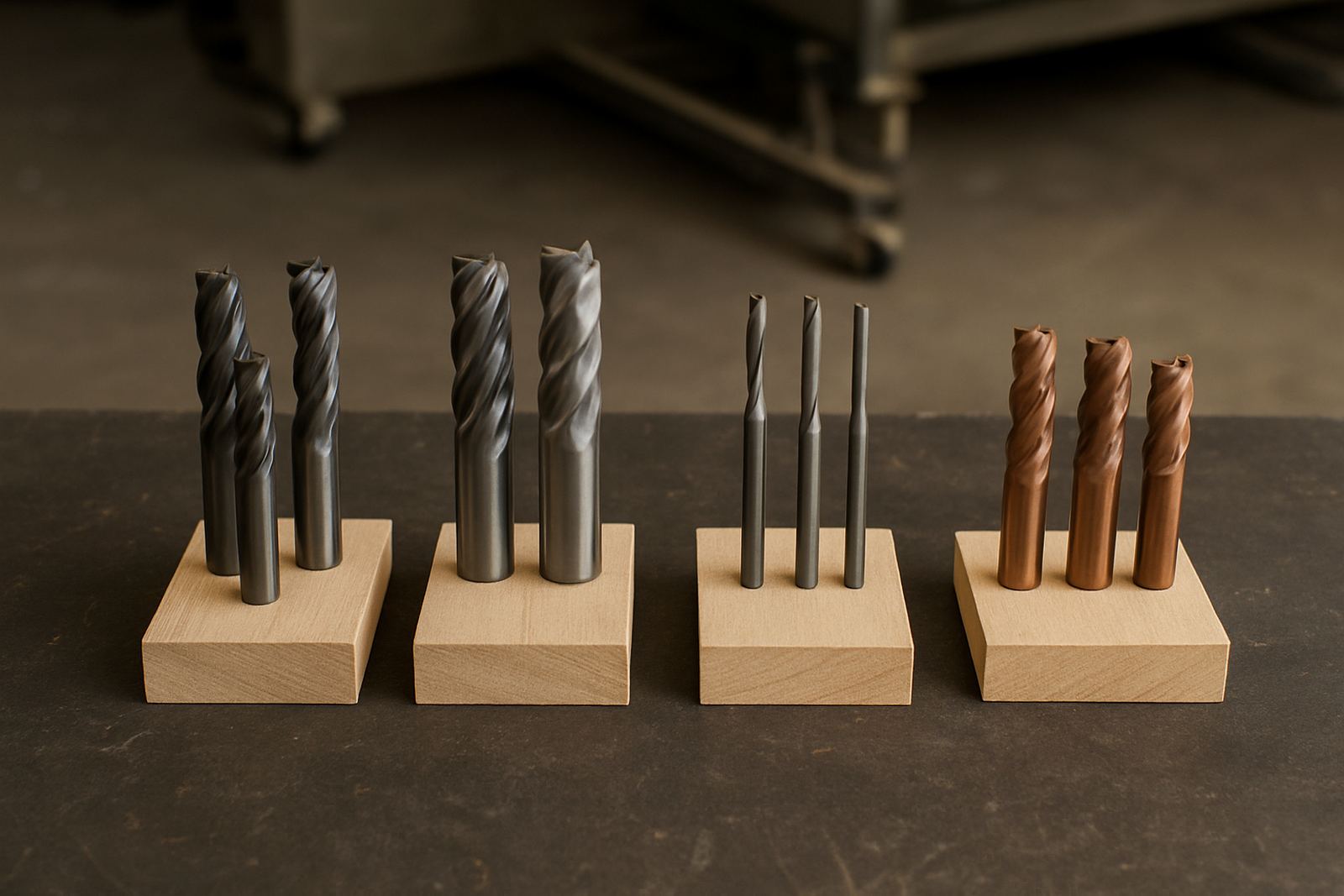
Look at the diameter and length of your common cutters, how often you need drilling or pocketing, and whether you use aggregate heads or special tooling. Then check the machine envelope, because a rack that looks fine on paper can become tight once you add dust shoes, clamps and long cutters. On smaller Germiston floors, space around the gantry and service access matters too.
- List your top 10 jobs from the last month.
- Mark every tool used on each job.
- Note any cutters longer than standard, or odd holders.
- Check whether your dust extraction and table layout leave enough clearance for tool access.
Simple setup checks before commissioning
A good auto toolchange machine still needs a careful first setup. Tool pockets must be aligned, the drawbar force must be correct, and each tool length needs to be recorded cleanly. If one tool sits even a little out, you can lose a part or crash a clamp. That risk is higher on new installs where people rush to make parts on day one.
Before commissioning, make sure the workshop has stable power, clean compressed air, and enough dust extraction capacity. In coastal areas, humidity can affect tooling storage and air lines, while in winter dry dust can build up fast in controllers and magazines. A proper controller backup should be done before any live production work starts.
- Verify air pressure at the machine, not only at the compressor.
- Check spindle warm-up procedure and tool clamping force.
- Load tool lengths one by one and record them in the correct order.
- Run a dry cycle with the cutter clear of material and clamps.
How to train operators so tool changes stay safe
Auto toolchange saves time only when the team trusts the process and follows the same routine every shift. The operator must know how to stop the job safely, recover after a fault, and confirm the right tool is in the spindle before restarting. Clear rules also reduce the small mistakes that come from shift handover and load-shedding interruptions.
Keep training practical. Show the team how to inspect holders, clean pockets, check for chipped cutters, and watch for dust build-up around the rack. A short checklist at the machine works better than a long manual that nobody opens during a busy morning.
- Start with one standard job and one tool set.
- Teach manual recovery before full automatic cycles.
- Show how to confirm offsets after a power interruption.
- Keep spare holders, collets and cutters in a labelled cabinet nearby.
Common problems and what to check first
If the machine is missing a pocket, failing to pick a tool, or returning the wrong length, begin with the basics. Look for dust in the magazine, low air pressure, worn holder surfaces, and bad tool data. Many faults are simple, but they can waste hours if the checks are done in the wrong order.
For South African workshops, the most common issues are not fancy software faults. They are dirty air, loose tooling, poor dust extraction, and operators bypassing the first signs of trouble. A steady maintenance routine is cheaper than an emergency callout after a crash.
- Clean the rack and spindle taper regularly.
- Check air lines for water, oil and leaks.
- Inspect tool holders for scoring or wear.
- Confirm that controller backups are current after any major edit.
A practical decision checklist for your workshop
Use this checklist before you commit to auto toolchange. If most answers are yes, the machine is likely to earn its keep. If not, a simpler router may suit you better and leave more money for tooling, extraction and training.
Ask whether your jobs repeat, whether your team can keep the tooling clean, and whether your floor space allows easy access to the rack and service points. Also check whether the machine will be used for one shift or two, because higher utilisation usually makes auto toolchange easier to justify.
- Do you use three or more tools on regular jobs?
- Do you run enough machine hours each week to recover the extra cost?
- Can your workshop keep air and dust under control?
- Will operators follow the same loading and recovery steps every time?
- Do you need support for installation, tool setup and preventive maintenance?
If you need help comparing options, MultiCAM can assist with machine selection, tooling notes, commissioning and operator training for workshops in Germiston, Johannesburg East, Midrand, Pretoria East, Durban North and Cape Town North.