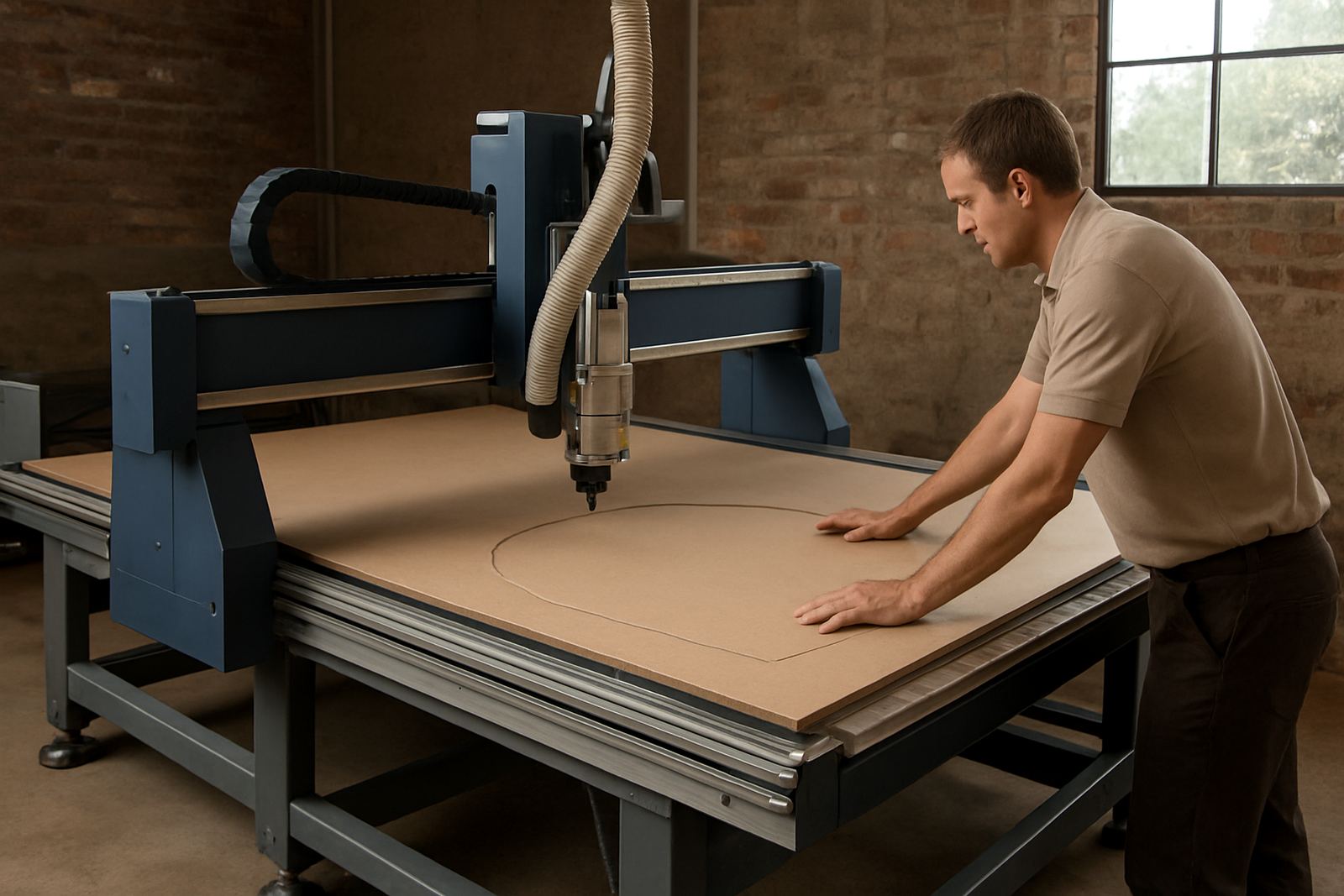
What a contour cut router does in daily production
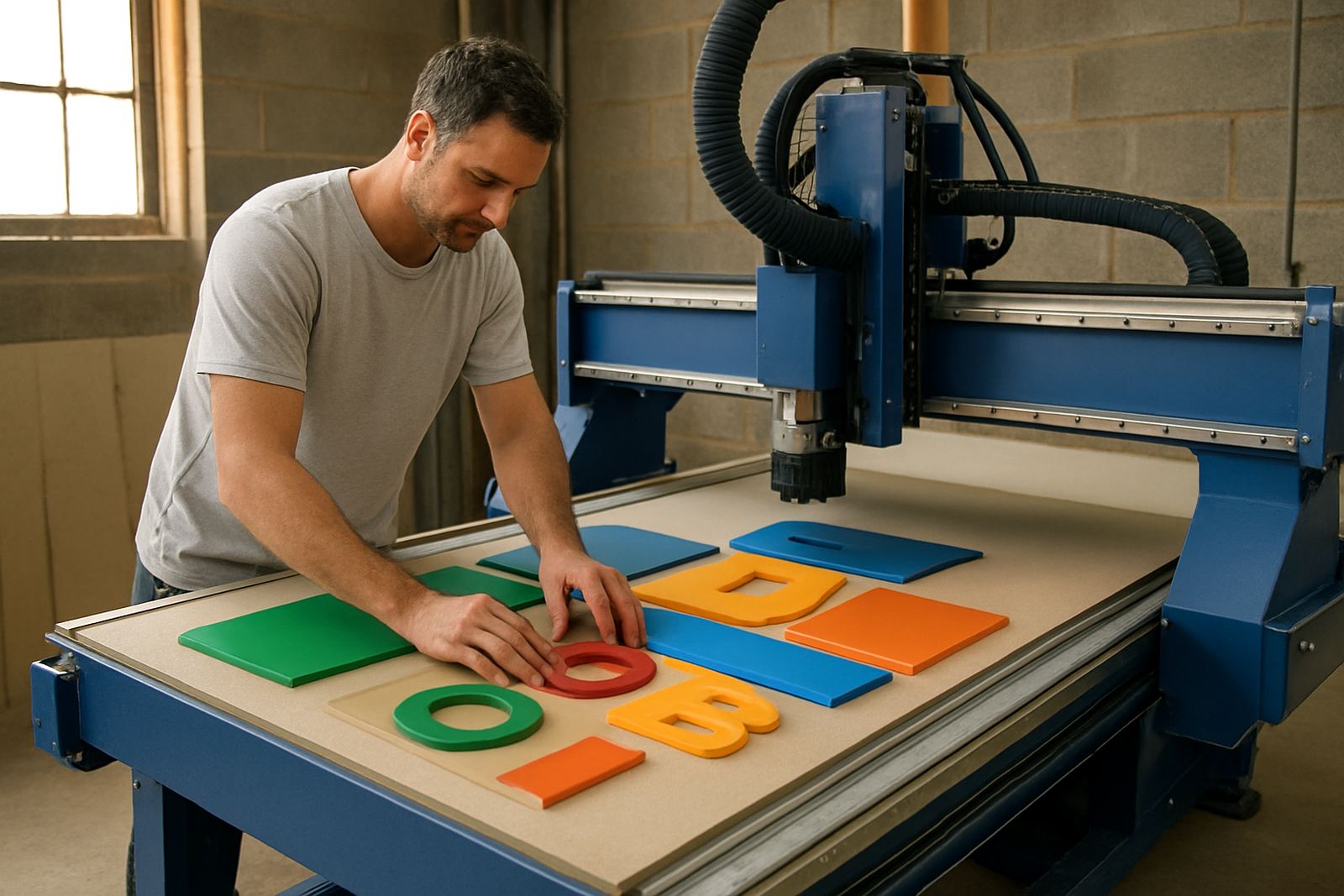
A contour cut router is used after printing, nesting or panel preparation to cut along a shape rather than just a straight line. That makes it a good fit for sign shops, board fabricators, cabinet makers and display teams working with printed ACM, foam board, MDF, acrylic, plastics and selected soft metals. The aim is simple: get the part off the table in the right shape, with less hand finishing and fewer surprises later.
On many jobs the same machine can do printed board trimming in the morning, then nesting for furniture parts in the afternoon. That flexibility helps when a workshop has limited floor space and power, or when one team has to handle a mix of short runs and repeat work. It is not a one size answer, but it does cover a lot of regular shop work well enough.
Machine sizes, table options and holding methods
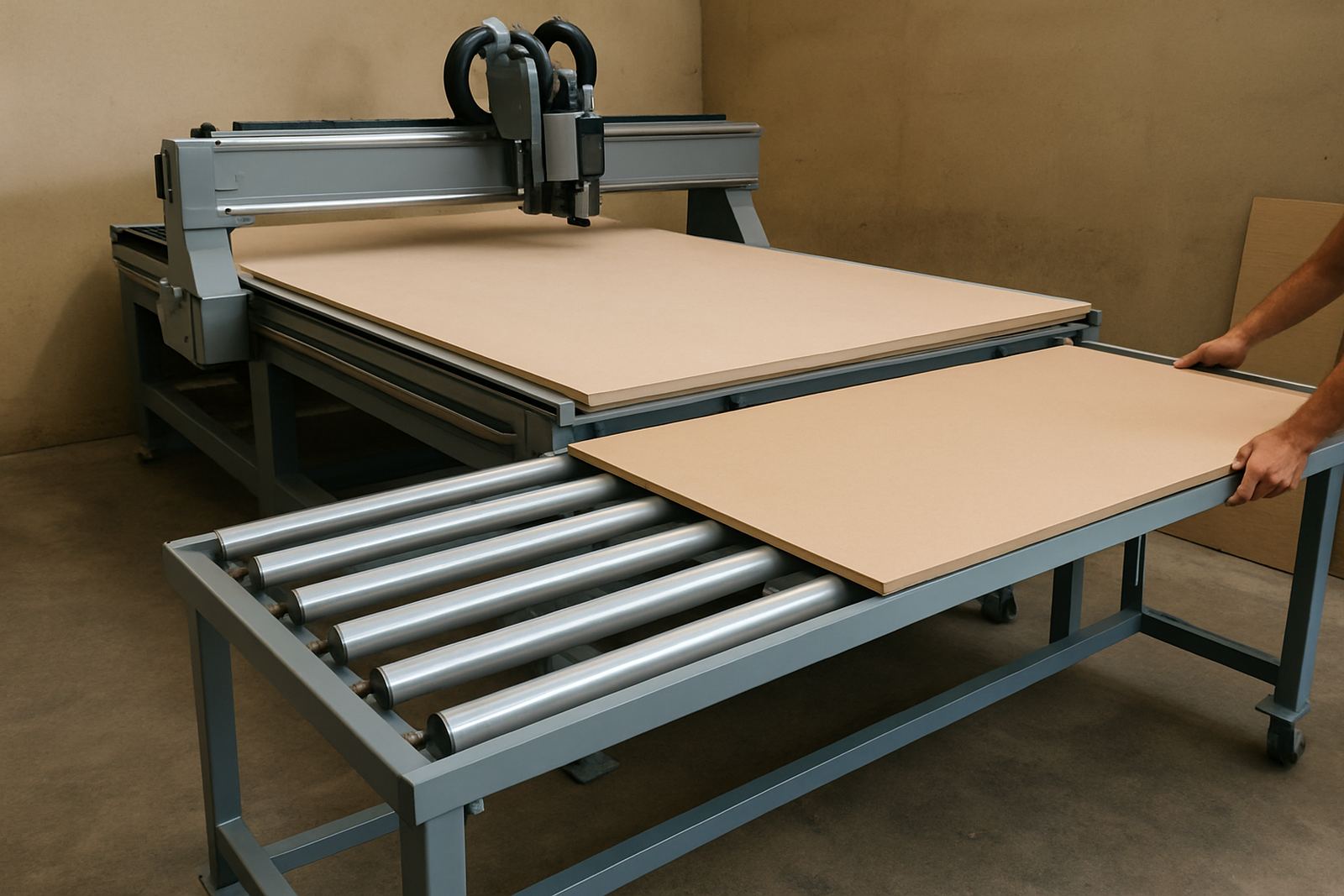
Contour cut routers are usually specified by cutting area, table style and how the material is held down. Common working sizes include 1300 x 2500 mm, 1500 x 3000 mm and larger production beds. For longer board work, an extended bed or twin-zone setup can help when sheets need to be loaded and unloaded while the next job is still running.
- Fixed table options for consistent nesting work
- Vacuum tables for sheet holding on board and panel jobs
- Hybrid hold down for mixed material use
- Automatic tool change for shops running multiple cutter types
- Camera or registration options for printed contour alignment
For printed work, vacuum hold down and good board flatness matter more than many teams expect. A clean table and even suction can save time on every job, especially when the board has slight curl from heat or humidity.
Where this machine suits South African workshops
This format suits jobbing sign shops, display fabricators, kitchen and furniture plants, and light industrial workshops that need outline cutting without sending work out. It is also useful where municipal by-laws or site conditions make dust control and organised extraction important. In coastal areas, humidity can affect board storage and vacuum performance, so material handling needs a bit of planning.
In Gauteng workshops, the machine often sits alongside panel saws, edgebanders and sanding stations as part of a small production line. In Durban and other humid regions, dust extraction and workshop airflow need more attention. If the shop runs loadshedding support or generator power, the power plan should be checked properly before installation so the router and dust system are not fighting for supply.
- Printed signboard trimming
- Foam and display panel shaping
- Furniture part nesting
- Plastic sheet profiling
- Soft metal trimming where applicable
Installation, power and workshop requirements
Before installation, the floor area should be level, clear and able to carry the machine and vacuum system. A contour cut router needs proper access for loading sheets, service checks and dust removal. If the machine is going into an active workshop, plan the route in and out first, because a tight doorway or low beam can cause delays on install day.
Power needs depend on the machine size, spindle, vacuum table and any dust extraction package. Many installations use three phase supply, and the electrical design should allow for starting current and clean earthing. Some sites run backup power for short outages, but not every backup solution handles a CNC router and vacuum pump at the same time, so that must be checked early. Gas is not normally required for this machine type.
- Level floor and clear loading path
- Suitable three phase power supply
- Reliable earthing and breaker protection
- Vacuum pump placement with service access
- Dust extraction sized to the cutting load
Tooling, setup and operator friendly control
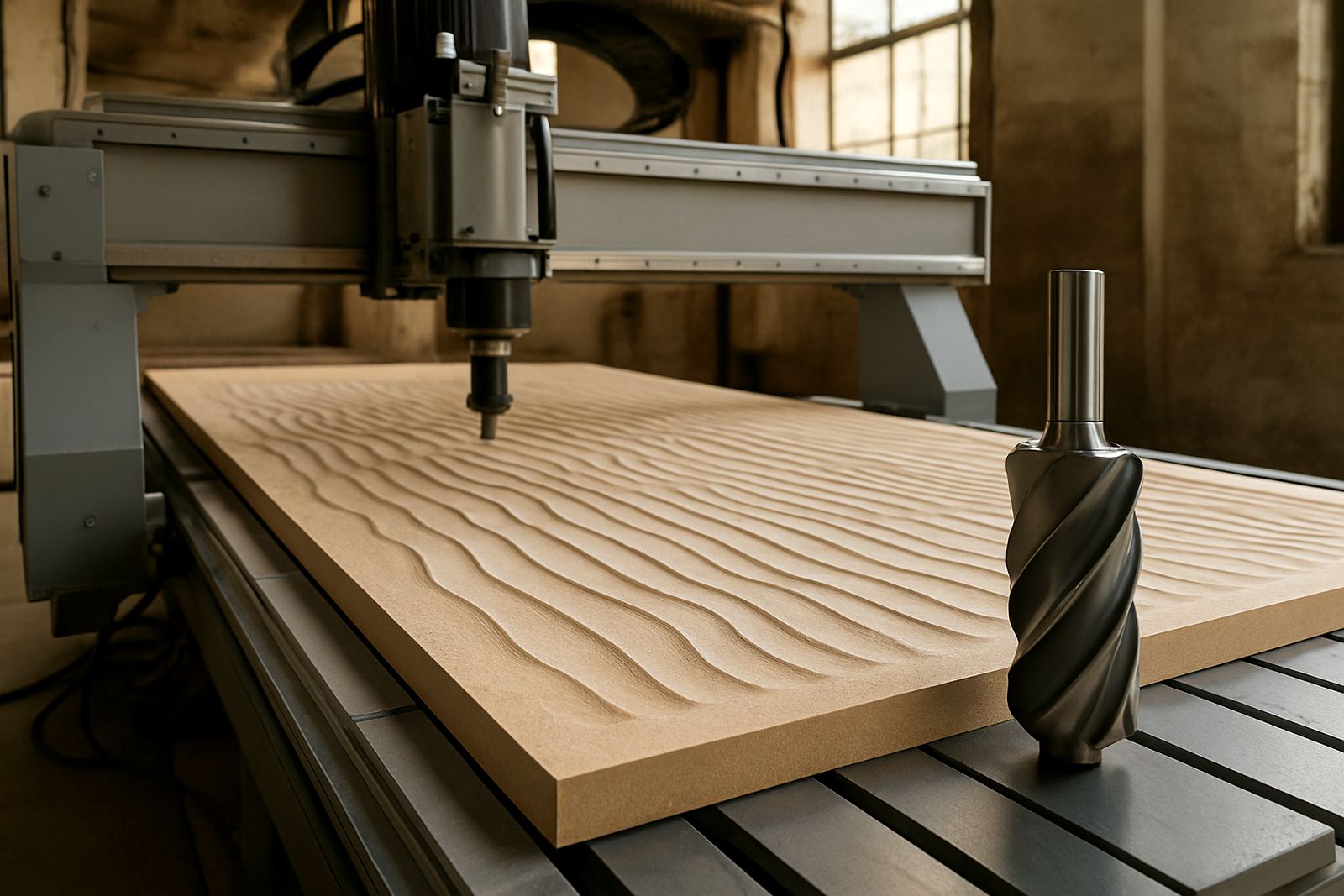
Good contour cutting starts with the right cutter, spindle speed and feed rate for the material. A sign board edge wants a different approach from a thick MDF panel or a plastic sheet. MultiCAM helps shops with tooling notes and setup guidance so operators can avoid burnt edges, chatter marks and broken cutters. The work is practical, not fancy.
Controller setup matters too. Clear file naming, clean origin setting and correct tool offsets reduce scrap. Where printed work is involved, registration and trim path checks should be done before the full run starts. One missed offset can waste a full sheet, so a short setup routine is worth the time.
- Tooling matched to material and finish
- Spindle speed and feed rate guidance
- Cut depth and step down setup
- File check before first cut
- Operator training for day to day use
Care, servicing and common workshop checks
Like any CNC router, this machine works best when dust is controlled and the moving parts are kept clean. Vacuum leaks, blocked filters and worn cutters all show up quickly in the finish. Preventive maintenance should include spindle checks, controller backups, cable inspection and a look at the vacuum table for leaks or damaged seals.
In busy shops it helps to set a weekly routine. Clean the bed, check extraction, inspect the cutter holders and listen for changes in spindle noise. If the machine starts marking edges or losing cut quality, do not keep pushing jobs through it. That usually makes the next fault more expensive to fix, and it can cause a messy backup of work.
What to verify before placing your order
Before ordering a contour cut router, confirm the sheet sizes you handle, the materials you cut most often, and whether you need printed registration, nesting, or both. It also helps to know if the machine must fit through a narrow entrance, share power with other equipment, or move between sites later on. For some workshops, machine relocation support is part of the long term plan.
Ask for a clear machine match rather than choosing on table size alone. The right spindle power, vacuum arrangement and dust system should fit the work you actually do, not just the biggest sheet on the floor. That approach keeps the machine useful after the first rush of orders has passed.
- Largest sheet size you need to cut
- Material list and thickness range
- Need for print registration or camera alignment
- Available power and backup power plan
- Space for dust extraction and maintenance access
Key facts
| Working area | Common options from 1300 x 2500 mm to 1500 x 3000 mm and larger |
|---|---|
| Materials | Printed board, MDF, plywood, acrylic, plastics and selected soft metals |
| Table type | Vacuum, fixed table or hybrid hold down options |
| Spindle | Variable speed CNC spindle with cutter-specific setup |
| Power | Usually three phase supply, final requirement depends on size and vacuum system |
| Support | Installation, commissioning, operator training, maintenance and relocation |