When to book CNC training
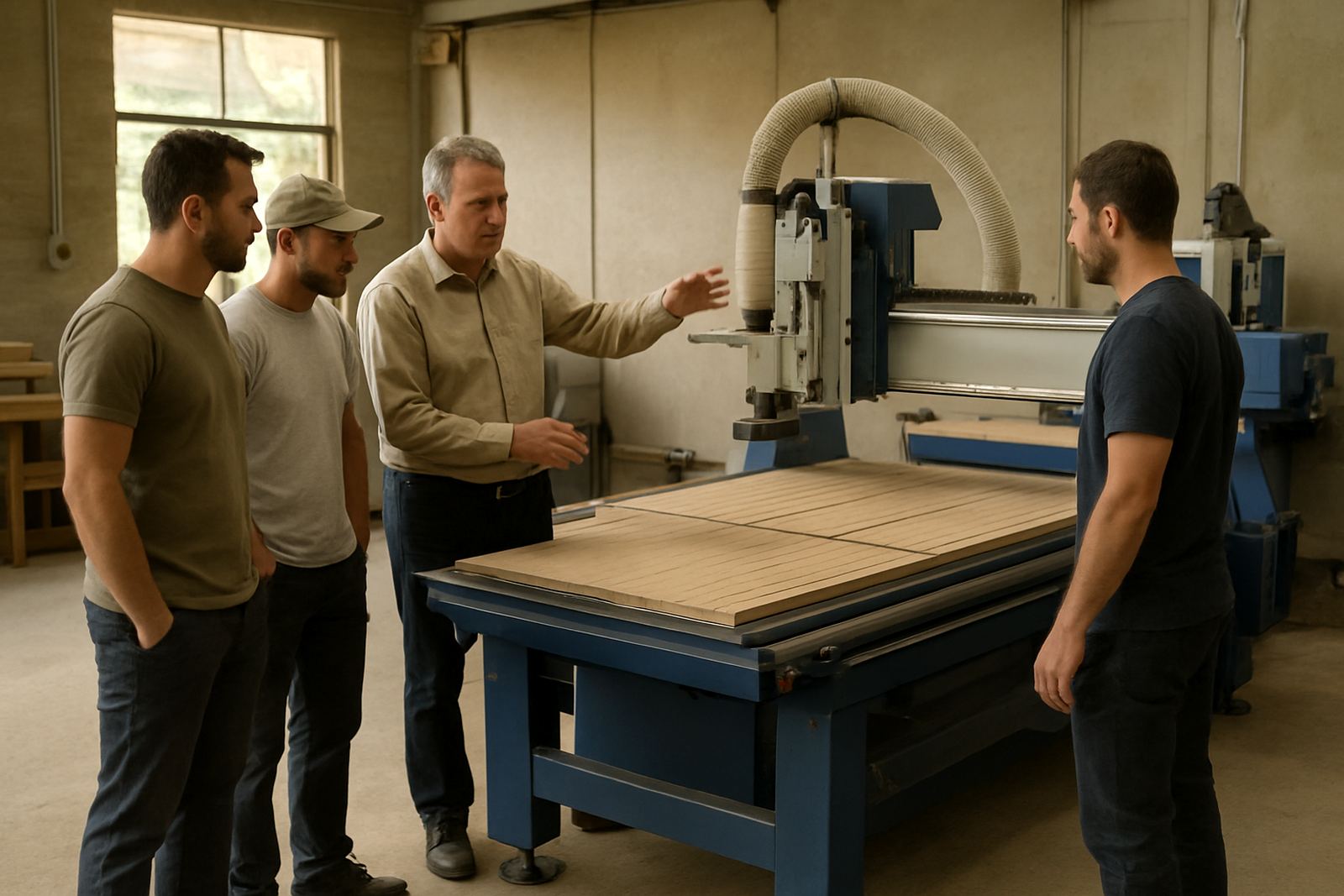
Training is worth arranging before the first rush job, after a machine move, or when your team starts cutting new board sizes, plastics or soft metals. In many workshops the machine is technically ready but the people are still learning feed rates, zeroing, nesting habits and safe tool changes. That is where costly mistakes start.
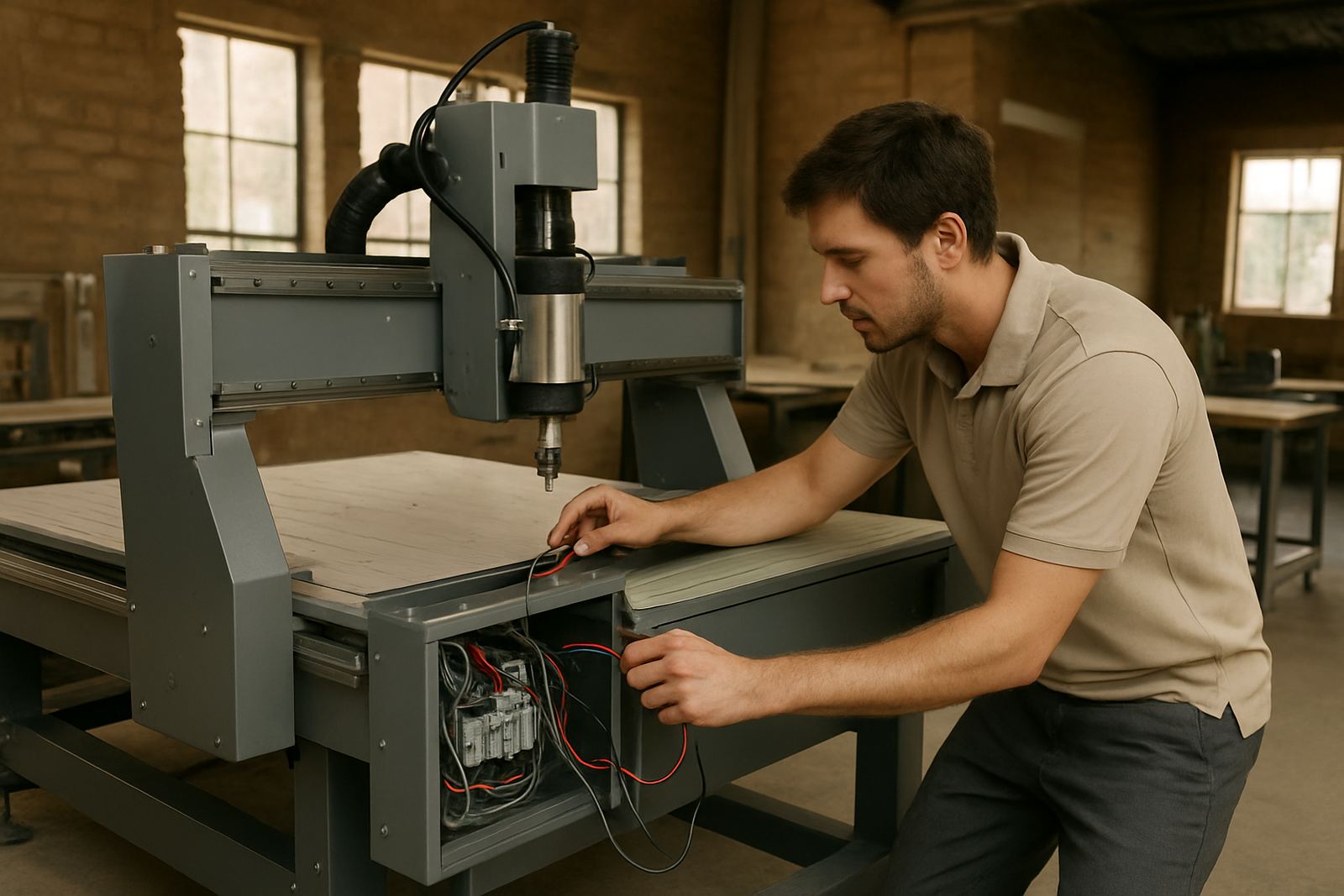
We also see a need for refresher sessions when production changes, especially in shops that run different shifts or have new supervisors checking work. If your output has become uneven, parts are burning at the edge, or operators are unsure about vacuum hold-down and tool offsets, a short session can save a lot of scrap.
What the training request covers
Tell us what the team needs to do, what machine model is on site, and what materials are being processed. That lets us plan training that is practical for your floor and not just general theory. We can work with entry-level routers through to production cells with nesting tables and dust extraction.
- Basic operator familiarisation and safety
- Job loading, origin setting and tool change routines
- Material-specific cutting notes for wood, plastics and soft metals
- Controller use, backups and simple fault checks
- Tooling setup, spoilboard care and vacuum table checks
If your workshop is in Germiston, Johannesburg East, Midrand, Pretoria East, Durban North or Cape Town North, we can plan the session around site access and production timing.
How the request process works
Start by sending the machine details, the number of operators to be trained and the tasks they need to cover. We then confirm the right level of support and whether the session should be on one machine or across several workstations. If you have a lot of changeover work, we may suggest separating basic operator training from more advanced setup training.
- Send your company name, site address and contact person
- List the machine type, controller and main materials
- Say whether training is for new staff or a refresher
- Note any current problems such as poor cuts, dust build-up or vacuum loss
- Choose a date that fits production and delivery windows
Once the request is reviewed, the team can prepare the right notes and tools. That keeps the visit efficient and avoids wasting your shift time.
What operators learn on site
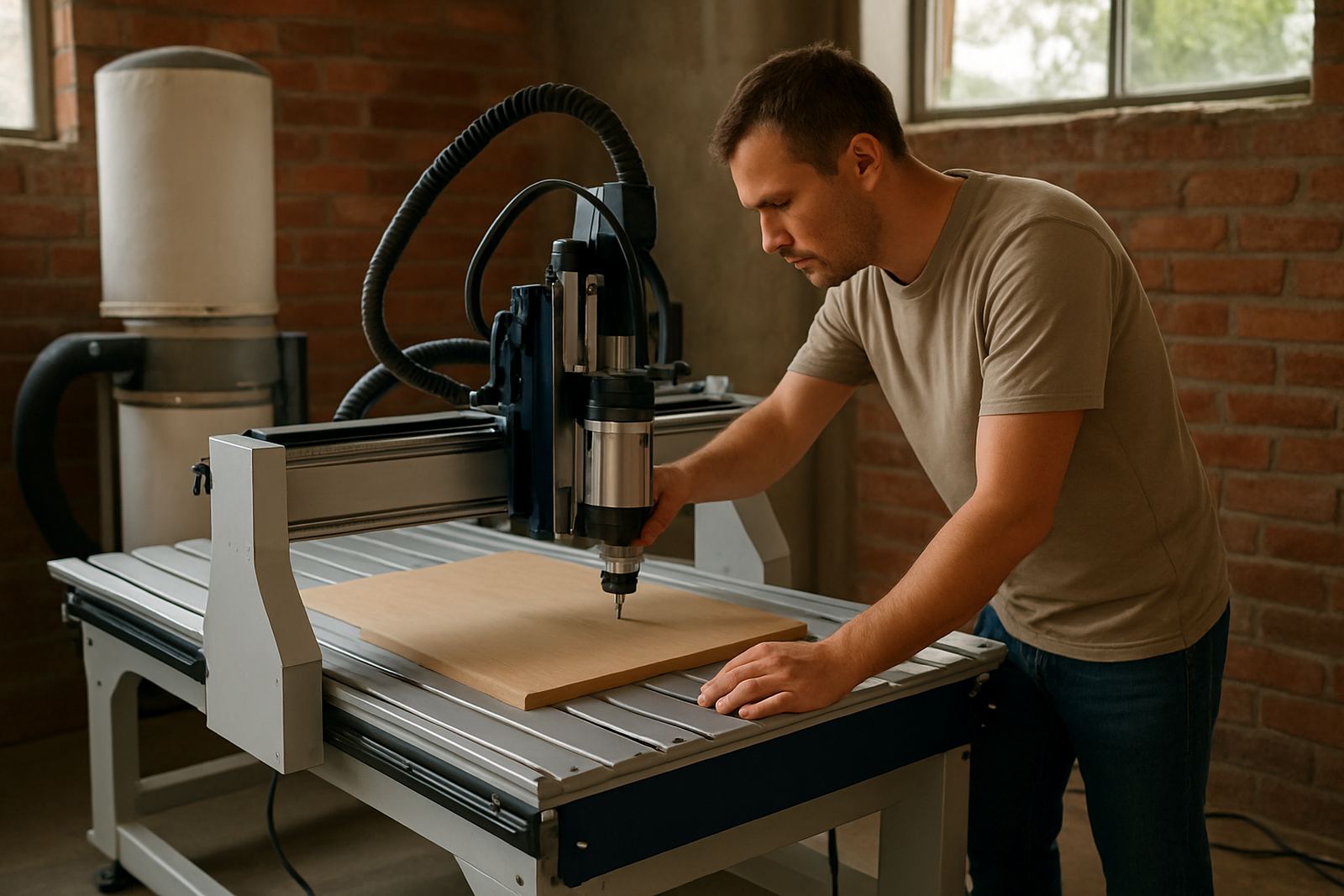
Our sessions focus on the things that affect daily output. Operators are shown how to load jobs correctly, check material flatness, set safe tool paths and confirm the first piece before starting a full run. We also cover routine care that helps the machine last longer in Johannesburg dust or coastal humidity down in Durban and Cape Town.
Depending on the setup, training may include spindle warm-up, vacuum leak spotting, dust system balancing and simple controller backups. If a team understands those basics, they are less likely to stop production over small issues that could have been handled earlier.
Preparing your workshop before training day
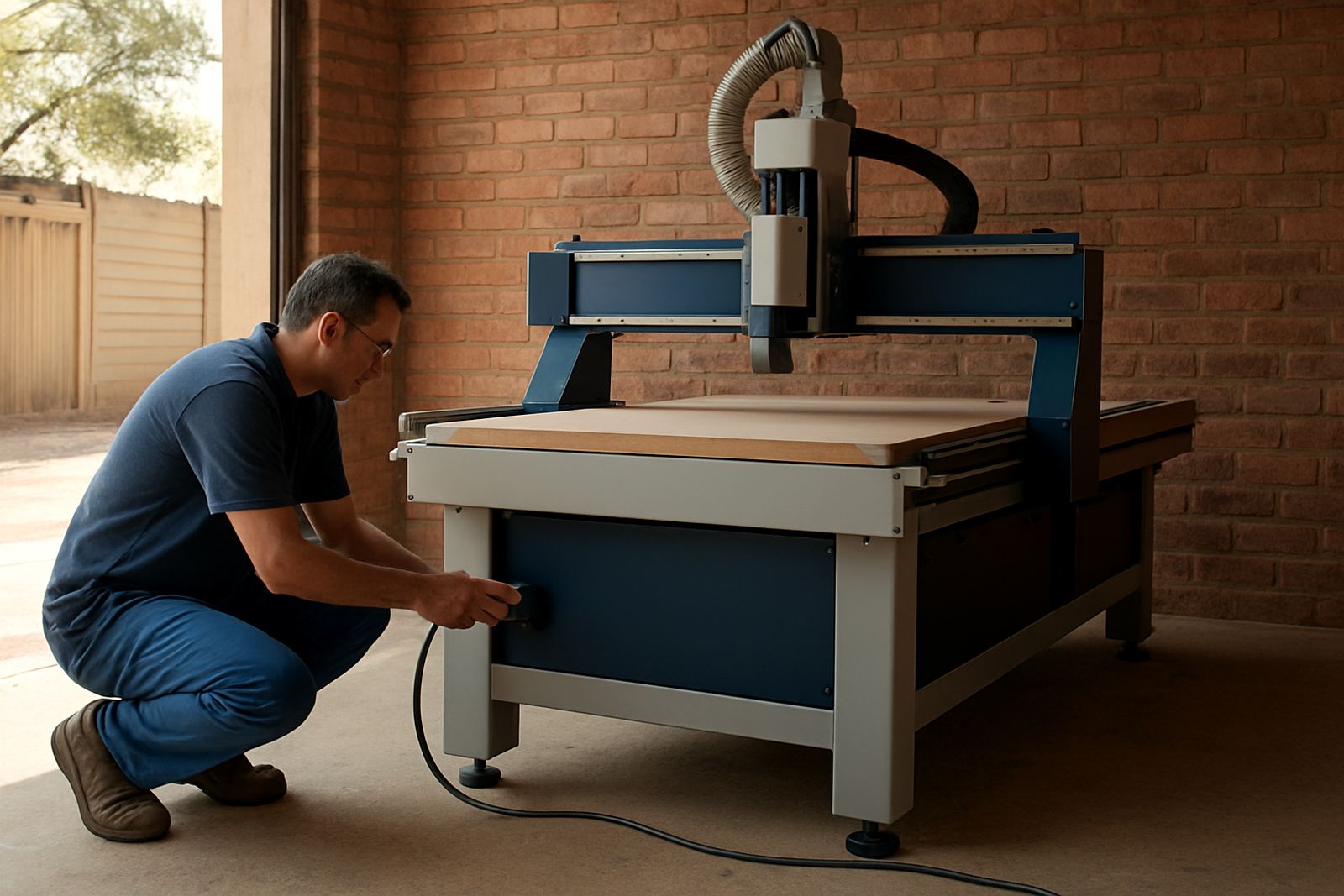
Prepare the machine and samples first so the training session can stay focused on your normal work. Have the normal tooling on hand, clear the cutting area and make sure the machine is powered, level and ready for demonstration. If there is a recurring fault, keep a sample part or photo nearby so the cause can be checked on the spot.
- Clear offcuts and packaging from around the machine
- Check compressed air, dust extraction and vacuum lines
- Keep manuals, passwords and backup files ready
- Provide sample sheets or offcuts from your usual material
- Make sure the operators who need training are on site
In areas with load-shedding, it helps to confirm what happened before the session and whether the controller needs a backup check after power interruptions. Small details like that often matter.
Support after the session
Training does not have to end when the visit ends. If your team needs follow-up help, we can look at tooling setup, controller backups, machine relocation, dust system balancing or a preventive maintenance plan. That is useful when staff changes happen often or when production grows faster than the workshop layout.
For Germiston base support and installations across South Africa, the aim is simple: help your operators cut cleaner parts with fewer surprises. When people know what the machine is asking for, the day runs better and the material waste drops.