Put routing near sign shop production
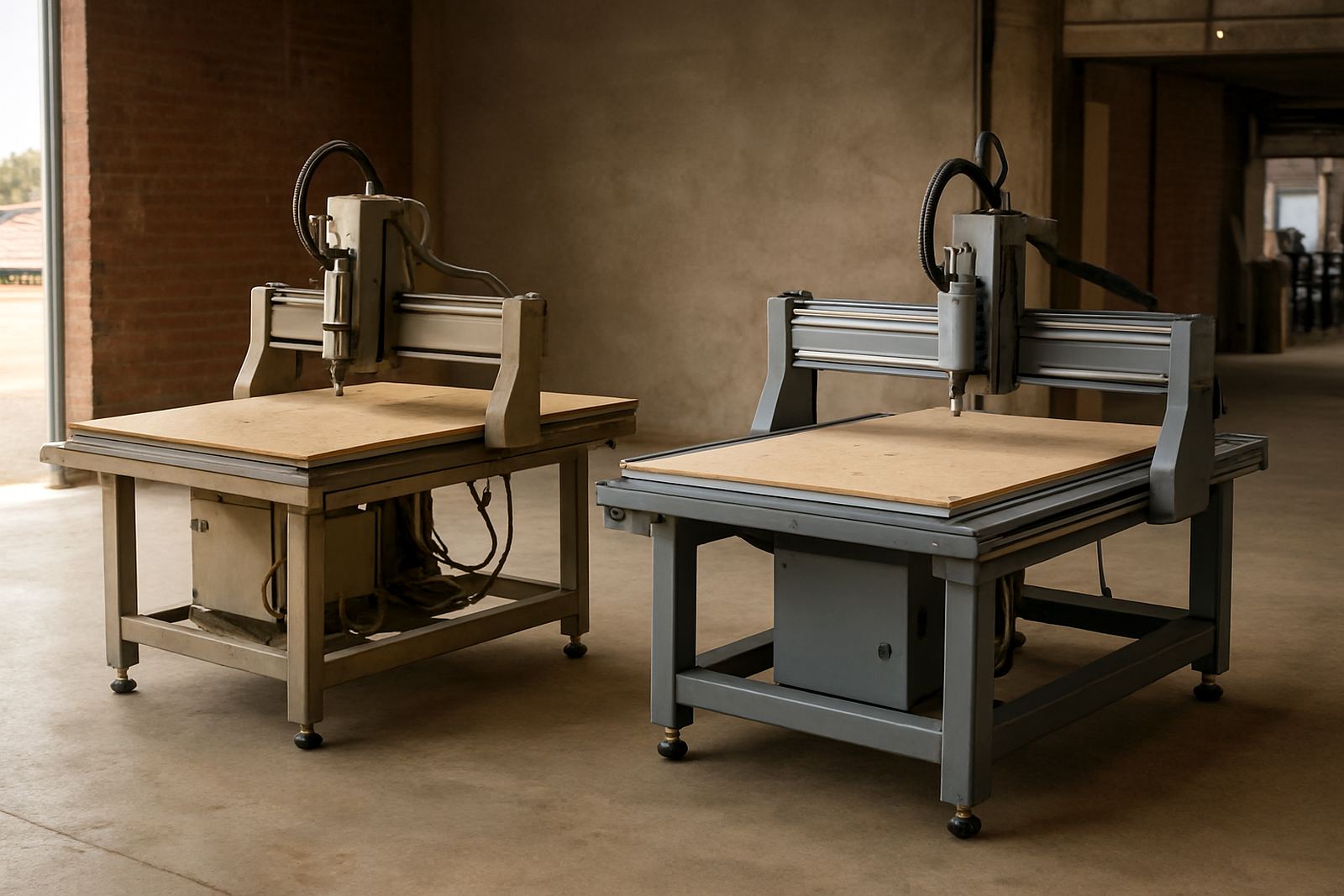
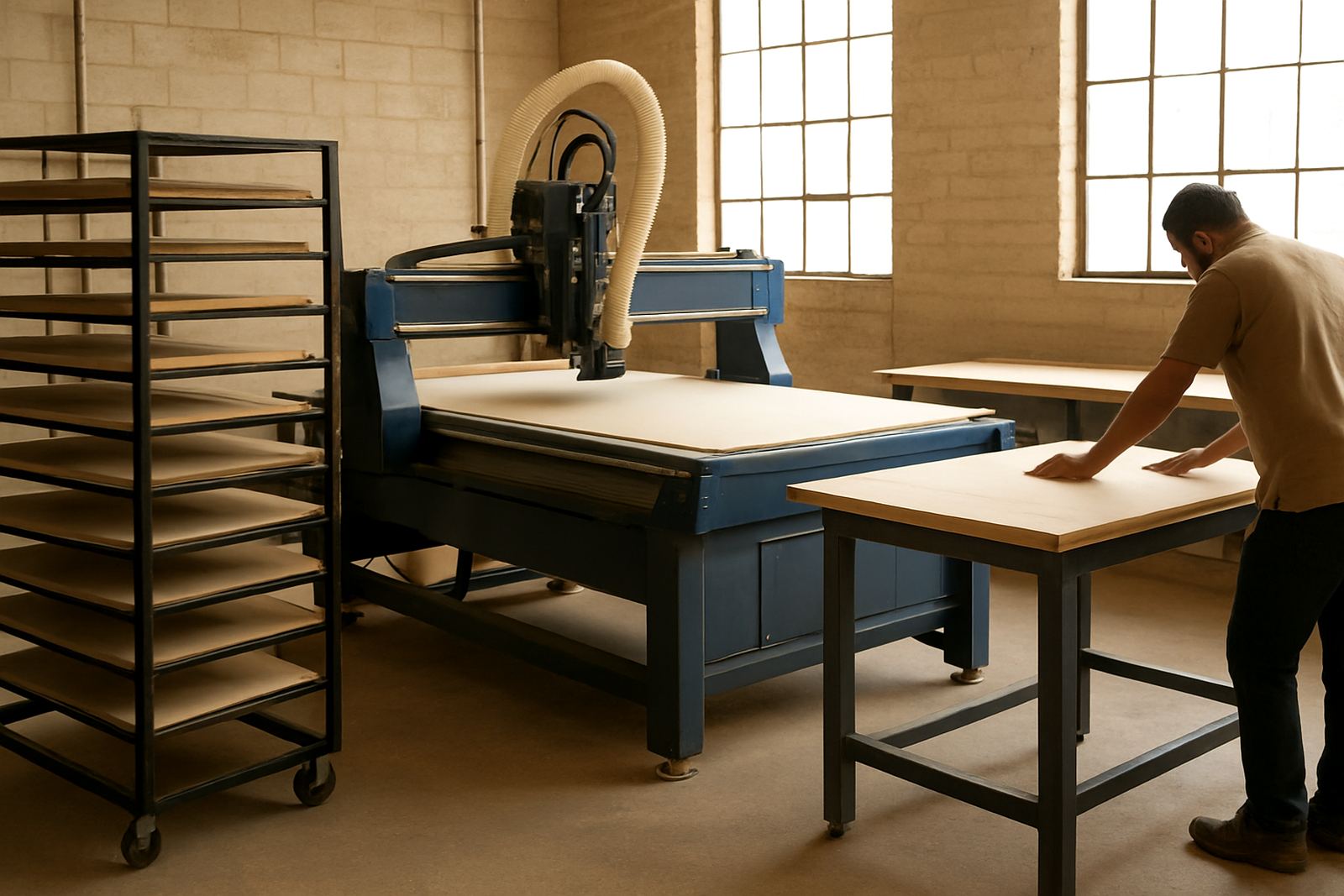
In a busy sign shop, routing should sit close to the print room and finishing table. Once the artwork is approved, the file needs to move into cutting with as little rework as possible. That matters when you are doing panels, lightboxes, shop fascia, wayfinding boards, point-of-sale displays and folded acrylic letters for multiple sites in one week.
Routing gives you repeatable edges, clean cut-outs and accurate registration holes, which is useful when vinyl, print, aluminium composite, foam board and acrylic all land on the same order. It also helps when the client wants the same job repeated later for another branch. If the first set was cut on a stable machine with proper tooling, the second set can match it much more closely.
For local shops, the workflow also has to cope with practical issues. Dust from MDF, condensation near the coast and load-shedding in the afternoon can all interrupt a job if the process is not organised. The machine is only one part of the system, the rest is how your team handles file prep, material loading and sign-off before cutting.
Start with the file, not the material
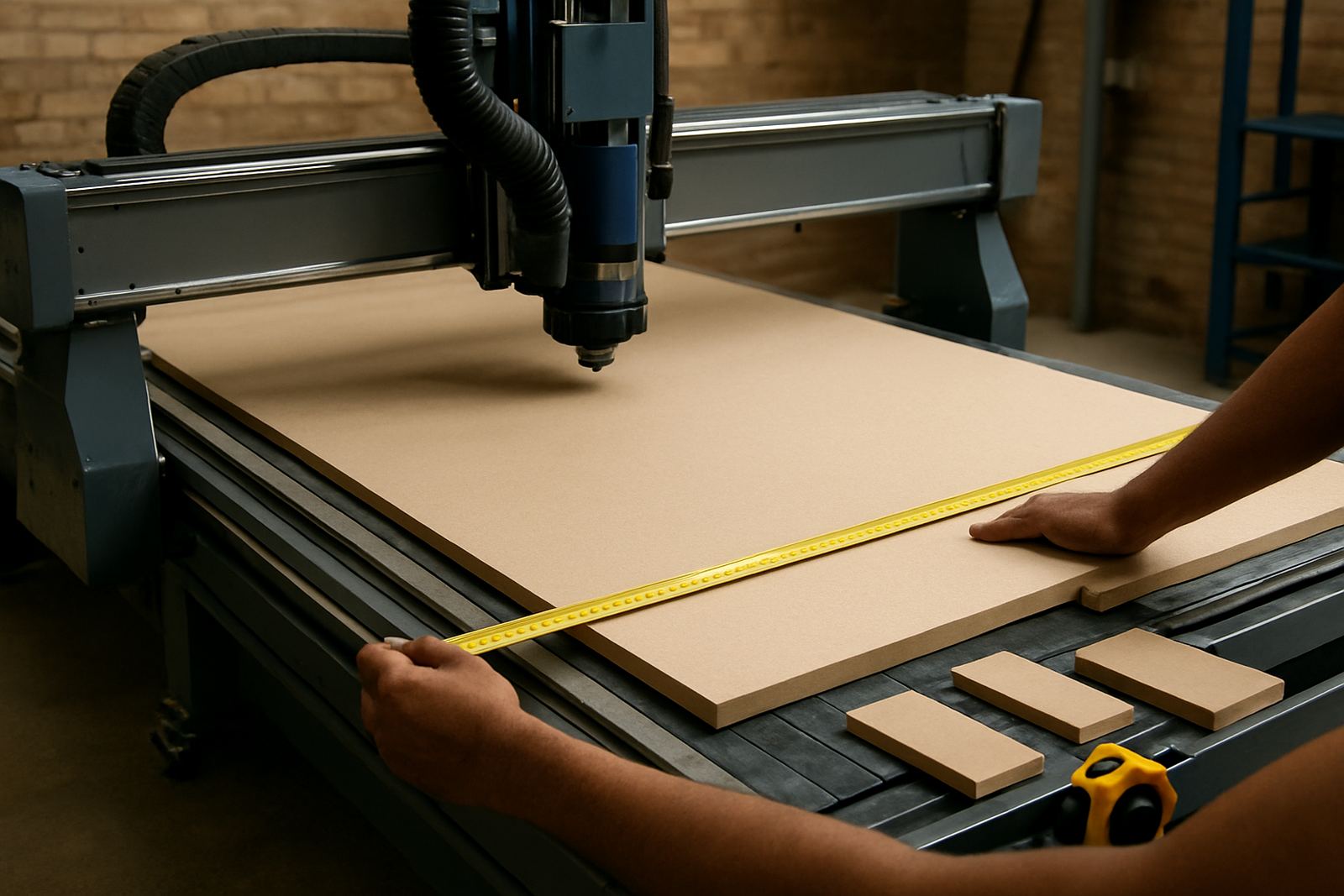
The cleanest workshop runs on a simple rule: confirm the file before you load the board. A sign job that looks fine on screen can still fail if the paths are open, the text has not been converted properly or the cutter allowance was ignored. That is where a clear pre-flight check saves time and expensive sheet material.
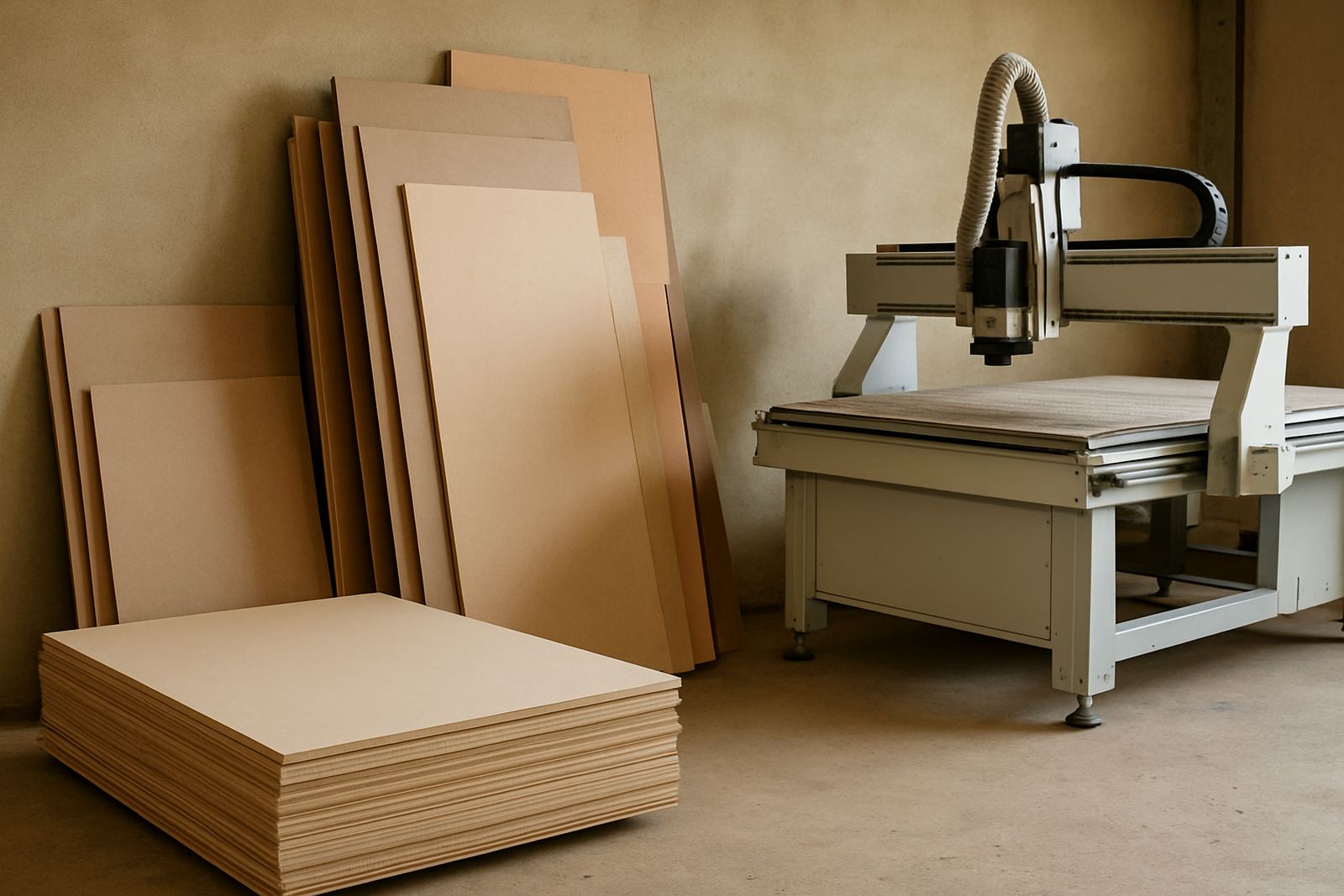
Before the router starts, the operator should know the sheet size, thickness, fixing method and finish. For example, a 2440 x 1220 mm board for a retail fascia may need different nesting from a long set of directional signs cut from 3 mm acrylic. If the material is thin and brittle, hold-down and tool choice matter just as much as the file itself.
- Confirm the finished size and allow for trim where the printer left bleed.
- Check that cut lines, drill holes and engraving paths are on separate layers.
- Match tool diameter to the smallest internal corner you can accept.
- Keep a naming system that the whole team understands, even during busy periods.
A small mistake at this point can ripple through the day. One missing line, one wrong origin point, and a whole panel may need rework. It is better to spend five minutes checking than thirty minutes re-cutting, especially when the next customer is already waiting.
Choose routing methods that fit sign materials
Sign shops do not cut one material all day. A Monday might include PVC board, a Tuesday acrylic and aluminium composite, then wood-based display panels later in the week. The routing method has to suit the material, the finish and the edge quality expected by the client.
For foam board and PVC, a sharp tool with proper feed and speed settings helps prevent tearing. Acrylic needs clean support under the sheet and careful chip removal so the edge stays clear. Aluminium composite panels need stable hold-down, a suitable cutter and enough dust extraction to stop swarf building up around the cut. A good machine setup makes those changes predictable instead of trial and error.
Tooling is part of the workflow, not an afterthought. When the cutter is blunt, the machine may still move, but the finish gets rough and the operator starts compensating in ways that waste time. In a sign environment, the best tools are the ones that let the team cut all day without chasing edge quality from one sheet to the next.
- Keep a simple tooling chart by material and thickness.
- Separate roughing cuts from finish passes on jobs with visible edges.
- Use vacuum and table support that suits small parts as well as full sheets.
How a sign job should move through the workshop
A practical sign workflow follows the same order every time. Artwork comes in, the file is checked, material is confirmed, the sheet is cut, then parts move straight to finishing and assembly. When the order changes from job to job, mistakes follow. When the order stays fixed, even a small team can handle more work without losing control.
In a Germiston workshop serving clients across Johannesburg East, a typical fascia job might start with printed face panels in the morning, then routed lettering and mounting templates in the afternoon. If the router is set up properly, the installer receives parts that are labelled, square and ready for site work. That cuts down on field trimming, which is a big help when access is tight or the client only gives you a short after-hours window.
Assembly should also be planned around the cut. If parts need adhesive, inserts, or screw fixing, the cut file should include allowances and drill positions from the start. The more the machine does correctly, the less the finishing team has to improvise later.
- Receive and check artwork before material is opened.
- Cut, label and stack parts by job number.
- Move immediately to edges, fixing and final assembly.
- Keep offcuts sorted for sample pieces and small repeat signs.
What operators need to know on a sign router
Good sign work depends on operators who know more than just how to press start. They need to recognise tool wear, understand how material behaves and know when to stop a job before the board is lost. That is why operator training carries as much weight as the CNC.
Operator training should cover origin setting, dust extraction checks, basic controller recovery and safe clamping or vacuum setup. It should also include how to restart after power interruptions, because load-shedding and local outages still affect many shops. If the controller backup is current and the team knows the recovery steps, a cut can often be completed without starting from scratch.
Maintenance is part of the same picture. A sign shop runs on deadlines, so preventive checks on spindle condition, vacuum leaks and table performance reduce surprises. A machine that is cleaned and checked regularly holds size better and gives the finishing table less to fix later. That means fewer returns, fewer arguments and more repeat business.
A local example from Germiston to site
Consider a shop in Germiston making a set of shopfront signs for branches in Pretoria East and Durban North. The printed face needs to match the routed backing, the letter cut-outs must line up and the mounting points have to suit the installer on site. If one part is off, the whole set can slow the team down.
With a proper routing workflow, the workshop can produce the same panel shape in different quantities without changing the method each time. The first sheet is checked against the file, the second repeats the same cut, and the third can be packed for delivery with confidence. That consistency matters even more when the customer wants replacement panels later, because the dimensions need to match what was installed months before.
For many South African sign shops, the goal is not fancy machinery. It is predictable output that survives real workshop conditions, from dust and heat to power interruptions and compressed delivery windows. When the routing line is set up well, the shop can take on more work without making the day harder for the team.
Support that keeps the workshop moving
When a router is part of your sign production line, support should be practical and local. That includes machine installation, commissioning, preventive maintenance, spindle service, vacuum leak checks, controller backups, operator training, tooling setup, machine relocation and dust system balancing. Those services matter because a sign shop cannot afford long stoppages when a fascia or retail rollout is due.
MultiCAM works from Germiston and supports shops across Johannesburg East, Midrand, Pretoria East, Durban North and Cape Town North, with installs across South Africa. The focus is on getting the machine into daily use, then keeping it there with sensible settings and clear handover notes. When the system is set up properly, the routing line becomes a reliable part of the sign shop, not a constant problem to solve.
For sign makers, that is the real measure. Not the machine on its own, but how well the machine fits the rest of the workshop and the people running it.