Why vacuum hold-down fails on good machines
A lot of cutting problems get blamed on the router when the real issue is hold-down. If the board shifts, lifts at the corners or chatters during the last pass, the first place to look is the vacuum system and the surface under the work. A machine can have plenty of power, but if the spoilboard is uneven or the job layout ignores the active zones, the part will move.
In South African workshops this shows up in very ordinary ways. A sign shop in Germiston may cut ACM in the morning and MDF in the afternoon, then find that fine dust has packed into the spoilboard. A furniture shop in Midrand may run large nests one day and small offcuts the next, then wonder why the small pieces do not stay put. The answer is usually not more pressure alone, but better control of air leaks, zoning and board prep.
Vacuum hold-down works best when the cutter only has to fight normal cutting forces, not loose material, warped sheet or an open path for air to escape. That is why good results depend on discipline, not guesswork.
Start with the spoilboard, not the pump
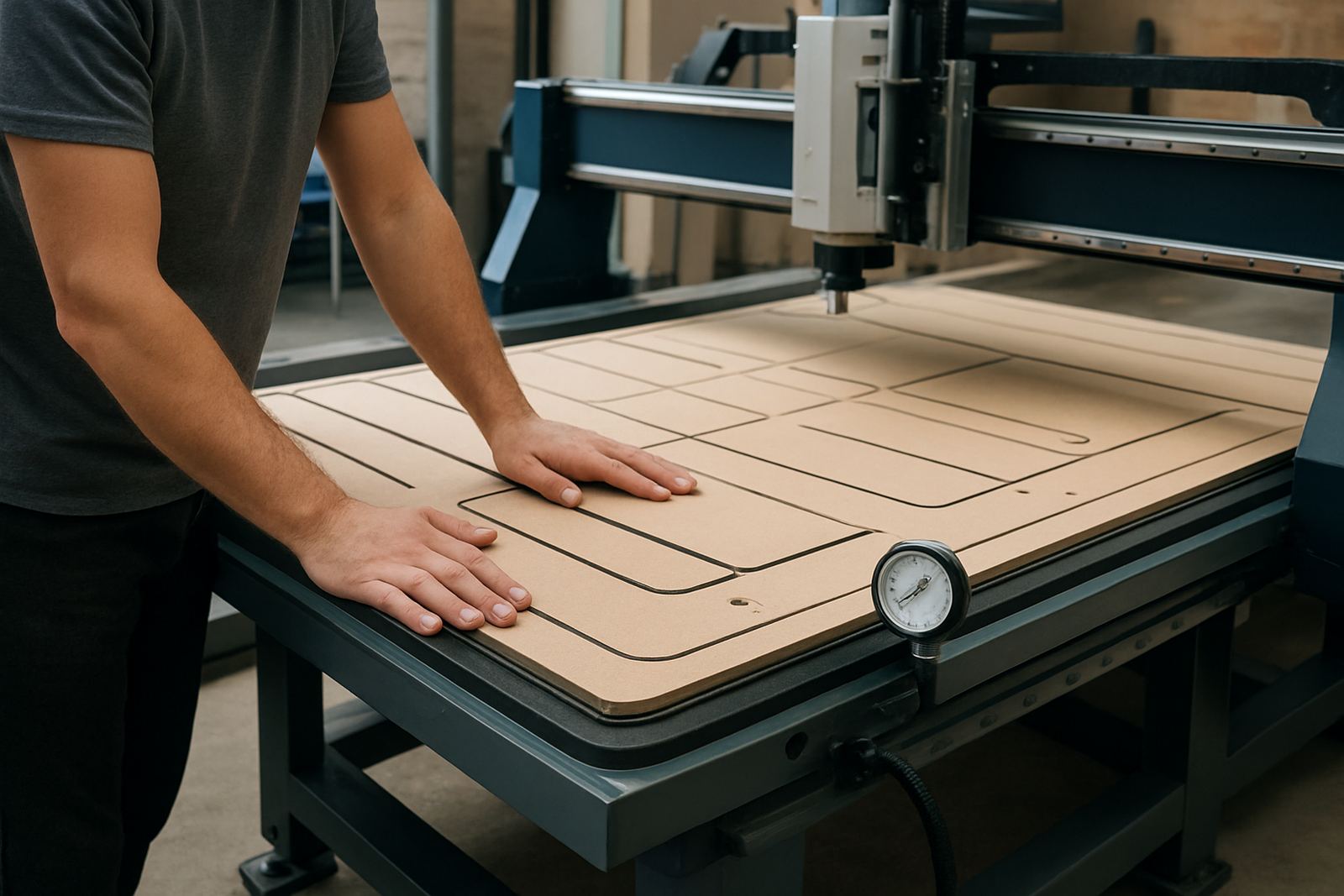
The spoilboard is the working face of the whole system. If it is scarred, low in some places or clogged with old adhesive and fibre dust, air will bleed through in random spots and the vacuum will pull unevenly. Surfacing the spoilboard is not a nice extra, it is routine maintenance.
For most workshops, the rule is simple: keep the board flat, keep the pores open and replace sections before they become weak. On MDF spoilboards, a light reface after heavy production can restore grip and improve part finish at the same time. If you cut a lot of melamine or fibre board, the surface can glaze over faster than expected, especially in humid coastal areas such as Durban or Cape Town where moisture can change how the board behaves from one day to the next.
- Check flatness across the full table area, not only the centre.
- Reface the spoilboard when cut lines start to vary in depth.
- Seal unused areas so air is not pulled through broken edges.
- Replace damaged sections before they affect an entire sheet run.
Zoning should match the parts you actually cut
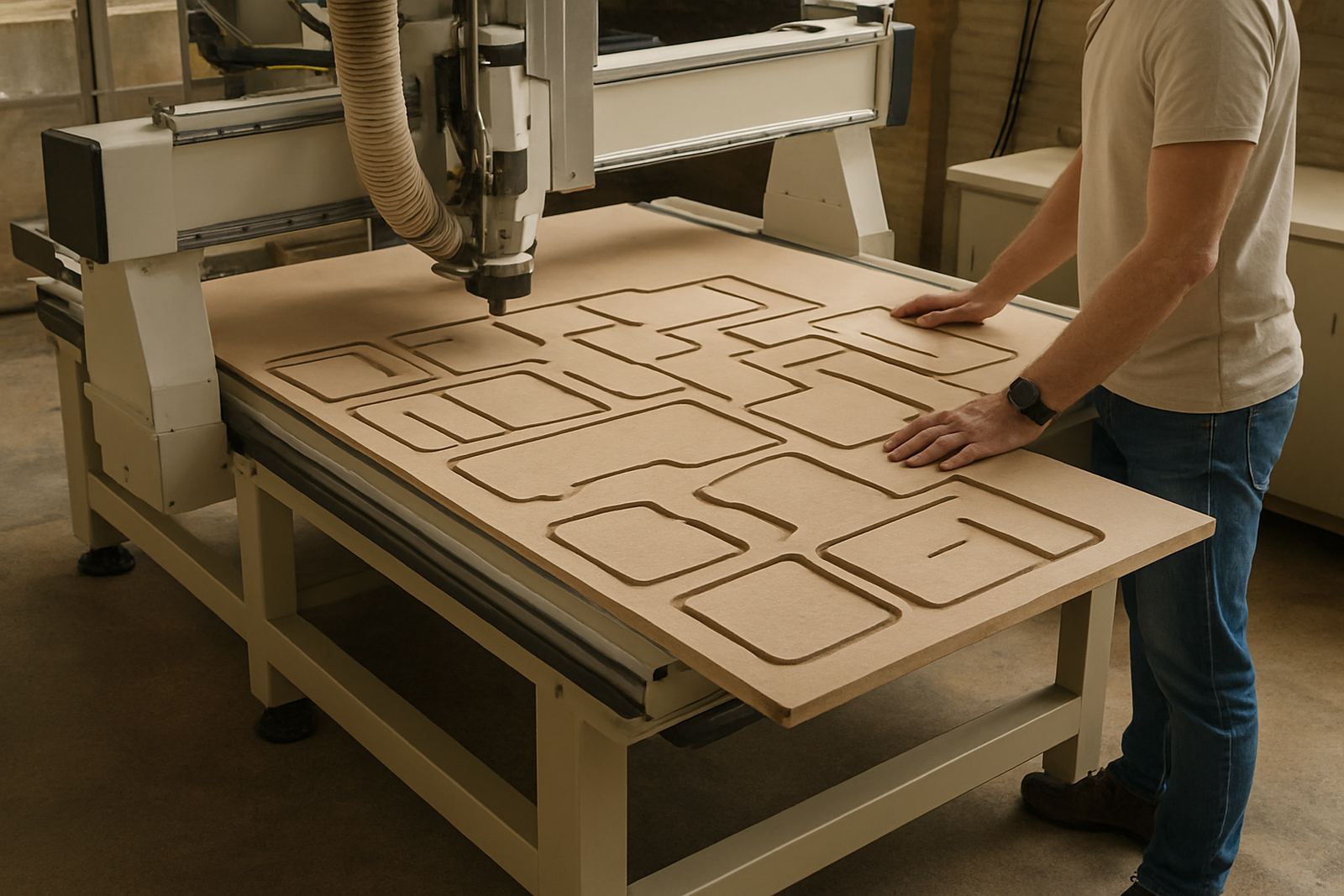
Zoning is where many operators lose usable vacuum. If all zones stay open for a small panel, the machine has to pull air through too many exposed areas. If the zones are too small for a large nest, the sheet may bridge weak spots or shift when the cutter changes direction. Good zoning is about matching the active area to the job on the table.
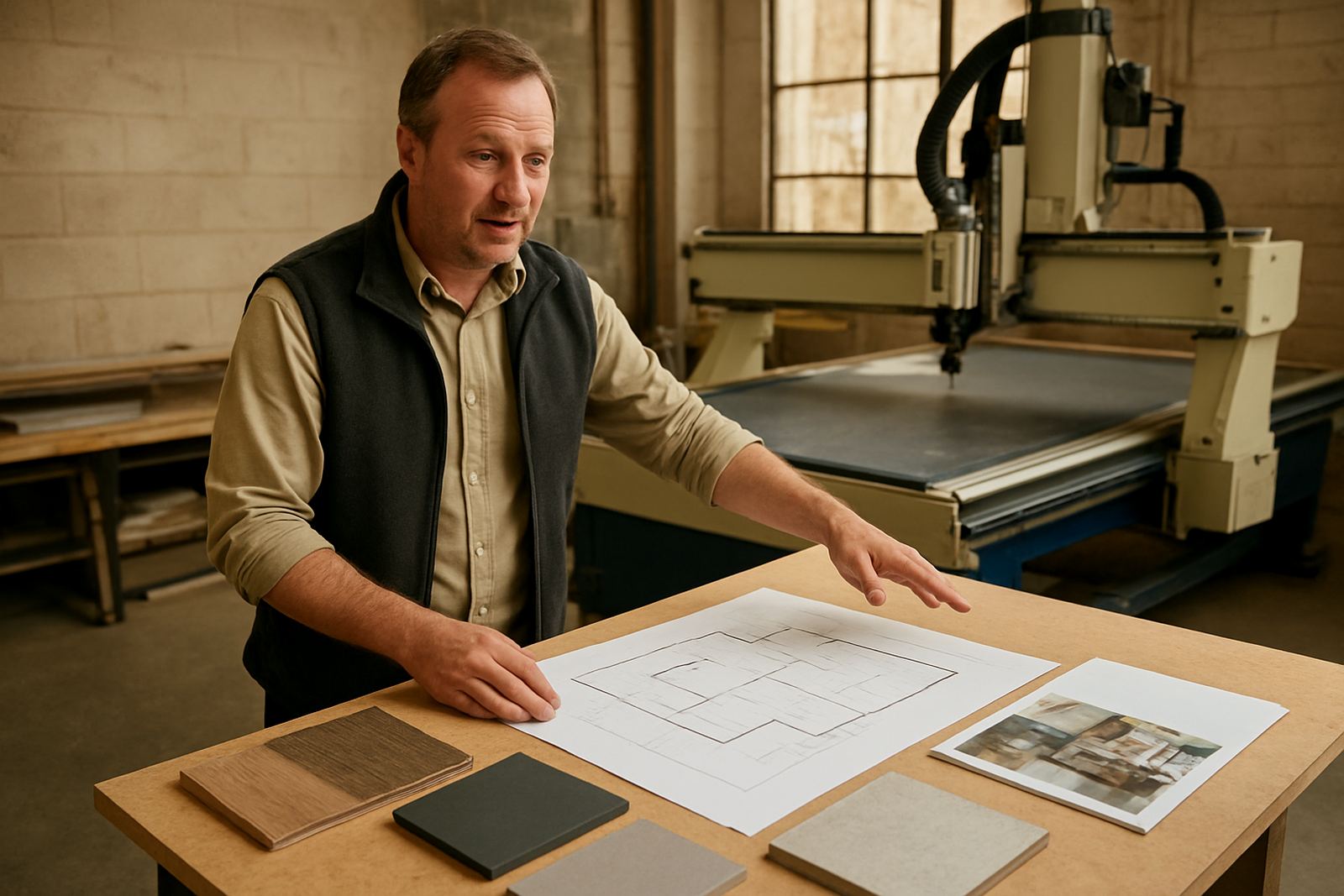
For example, a sign maker cutting narrow strips, letters and smaller components should switch on only the zones that support the loaded sheet. A furniture maker nesting full boards should check that the hold-down pattern follows the sheet size and the cut layout. This sounds basic, but in practice it saves time and material.
- Turn on only the zones needed for the current sheet size.
- Place the nest so most parts sit over strong, active areas.
- Avoid leaving wide open gaps at the edges of the sheet.
- Use blanking blocks or tape where the table design allows it.
On a busy production floor, a small change in zone setup can be the difference between a clean run and a sheet that creeps under load.
Part size, cut depth and real-world limits
Not every job suits vacuum hold-down on its own. Tiny parts, deeply pocketed pieces and narrow strips can move once the cutter breaks through. That is not a fault in the machine, it is a reminder that hold-down has limits. The smaller the part and the more cuts around it, the less surface area is left for vacuum grip.
As a guide, jobs with broad contact area and shallow passes are easiest to hold. Parts with internal cut-outs, narrow bridges or sharp corners need more care. Sometimes the best answer is to keep tabs, use onion-skin cutting, or break the job into two stages. On soft metals and dense plastics, tool pressure also matters because a heavy pass can overcome the vacuum on a part that looked secure a moment earlier.
Operators should check three things before starting a run: how much contact area the part has, how much of the sheet is actually supported, and whether the final cut will leave the part loose before the cycle ends. If any of those look weak, adjust the strategy before pressing start.
Leak checks and dust control save more than time
A vacuum system only works if the air path is controlled. Leaks around fittings, damaged hoses, worn seals and a dirty filter can reduce pull more than many shops realise. The machine may still sound busy, but the table will not hold like it should. That is why leak checks and dust management belong together.
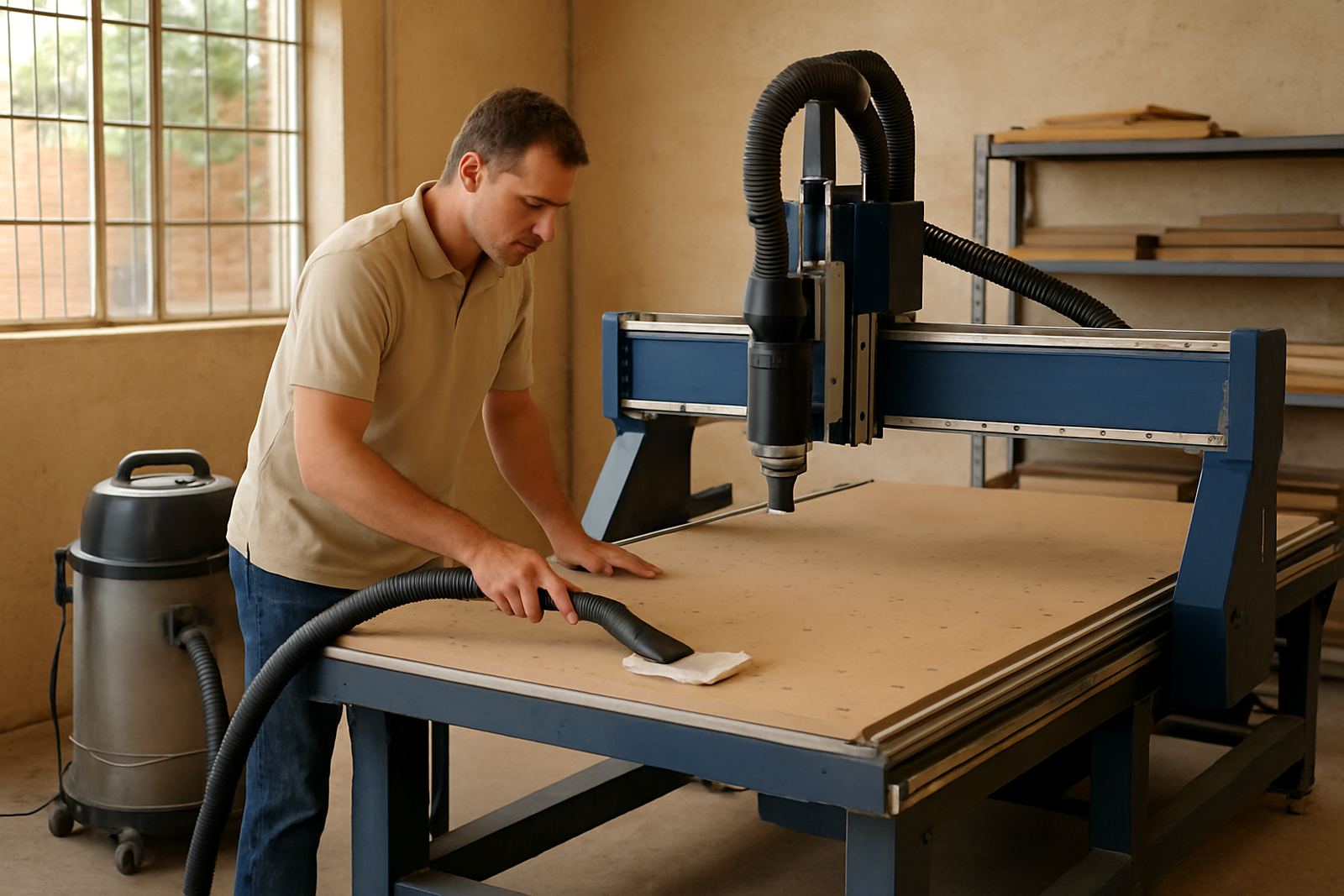
Dust build-up around valves, channels and spoilboard edges creates two problems. It blocks air paths and it raises the parts slightly off the table. In Johannesburg workshops, where production can stop and start around power cuts, a table that was clean in the morning may not be in the same condition after a rushed restart. If the job is sensitive, clear the table, inspect the seals and confirm the zones before loading the next sheet.
- Check hoses and fittings for cracked ends or loose clamps.
- Inspect seals after machine moves or table changes.
- Keep filters and dust extraction in good condition.
- Listen for audible leaks when a zone is switched on.
A Germiston example from a mixed production floor
A local cabinet and signage workshop in Germiston was cutting 16 mm MDF, perspex and occasional aluminium composite board on the same router. Their main complaint was parts lifting at the last corner of a nest, especially on smaller offcuts. The machine itself was fine. The problem was a spoilboard that had been re-faced unevenly, plus zones left open for jobs that did not need them.
Once the team reset the spoilboard, mapped the active zones to the sheet size and changed the cutting order on small parts, the hold improved straight away. They also added a simple operator checklist at shift change: clean table, confirm zones, check seals, verify part size and inspect the first cut. That reduced rework and made the machine far easier to trust. On a floor that also has to plan around load-shedding, that sort of consistency matters a great deal.
Vacuum hold-down is not only about pulling harder. It is about using the table properly, keeping the surface in shape and asking the machine to do a job it can actually hold.
How MultiCAM helps shops get steadier hold-down
MultiCAM supports vacuum hold-down as part of the full CNC setup, from machine selection and table options to tooling notes and operator training. A good result depends on matching the router, pump capacity, spoilboard and production mix to the work you actually do. That is different for a small sign shop in Pretoria East than it is for a furniture plant in Cape Town North or a busy fabrication floor in Durban North.
Support can include installation, commissioning, controller backups, dust system balancing, vacuum leak checks and practical training for the people running the table each day. If a workshop is struggling with lift-off, poor nesting yield or unclear zoning, the fix is often a mix of setup changes and better routine checks, not a major rebuild. The aim is straightforward: fewer surprises, cleaner cuts and a table that holds the job the way it should.