When a loading table earns its place
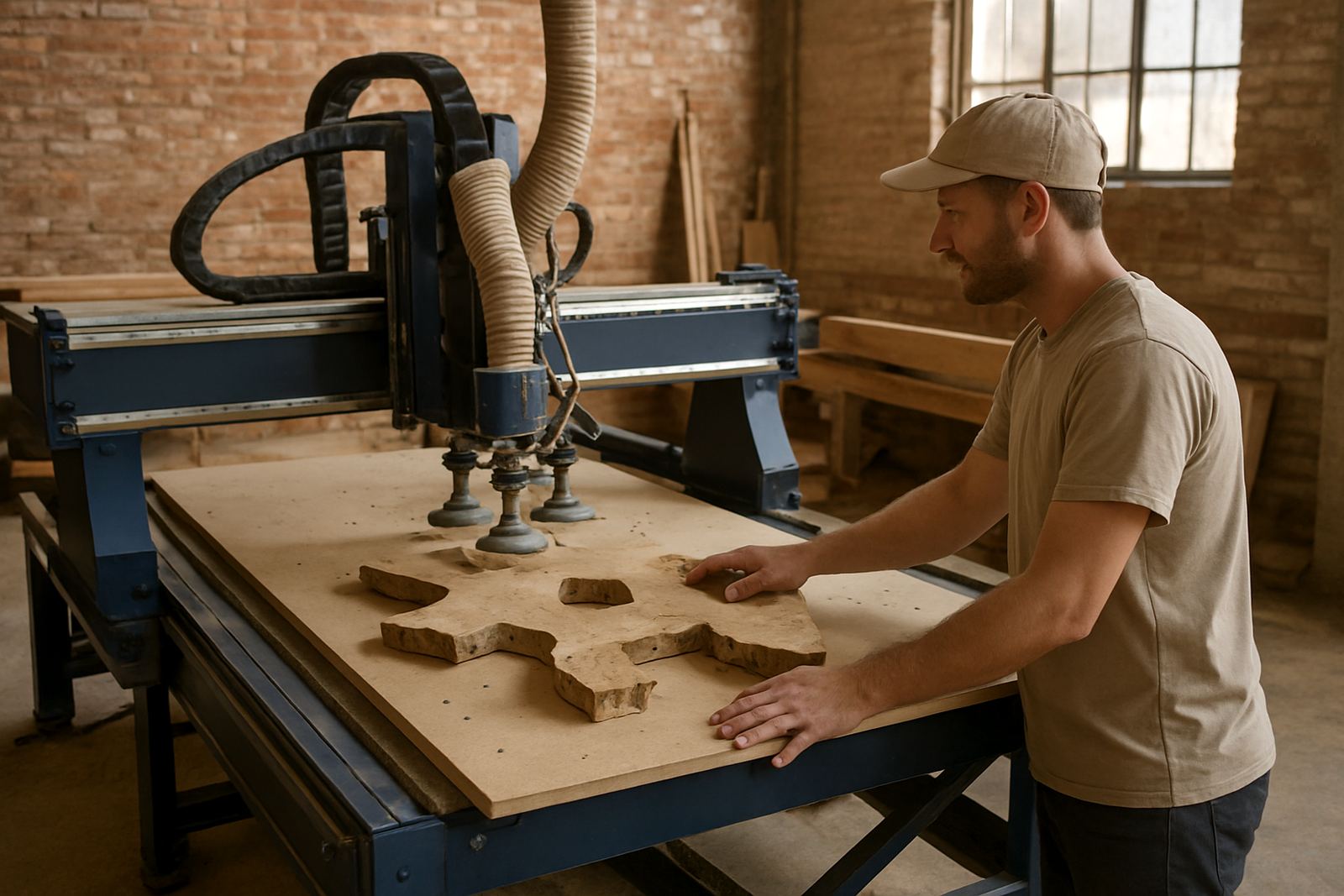
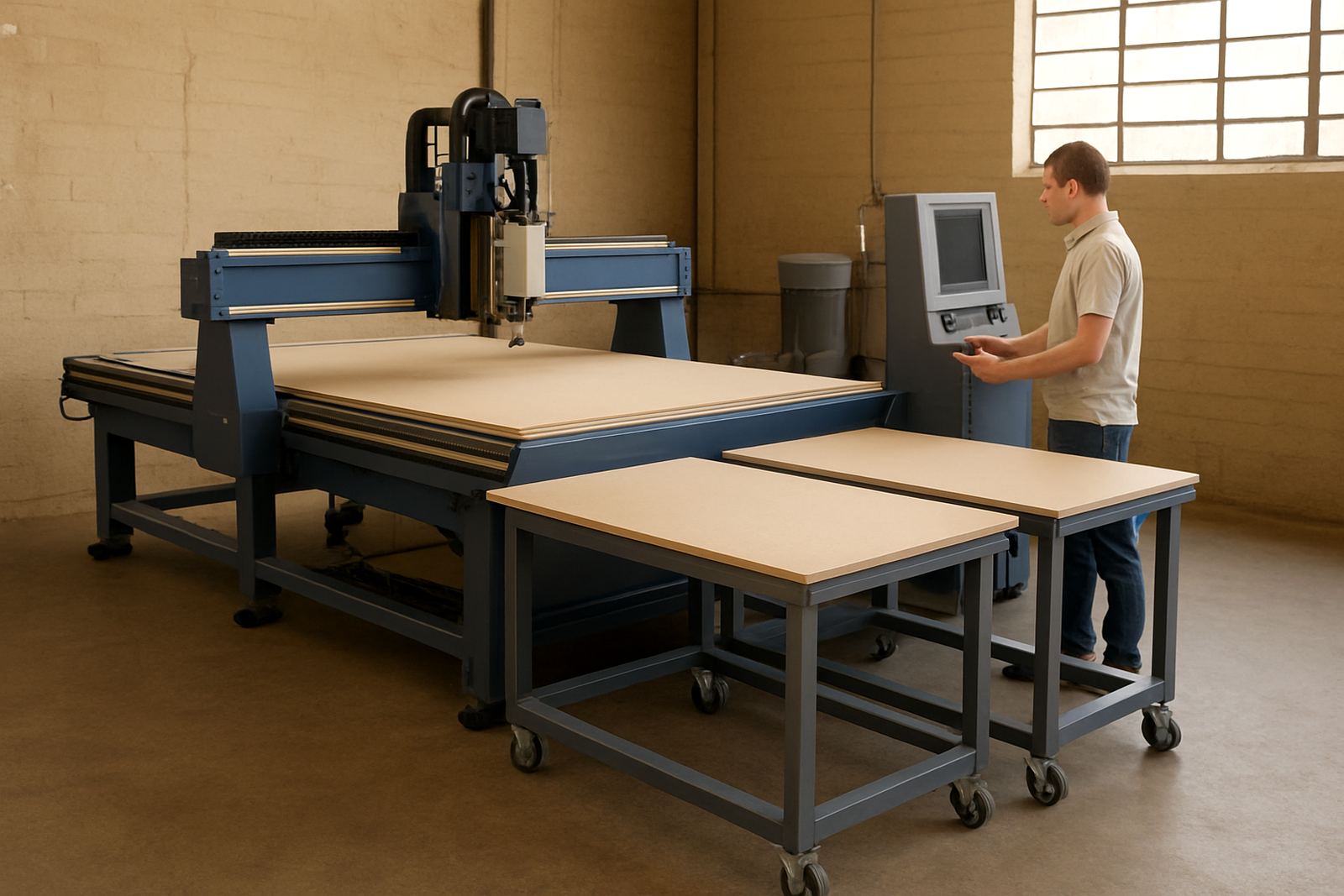
A loading table makes the most sense when your team handles full sheets, repeat nesting runs, or heavier stock that is awkward to lift by hand. In a small Germiston workshop, that might mean MDF, melamine, acrylic, PVC foam board or aluminium composite panels moving from the delivery stack to the router table without drag marks or corner damage. It also helps when staff numbers are limited and the same person must load, start the machine and clear finished parts.
The main gains are simple, faster sheet placement, less manual lifting, and a cleaner workflow around the machine. On sites that work through load-shedding, a table can also reduce the pressure to rush the setup once power returns because the sheet handling is quicker and more controlled. For humid coastal conditions in Durban or Cape Town, keeping stock off the floor and moving it in a managed path can also help limit warping and edge swelling before cutting.
Choosing the right table for your material mix
Not every workshop needs the same table layout. The right choice depends on sheet size, product weight, how often you cut, and whether the team wants simple manual support or a more assisted loading setup. In furniture production the priority is usually safe sheet transfer and accurate positioning. In sign making, the focus may be on quicker turnover for smaller batches and easy offload of finished parts.
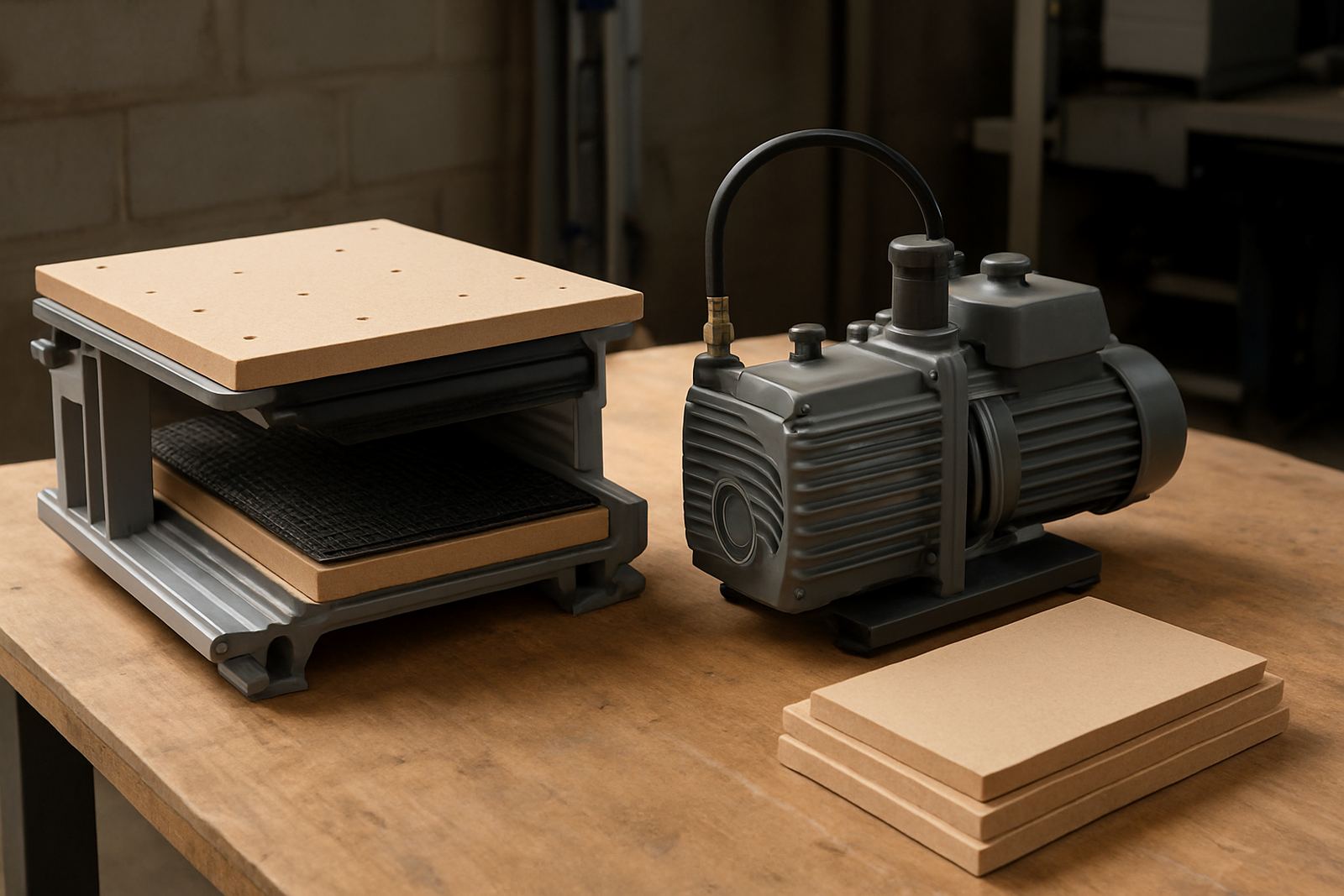
MultiCAM helps match the table to the way the machine is actually used, not only the brochure spec. That means looking at board sizes, clamp style, vacuum zones, floor space and the path from goods-in to the router. A table that suits 2 440 x 1 220 mm boards will not behave the same way as one built around larger format work or a production cell with multiple operators.
- Check the heaviest regular sheet weight, not only the lightest board you cut.
- Allow space for trolleys, offcuts and operator movement around the machine.
- Match the table height to the router bed for smooth transfer.
- Plan for dust extraction hose routing so it does not catch on moving stock.
A safe loading routine for busy teams
Good results come from a fixed routine. The same steps should happen on every sheet, even during a rush. That keeps handling predictable and reduces the chance of a board skidding, tipping or landing on a spoilboard edge. It also makes training easier for newer operators, which matters on sites where staff turnover is common.
- Clear the route from storage to machine before the sheet is moved.
- Check that the table, rails and rollers are free of chips and dust.
- Confirm the sheet size against the job file before loading.
- Set the board flat, then align one corner and one long edge first.
- Lock or support the sheet only after final position is confirmed.
- Start the vacuum or hold-down system and listen for weak zones.
- Keep hands clear of the cutting area once the cycle begins.
It is also worth assigning one person to give clear instructions during loading. Too many voices around the machine causes hesitation. One caller, one mover, one check before start. That simple rhythm keeps the process calm and cuts down on mistakes.
Offload tables and part sorting after the cut
Offload is where many workshops lose time. Parts are cut well, but then they are stacked on top of each other, small tabs tear, or the operator has to reach across sharp edges to clear the bed. An offload table gives you a place to remove parts without bending over the router bed for too long. It also helps when a job includes many nested components that must be sorted quickly by order or customer.
For furniture makers, this is useful when panels need edge banding, drilling or immediate kitting. For sign shops, it helps to separate display pieces, mounting parts and offcuts without mixing them up. On larger sites, a clear offload area can be linked with labelled bins, packing tables and a scrap zone so the next job can start sooner.
Where dust is heavy, keep the offload area close to extraction but not in the direct path of the airflow. Dust can settle on freshly cut parts and interfere with adhesive work or finishing. A quick wipe down of the table surface between jobs is usually enough, but in wetter coastal workshops the team should check for surface rust or sticky build-up on slides and rollers.
Setting up for accuracy, not just speed
A loading table should help the machine hold position consistently. If the sheet is being nudged into place by eye alone, you may gain speed but lose repeatability. That becomes expensive when holes, pockets and cut lines drift between runs. The setup should support the operator, not ask them to correct every board by hand.
Ask your technical team to confirm stop positions, guide rails and vacuum zones during commissioning. Back up the controller settings before changing table behaviour, and test a few sample sheets at the normal production thicknesses. If the workshop cuts both thin plastics and thicker board, check how each material sits on the table because the air gap and hold-down response can differ a lot.
- Test the loading path with the machine powered down first.
- Check the repeat stop points against a known square sheet.
- Inspect vacuum leaks if the board shifts during cutting.
- Record the settings used for common materials, then keep them with the job card.
Maintenance habits that keep the table useful
Loading tables work best when they are treated as part of the machine, not as an add-on that can be ignored. Dust build-up, damaged rollers and loose fixings slow the whole workshop down. In South African conditions, especially where summer heat, coastal moisture or frequent power interruptions are part of normal operations, small maintenance habits make a real difference.
Daily checks should be simple and quick. Wipe down moving surfaces, look for trapped offcuts, and confirm that emergency stops are clear. Weekly, inspect belts, guides, sensors and any vacuum sealing points. Preventive maintenance is also a good time to review controller backups, spindle condition and dust system balancing, because a loading table performs better when the full system is working together.
- Remove chip build-up from rollers and transfer surfaces.
- Check for loose bolts after machine relocation.
- Listen for air leaks or uneven hold-down during test cuts.
- Replace worn parts before they cause sheet damage.
Getting the most from MultiCAM support
MultiCAM supplies CNC routers and workshop systems for South African fabricators, sign shops and furniture makers who need practical cutting solutions that fit local conditions. From Germiston base support through Johannesburg East, Midrand Service, Pretoria East, Durban North and Cape Town North, the focus is on machine selection, installation, commissioning and day-to-day use that operators can trust.
If you are planning a new loading table or adjusting an existing setup, the best starting point is a real look at your sheet handling, your room layout and the kind of jobs you run every week. That lets the team recommend the right table options, tooling notes and operator training, rather than forcing a one size answer onto a busy workshop. For sales or advice, use our contact form. A careful setup now saves time on every shift later.