
How vacuum zones actually hold the job
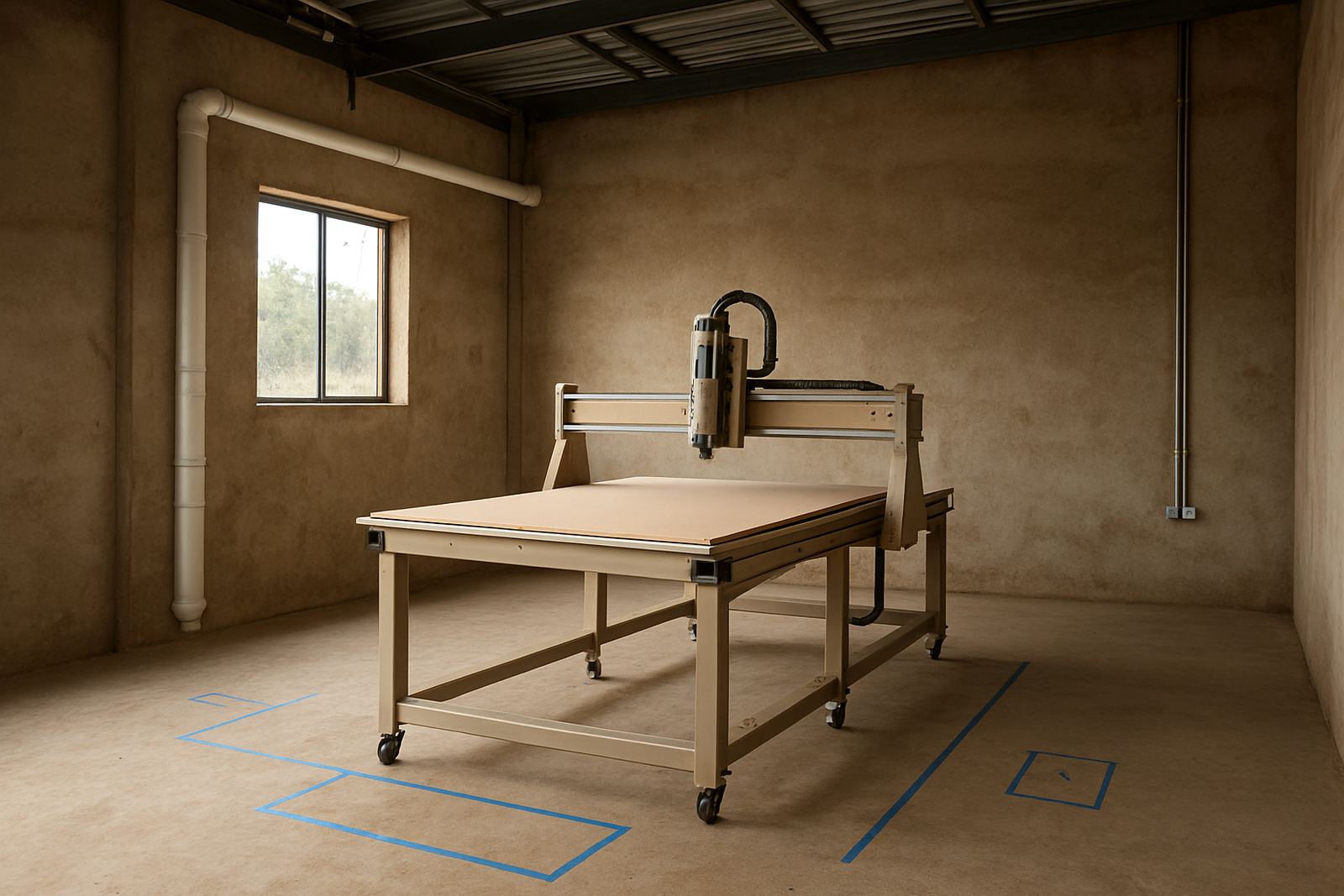
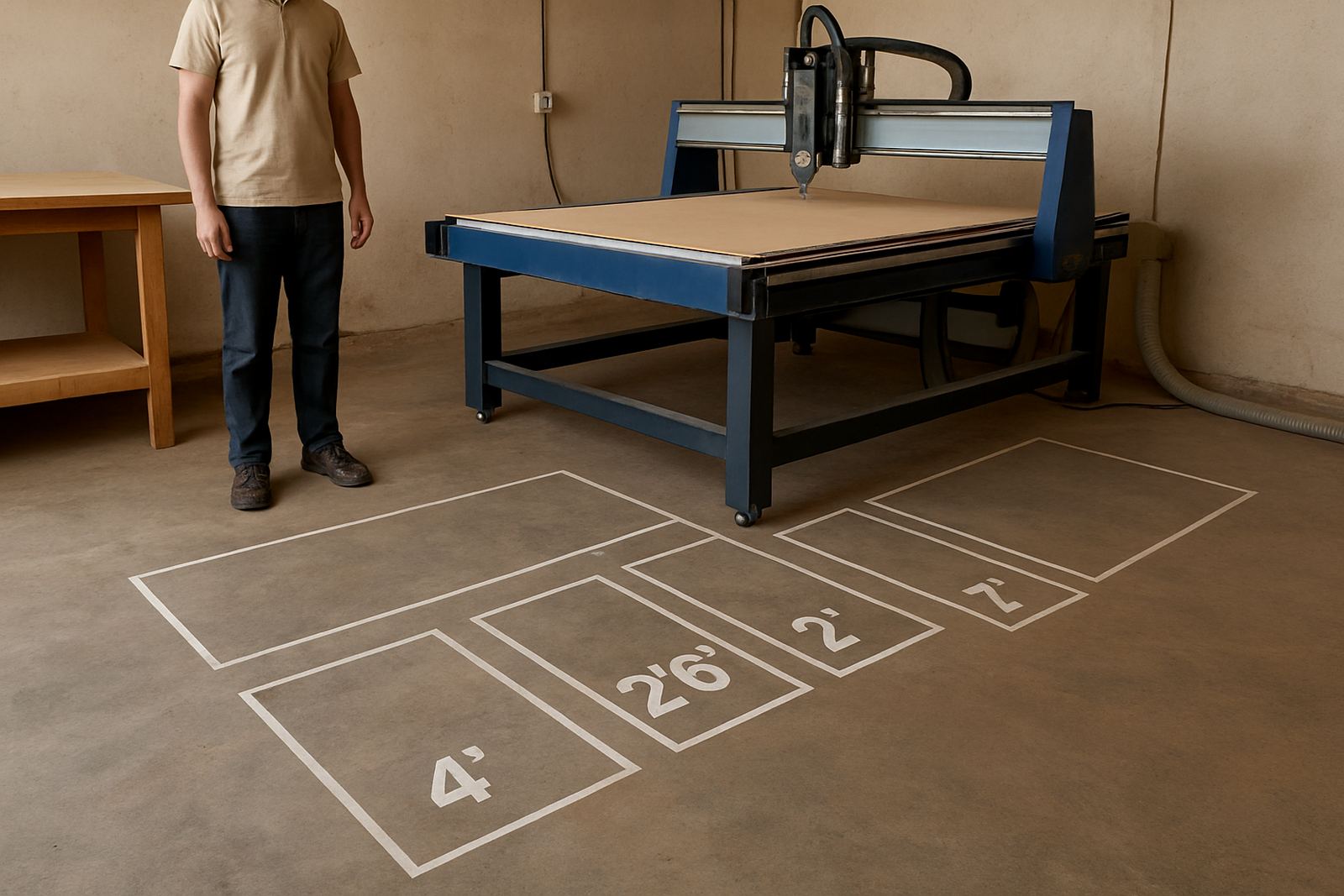
A vacuum table does not hold every sheet the same way. The table is split into zones so you can switch on only the area needed for the part size, which improves pull on smaller jobs and reduces air loss across open areas. For nested cutting, this matters because every open gap becomes a leak path.
On a good setup, the sheet sits flat enough for clean cutting and accurate pocketing. On a poor setup, corners lift, parts shift during profiling, and thin boards chatter. The main point is simple: the pump can only pull as well as the table can seal. If the material is warped, the spoilboard is worn, or the tape line is broken, hold-down drops quickly.
- Use zones that match the job footprint
- Keep unused areas blanked off where possible
- Check that the pump reaches full pull before loading the next sheet
- Listen for hissing at the table edge or around fittings
Spoilboards, flatness and why boards matter
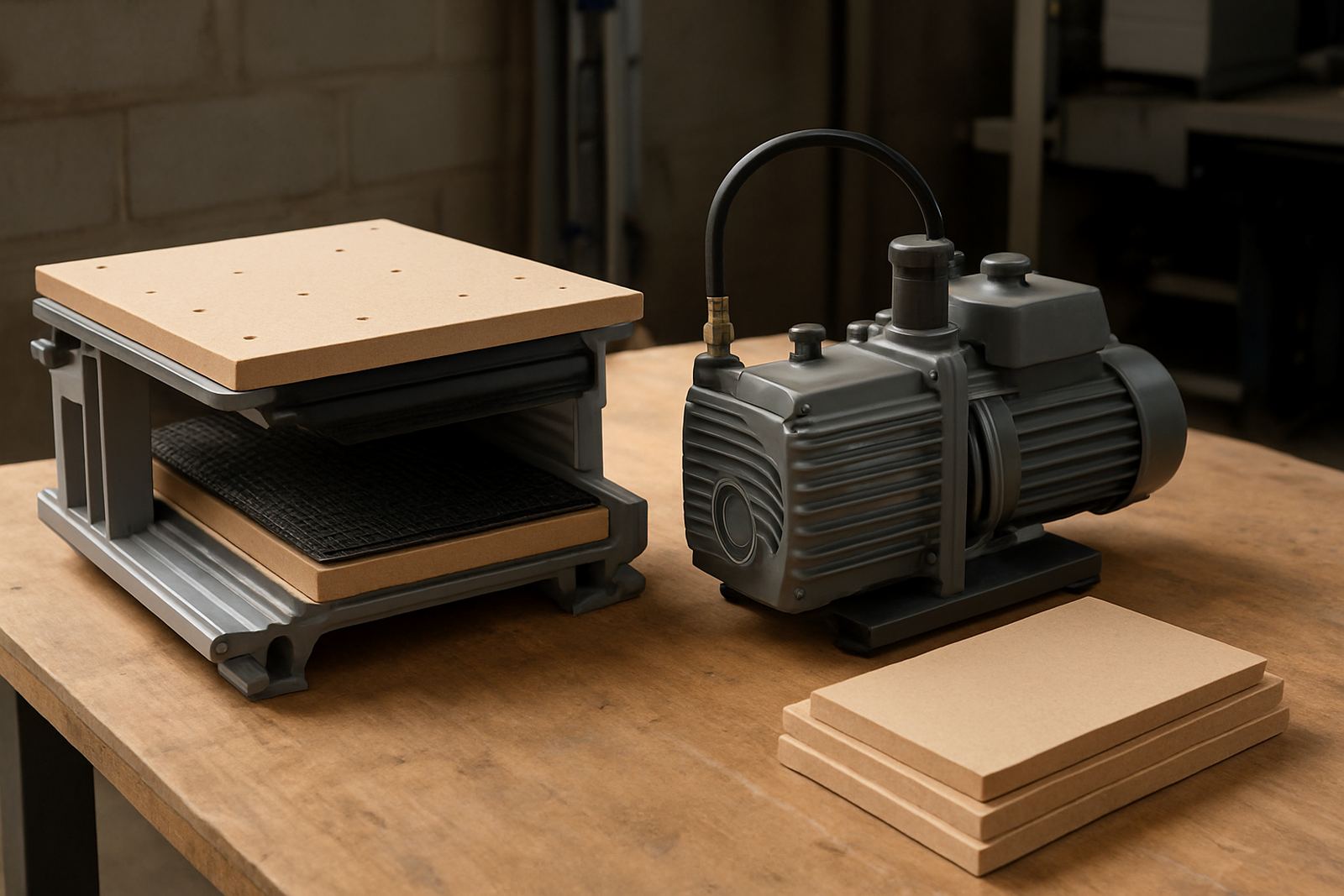
The spoilboard is the working face of the vacuum table and it needs to be flat, porous enough for airflow and maintained as a consumable surface. Once the top layer becomes grooved, clogged with resin, or uneven from repeated cutting, the vacuum paths change and parts stop sitting properly. That is when users start chasing problems with more pump time, when the real issue is surface condition.
In Johannesburg and coastal areas alike, dust and humidity affect this layer differently. MDF spoilboards can absorb moisture if the workshop is open to damp air, while fine dust can block pores and reduce draw. For best results, resurface lightly when marks build up, and replace boards before they become too thin or uneven.
- Keep the spoilboard thickness within the machine maker’s allowance
- Resurface only enough to restore flatness and openness
- Mark high-wear zones so you can rotate sheets and reduce groove lines
- Seal exposed edges if moisture is a problem in the workshop
What reduces hold-down on real jobs
Most hold-down trouble is not the vacuum pump itself. It is usually leaks, poor sheet quality or a setup that suits the drawing but not the material. A warped board, a cracked hose, a loose fitting, or a badly cut gasket can all undo the pull you thought was available. On thin plastic and veneer faced stock, even a slight bow can create a local air gap and let the sheet lift during acceleration.
Municipal power cuts and load-shedding can also leave a system in an awkward state if it is restarted too quickly or if controllers lose their previous settings. After any outage, check the zone selection, pump direction, and whether the table reached normal operating vacuum before cutting again. It saves scrapped sheets and wasted spindle time.
- Inspect hoses for splits, flattening and loose clamps
- Check pump filters and intake screens for dust build-up
- Confirm the job material is dry and within acceptable flatness
- Watch for corner lift when feed rates change or small parts release
Setting up a sheet job for cleaner grip
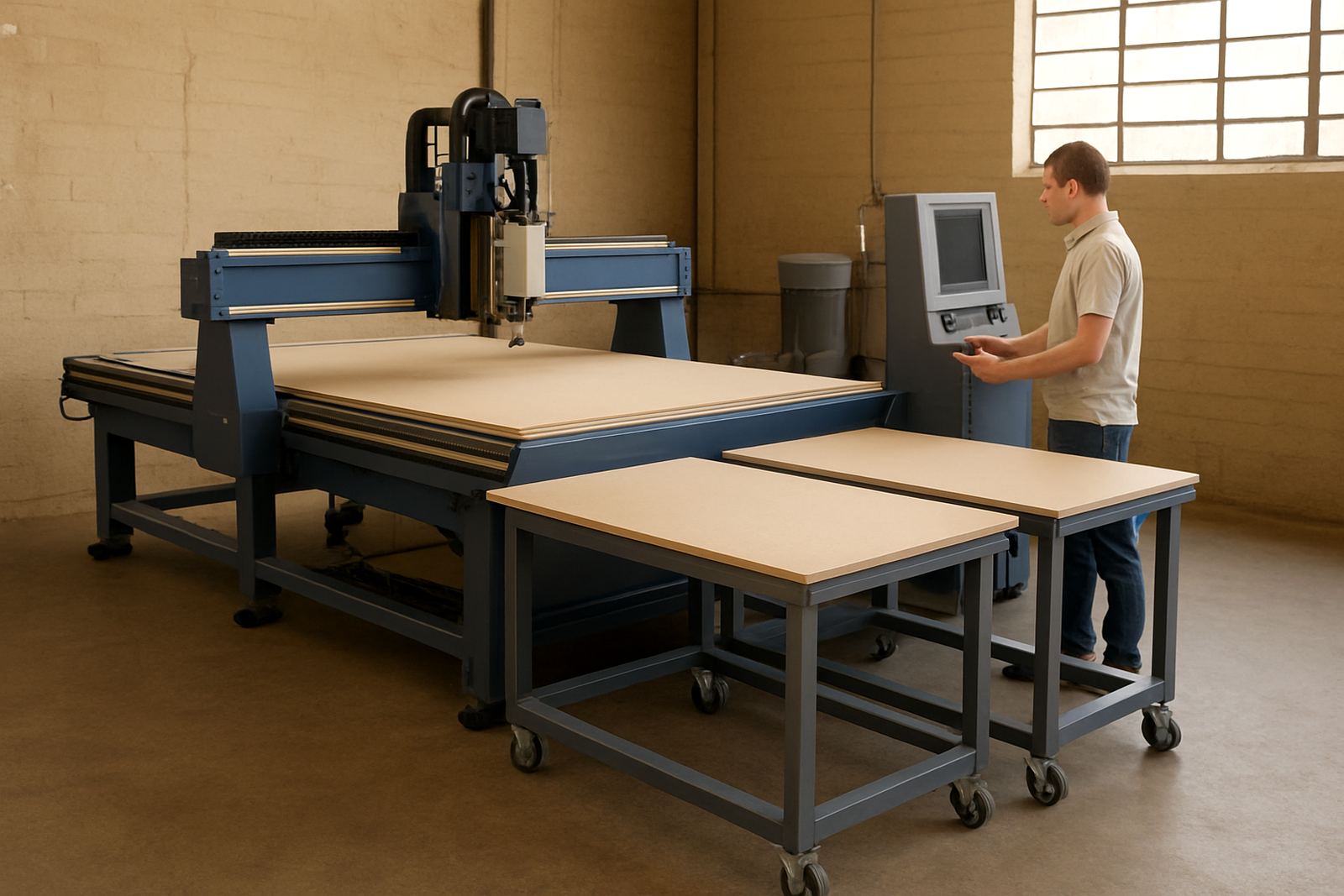
Before the first cut, the operator should think through the whole sheet. Place the material square to the zones, make sure the spoilboard is clean, and test vacuum before the spindle starts. If the sheet is small, use blanking boards or zone covers so air is not wasted on open table areas. For larger runs, map the nesting layout against the active zones to avoid thin strips sitting over weak pull areas.
A short setup routine helps new operators and also keeps experienced teams consistent. It is worth writing the steps down near the machine so the same checks happen every shift, whether the job is chipboard, sign board or plastic sheet.
- Clean the table and spoilboard surface
- Turn on the required zones only
- Place the sheet and tap it down by hand to feel for high spots
- Run a vacuum test before starting the toolpath
- Check the first part for edge lift after the first pass
A practical check list for maintenance days
Vacuum systems work best when they are checked before they fail. A weekly look at seals, hoses and filters can prevent the kind of slow loss that operators often notice only after a bad cut. Service attention also helps with motor current, noisy bearings and pumps that have started working harder than they should.
If you manage a busy workshop in Germiston, Pretoria East, Durban North or Cape Town North, keep a simple log of vacuum readings, spoilboard dates and any leak repairs. That record makes it easier to see trends and plan maintenance before production slows. It also helps when several users share the same machine and different habits start affecting the table.
- Check vacuum gauges or readouts at the start of the shift
- Listen for leaks around joints, fittings and zone valves
- Clean filters and vacuum paths on a fixed schedule
- Resurface or replace spoilboards before grip becomes uneven
- Back up controller settings after any service work
When to ask for site support
If the table holds well on one side and fails on another, or if some zones pull strongly while others feel weak, the issue may be in the plumbing, zone seals or table calibration. A technician can trace the leak path, test the pump output and check whether the installation suits the machine size and production load. That is often quicker than changing parts one by one.
MultiCAM supports vacuum table checks, dust system balancing, machine commissioning and operator training from the Germiston base, with service across South Africa. For teams that run daily cutting, a planned visit is usually the cheapest way to avoid scrap and lost hours.